Top 5 IT Solutions Your Company Needs to Succeed in 2026
Technology moves fast. To stay competitive in 2026, businesses must adopt focused IT solutions that improve efficiency, strengthen security, and enable growth. This article breaks down the five essentials—managed IT services, cybersecurity, cloud computing, network infrastructure, and data backup—explaining how each works, the benefits it delivers, and why it matters as cyber risk and operational complexity rise. Implementing these solutions helps organizations operate reliably and scale with confidence.
What Are Managed IT Services and How Do They Support Business Growth?
Managed IT services mean outsourcing day-to-day IT management to a specialist partner. That partnership reduces operational overhead, brings in advanced tools and expertise, and keeps systems running smoothly so your team can focus on core business priorities. The result is predictable costs, better performance, and access to skills you might not have in-house.
How Do Managed IT Services Optimize Network Infrastructure Management?
Managed providers optimize network infrastructure through continuous monitoring, proactive maintenance, and automated alerts. Network management platforms and performance tools detect anomalies early, enabling fixes before they turn into outages. That proactive approach increases uptime, improves application performance, and minimizes business disruption.
What Benefits Do Businesses Gain from Outsourcing IT Support?
Outsourcing IT support through managed services offers several key benefits for businesses:
- Cost Efficiency: Lowers operational costs by reducing the need for a large in-house IT team and capital expenses.
- Access to Specialized Skills: Gives you immediate access to experienced engineers and niche expertise.
- Scalability: Lets you scale IT resources up or down quickly without major investments.
Together, these advantages make outsourcing a strategic way to scale IT capabilities while keeping costs predictable.
Why Are Cybersecurity Solutions Critical for Protecting Business Data?
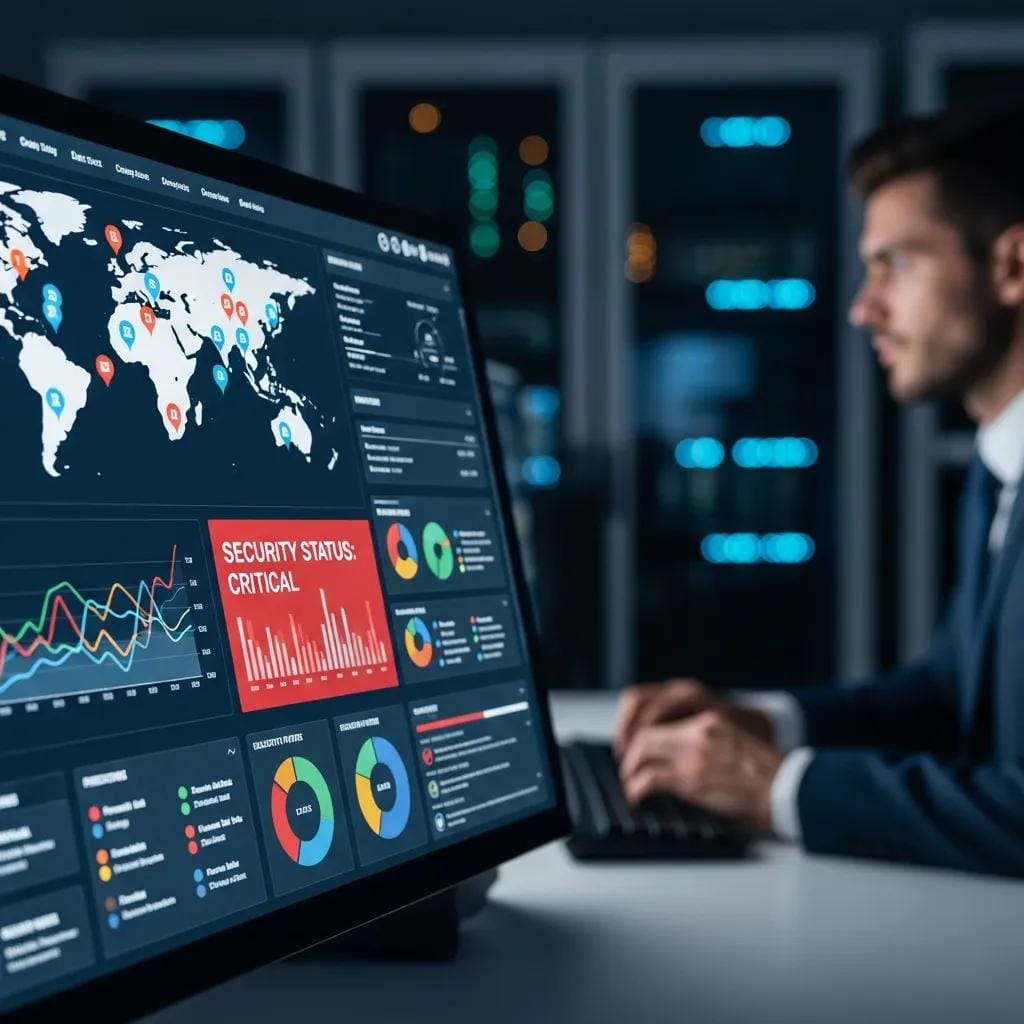
Cybersecurity protects sensitive data, systems, and customers from an expanding range of threats. It blends technologies, processes, and policies to prevent unauthorized access, detect attacks quickly, and limit damage when incidents occur. Robust security reduces breach risk, supports compliance, and preserves customer trust.
How Do Cybersecurity Solutions Mitigate Risks from Emerging Threats?
Modern cybersecurity uses AI and machine learning for real-time detection and automated response, spotting unusual behavior and blocking threats faster than manual systems. Regular security assessments, patching, and threat-hunting help organizations adapt as attackers evolve, keeping defenses aligned with the latest vulnerabilities.
Research shows that integrating AI into cybersecurity significantly improves detection speed and risk mitigation—helping teams find and stop threats earlier.
AI-Driven Cybersecurity: Enhancing Threat Detection & Risk Mitigation
Traditional defenses often struggle to keep pace with modern attacks. This review explores how AI methods—machine learning, deep learning, and anomaly detection—are applied to cybersecurity in IT project management. The findings show a 35% decrease in time to detect threats, a 25% increase in mitigation effectiveness, and a 45% improvement in detection accuracy, together driving a notable reduction in breaches.
A systematic review of AI and machine learning-driven it support systems: enhancing efficiency and automation in technical service management, S Ahmed, 2002
What Are the Latest Cybersecurity Models Businesses Should Adopt?
Businesses should consider these modern cybersecurity models:
- Zero Trust Architecture: Assume no device or user is trusted by default—verify everything before granting access.
- Extended Detection and Response (XDR): Aggregate telemetry across endpoints, networks, and cloud services for unified detection and faster response.
- Security Automation: Automate routine security tasks and orchestrate responses to reduce manual workload and speed containment.
Adopting these models strengthens your security posture and helps teams respond to incidents more effectively.
Discover Our IT Archives and Resources | Experienced Tech365

Cloud computing delivers on-demand, scalable compute and storage, centralizes data, and enables secure access from anywhere. That flexibility supports remote teams, simplifies collaboration, and lets organizations adapt capacity quickly—improving agility while reducing the costs and maintenance of on-premises hardware.
What Types of Cloud Computing Solutions Best Fit Different Business Needs?
Different cloud models suit different needs:
- Public Cloud: Cost-effective and highly scalable—good for SMBs and variable workloads.
- Private Cloud: Provides stronger control and isolation for regulated environments or sensitive workloads.
- Hybrid Cloud: Combines public and private clouds to balance security, cost, and flexibility.
Pick the model that matches your security, compliance, and performance requirements.
How Can Cloud Migration Improve Enterprise Technology Services?
Moving workloads to the cloud can streamline operations and lower costs. Typical benefits include:
- Cost Savings: Less reliance on physical hardware and reduced maintenance overhead.
- Improved Performance: Cloud providers deliver scalable resources and high-availability services that often outperform legacy on-prem systems.
- Enhanced Security: Leading cloud vendors provide advanced security controls and compliance certifications that can be costly to replicate in-house.
Cloud migration is a strategic move for organizations aiming to modernize IT and improve service delivery.
What Is Network Infrastructure and Why Is It Vital for Business Operations?
Network infrastructure is the hardware and software that lets systems, users, and applications communicate—routers, switches, firewalls, cabling, and the services that tie them together. A dependable network is the foundation for data exchange, collaboration, and access to cloud and on-prem systems; when it fails, productivity and customer experience suffer.
How Do Businesses Manage and Optimize Their Network Infrastructure?
Organizations manage and optimize networks through several practices:
- Regular Monitoring: Continuous visibility into performance and health to spot and resolve issues quickly.
- Network Segmentation: Isolating sensitive systems to reduce attack surface and improve performance.
- Performance Tuning: Optimizing configurations and capacity to meet application demands.
These steps help keep networks reliable and secure as usage grows.
What Are the Key Components of a Robust Network Infrastructure?
Key components include:
- Routers: Route traffic between networks and manage data flows efficiently.
- Switches: Connect devices within the network and move data quickly between endpoints.
- Firewalls: Control access and block malicious traffic to protect network resources.
Understanding and maintaining these pieces is essential to building a resilient network.
How Do Data Backup and Disaster Recovery Solutions Safeguard Business Continuity?
Data backup and disaster recovery (DR) solutions ensure critical data is preserved and systems can be restored after an outage or loss. With a solid backup and DR strategy, businesses reduce downtime, preserve customer service, and maintain regulatory compliance when incidents occur.
What Are the Best Practices for Implementing Data Backup Strategies?
Best practices include:
- Regular Backups: Schedule frequent backups so recent data can be recovered.
- Offsite Storage: Keep copies in secure offsite locations or the cloud to protect against physical disasters.
- Testing Recovery Plans: Regularly test restores to confirm backups work and recovery procedures are effective.
Following these practices helps ensure your data stays available when you need it most.
How Do Disaster Recovery Plans Minimize Downtime and Data Loss?
Disaster recovery plans reduce downtime by outlining clear steps to restore systems and assigning roles for fast, coordinated action. Key elements include:
- Clear Procedures: Well-documented recovery steps that teams can follow under pressure.
- Designated Roles: Assigning responsibilities so decisions and tasks move quickly.
- Regular Updates: Keeping the plan current as systems and business needs change.
A tested, up-to-date DR plan helps organizations recover faster and limit the impact of incidents.
What Emerging IT Trends Should Businesses Consider for Future-Proofing?
To future-proof operations, businesses should monitor and adopt emerging trends that improve efficiency and competitiveness. Key areas to watch include artificial intelligence (AI), automation, and the Internet of Things (IoT)—technologies that are reshaping workflows, customer engagement, and device management.
How Are AI-Driven IT Management and Automation Changing Business IT Solutions?
AI-driven IT management and automation streamline routine tasks, surface insights from operational data, and enable predictive maintenance. By automating common troubleshooting and using AI to predict failures, teams reduce manual effort and resolve issues faster—letting IT focus on strategic projects rather than repetitive work.
Research underscores the impact of AI and machine learning in improving IT support efficiency and operational resilience.
AI & ML for Enhanced IT Support & Operational Efficiency
The rapid advancement of AI and ML has transformed IT support, improving automation and responsiveness across technical service management. This systematic review of 563 peer-reviewed studies published before 2023 examines AI applications such as automated troubleshooting, predictive maintenance, intelligent ticketing, and virtual assistants. The results show AI-driven models can reduce mean time to resolution (MTTR) by 50–60%, improving uptime and cutting service disruptions.
A systematic review of AI and machine learning-driven it support systems: enhancing efficiency and automation in technical service management, S Ahmed, 2002
Why Is Continuous Monitoring and Updating of IT Solutions Essential?
Continuous monitoring and timely updates keep systems secure and performant. Ongoing visibility lets teams catch issues early, and regular patches protect against new vulnerabilities. Prioritizing continuous improvement ensures IT solutions remain effective as threats evolve and business needs change.