
Onsite & Physical IT Support For Your Business

ONSITE TECH SUPPORT
When Onsite Support Makes Business Sense
Onsite support is not about convenience. It is about protecting operations when infrastructure, growth, or risk requires hands-on support.
FULL OFFICE OUTAGE
OFFICE MOVE OR EXPANSION
SECURITY INCIDENT
NETWORK ISSUES
RELIABLE ONSITE SUPPORT WHEN YOU NEED IT
24/7 support available as part of White Glove Managed IT
LOCAL TECH SUPPORT
Onsite IT Support in Central Indiana
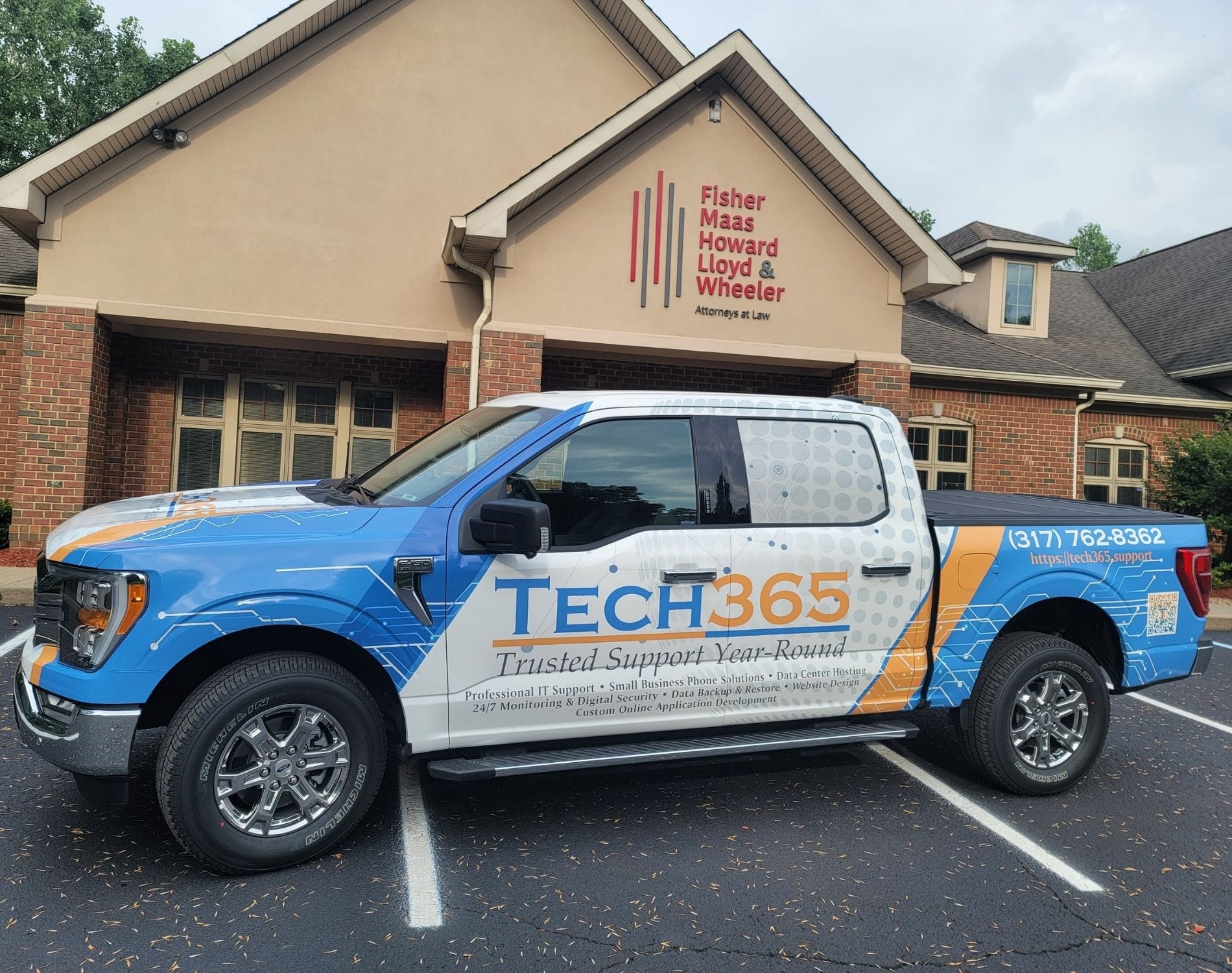
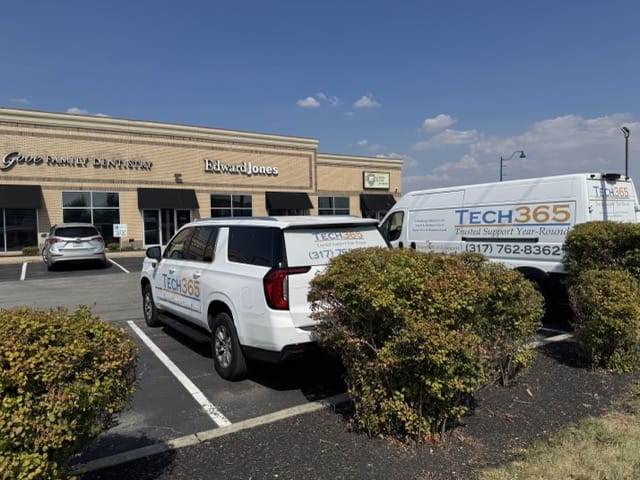
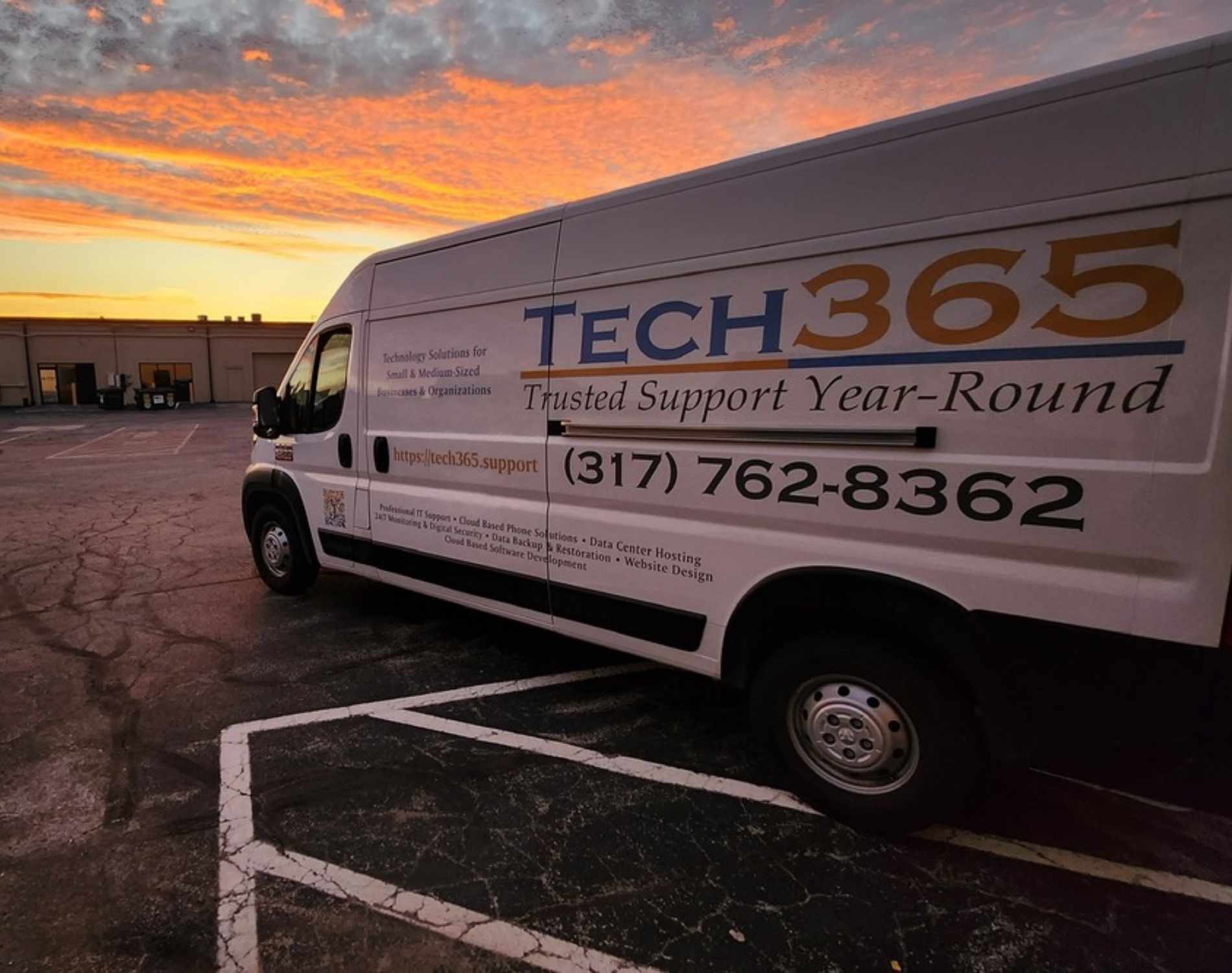
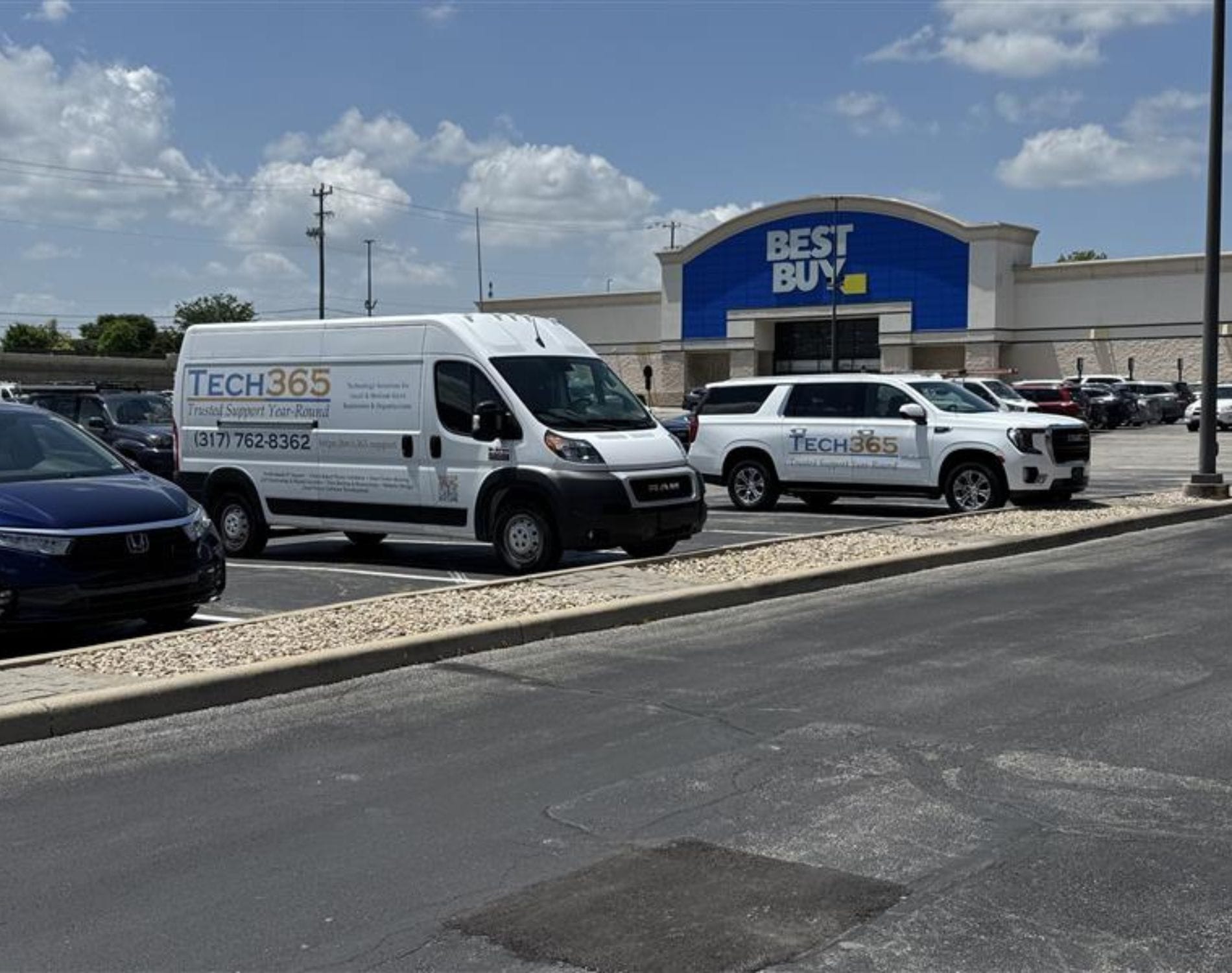
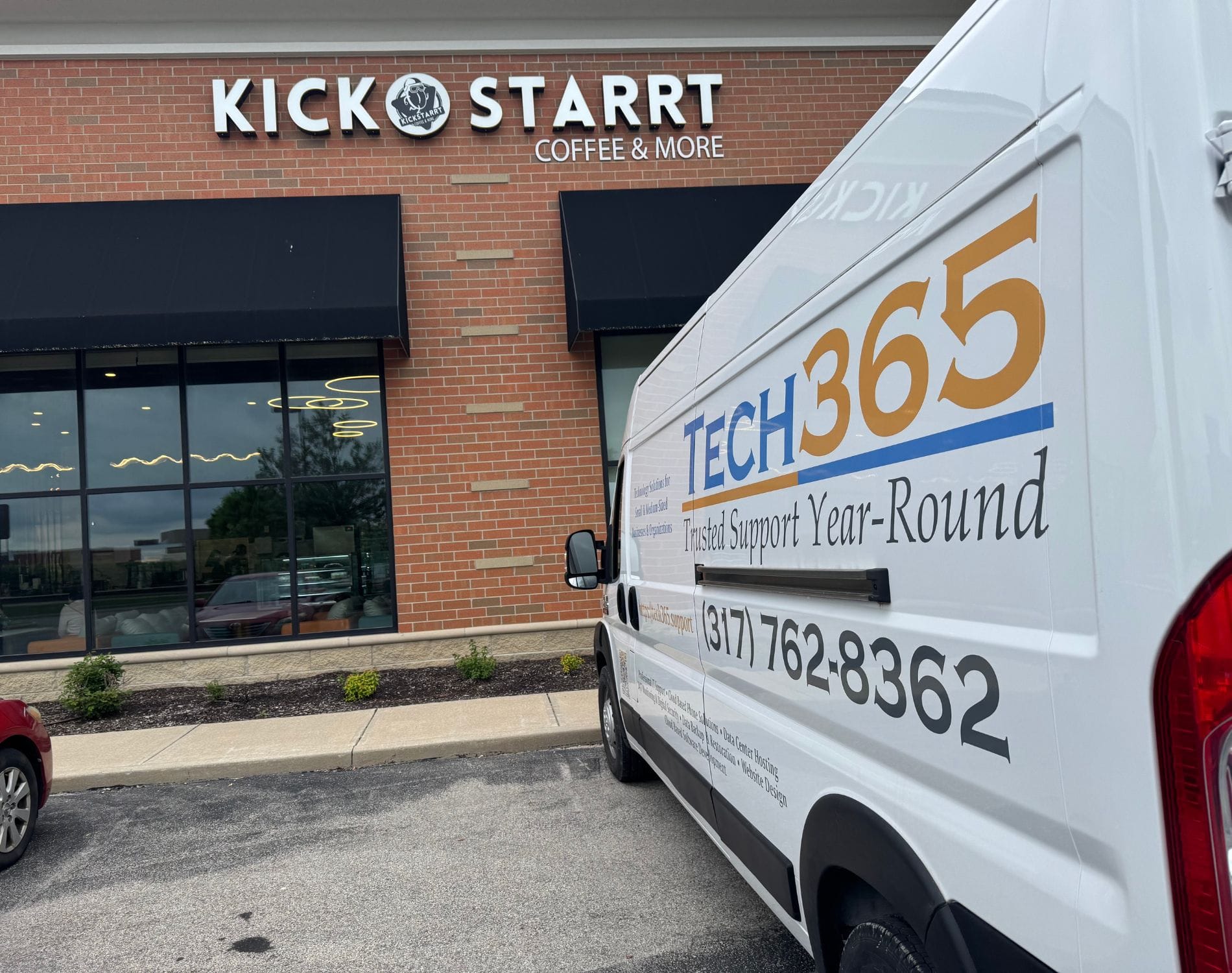
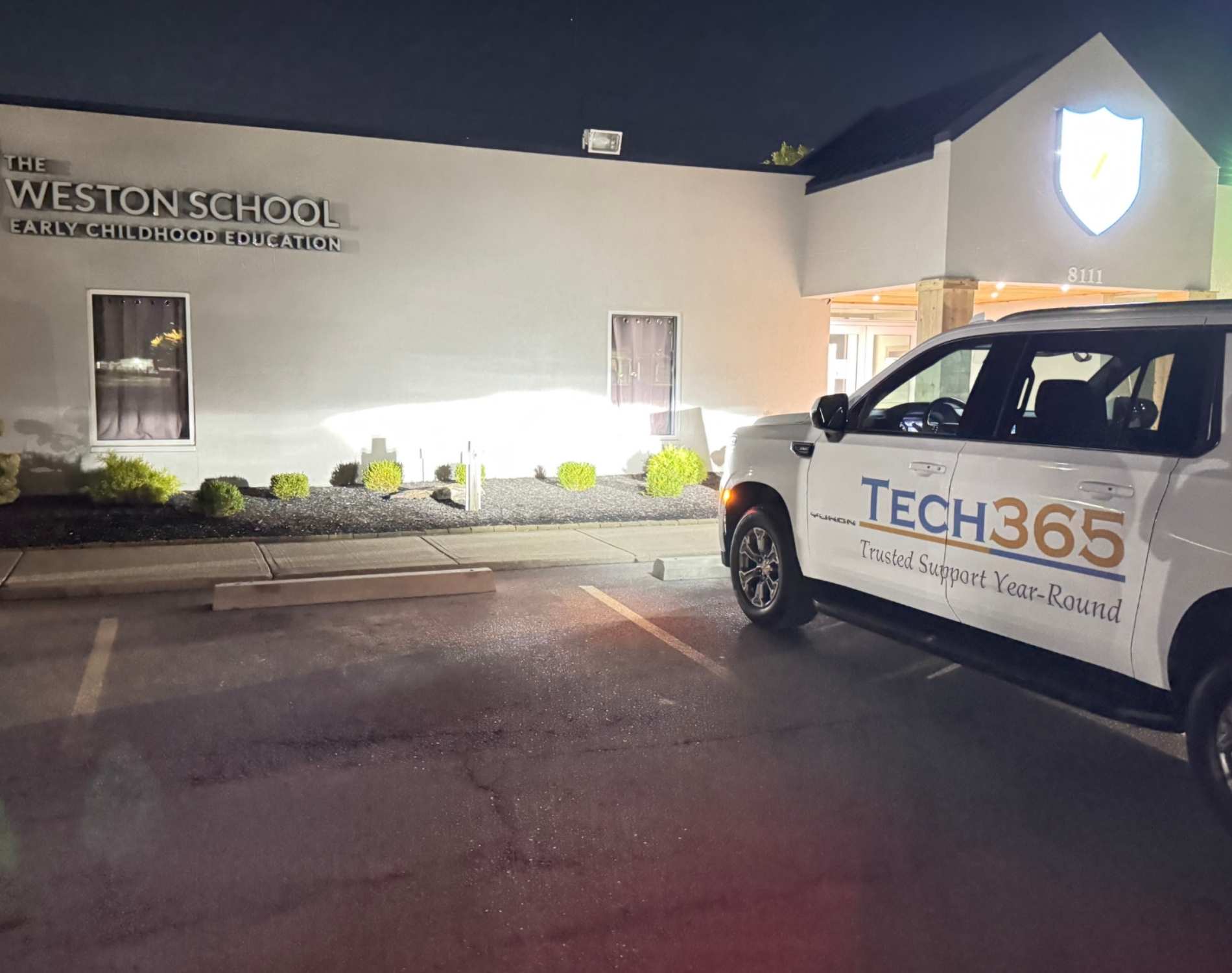
We support businesses throughout Carmel, Noblesville, Westfield, Fishers, and Indianapolis. When onsite help is needed, our team is ready to step in and handle it.
Local & Experienced
When you need onsite help, you get a team that knows your offices, infrastructure, and layout. We work directly in your environment, not from a distance.
24/7/365 Support
Issues do not wait for business hours. Our team is available around the clock to provide onsite assistance when your operations require it.
Onsite When It Counts
Some problems need hands-on resolution. From hardware failures to network equipment and physical troubleshooting, we come onsite and get it handled.

"I highly recommend Brandon and his company! We have a small business and all our issues with computer printer/fax/scan were resolved efficiently. The knowledge and professionalism was more than our expectations."
Mahnaz Rizvi

TECHNOLOGY YOUR BUSINESS RELIES ON
When Onsite Support Is Required
Some technology needs to be installed, secured, and maintained in person. From physical infrastructure to security systems, onsite support ensures your environment is set up correctly and stays reliable.
Infrastructure & Installation
IT SUPPORT IN ACTION
How Onsite IT Support Is Delivered
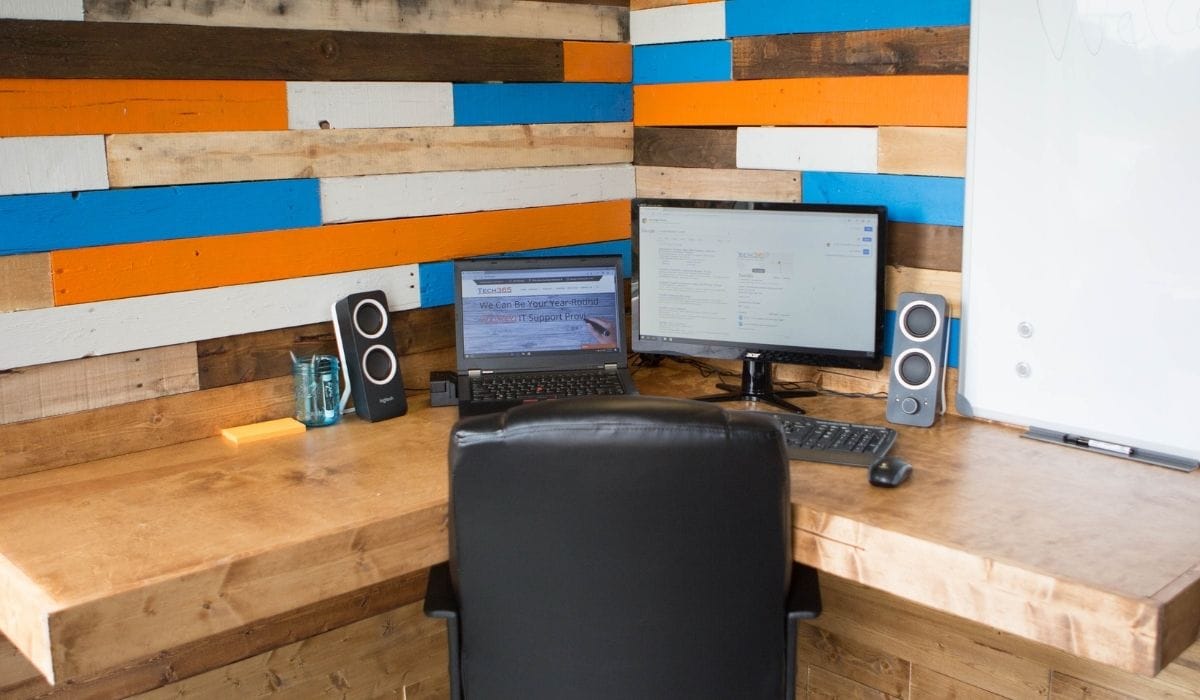
Onsite IT support requires planning, coordination, and execution. From infrastructure installs to office relocations, every visit is structured to minimize disruption and protect your operations.
What Happens During An Onsite Visit
Onsite IT work is more than showing up with tools. Each visit follows a structured process to ensure installations are done correctly and issues are fully resolved.
Our Process For Onsite Support:
Before We Arrive
IT DOWNTIME IMPACTS MORE THAN PRODUCTIVITY
Businesses save about $2,000 per employee each year by reducing IT downtime.
ONESITE INFRASTRUCTURE SUPPORT
Onsite IT Built for Stability & Growth
We design, install, and support the physical infrastructure your business depends on every day. From cabling to server rooms, our onsite team ensures everything is built to perform and scale.
WIRELESS & WIFI INSTALLS
SERVER ROOM SETUP
OFFICE RELOCATION & SETUP
NETWORK & DATA CABLING
SMART IT MADE SIMPLE
Our Process For Successful IT

Needs Assessment
We review your environment, learn your goals, and identify risks & roadblocks that hold your business back.
Technology Plan
We design a clear technology plan that fits your budget, supports growth, and strengthens your systems.

Launch Solutions
We deploy the right tools, handle setup and training, and ensure everything runs smoothly from day one.
Prevent & Protect
We monitor systems, apply updates, test backups, and coach users so issues are stopped before they start.
ONSITE IT SERVICES
Reliable Service Delivered Right to Your Business
We come to your location and handle the hands-on work that keeps your technology running the way it should. From installations to repairs our team gets it done right the first time.
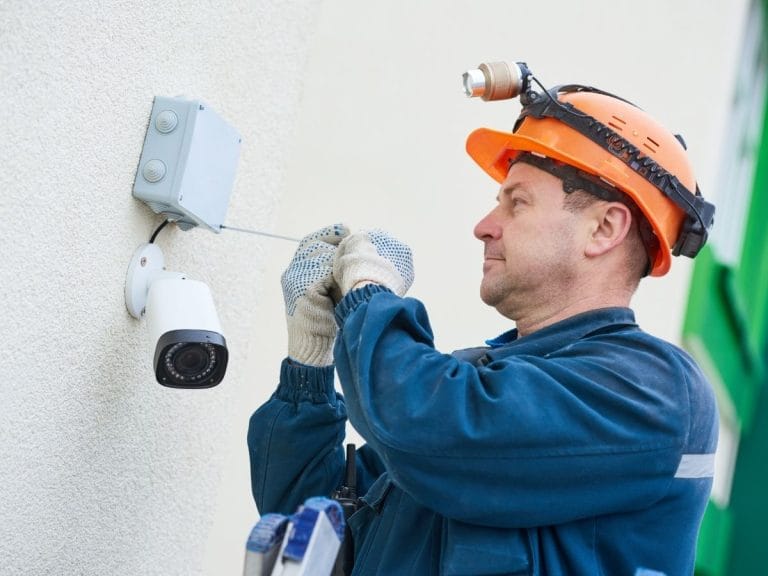
CAMERA & SECURITY INSTALLATION
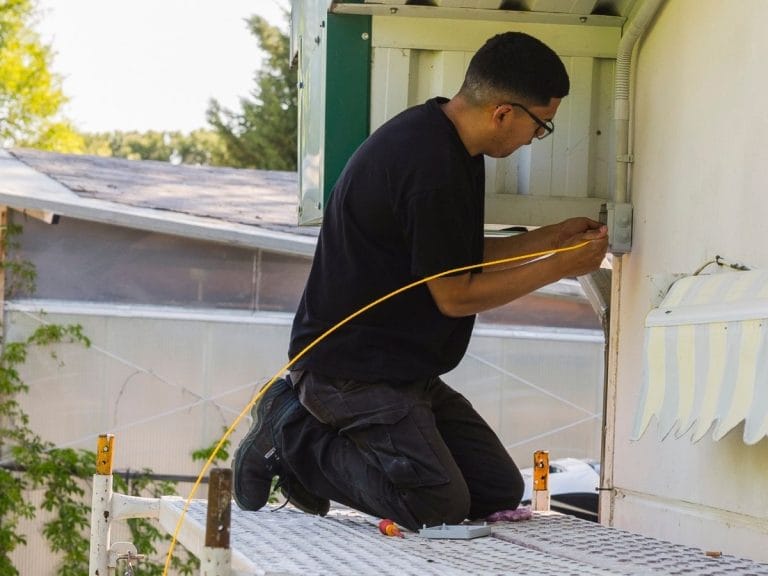
NETWORK & DATA CABLING
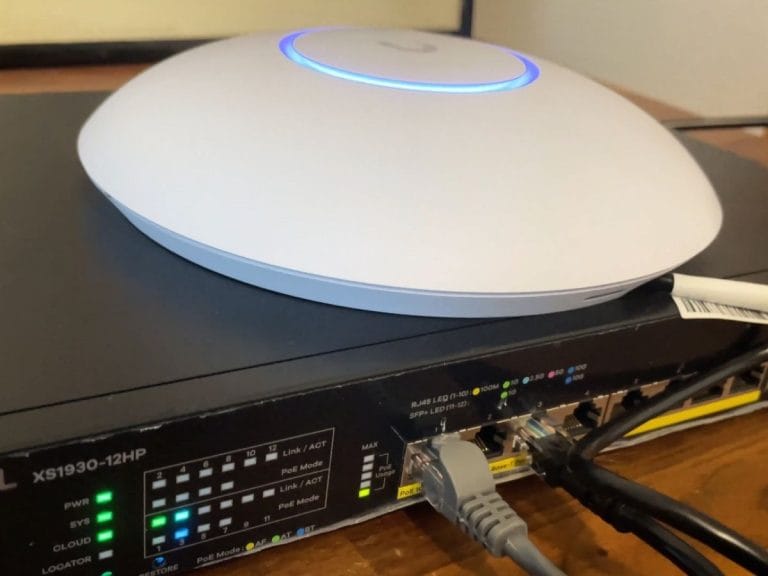
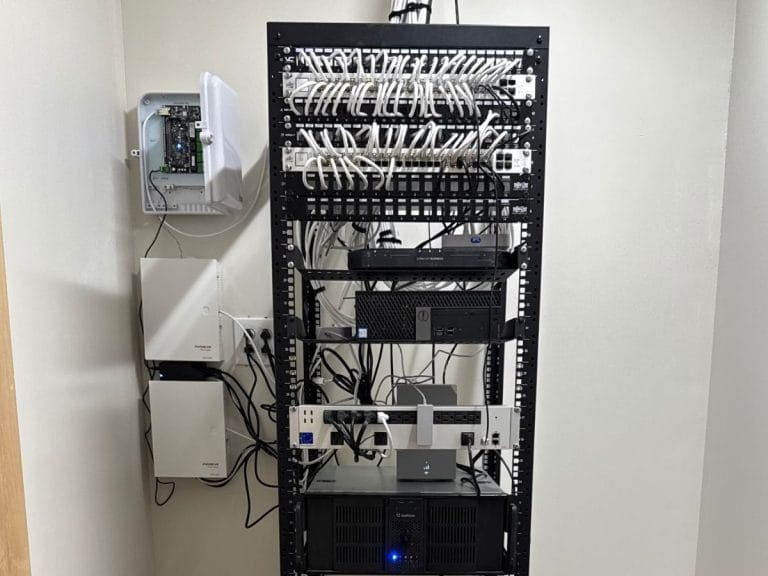
SERVER MAINTENANCE & DIAGNOSIS
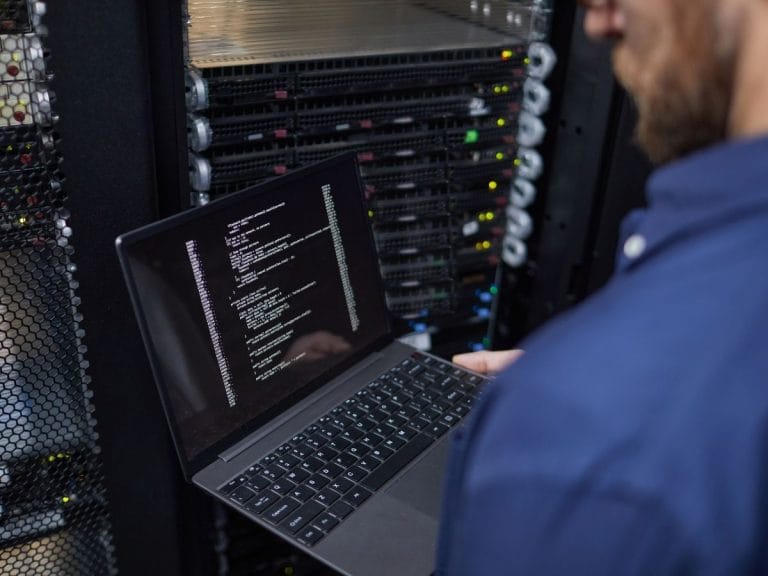
VIRUS & SPYWARE REMOVAL
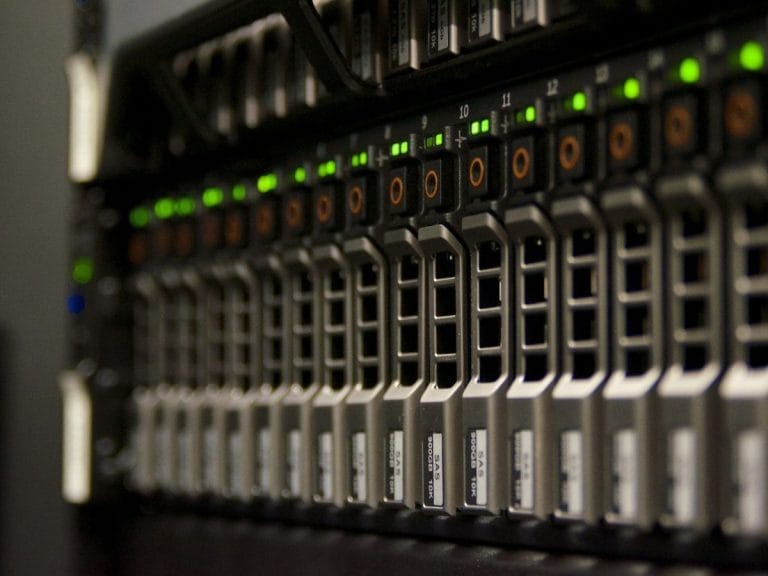
WINDOWS SERVER SETUP

Tech365 HOSTED BUSINESS PHONE
RELATIONSHIPS OVER INVOICE
What Partnership Means To Tech365
We're There When You Need Us
Onsite, by phone, or remote, we resolve issues & keep your team productive.
We Learn Your Business
We listen first, then tailor support that fits your goals, systems, & growth plans.
We Support Your Whole System
We align tech, security, & strategy so everything runs smoothly together.
We're Here For The Long Haul
We guide your growth & innovation with steady, realiable local IT support.