Indiana Managed IT For Churches & Faith Organizations
Your congregation depends on technology more than most people realize. From Sunday morning worship to weekday programs, staff communication, and giving management, when technology fails it disrupts the people and moments that matter most. Tech365 keeps everything running quietly in the background so your team can stay focused on ministry.
Let's Connect
"*" indicates required fields
COMMON CHURCH TECHNOLOGY CHALLENGES
When Technology Gets in the Way of Your Ministry
Churches operate on faith, volunteers, and tight budgets. But when the projector goes down on Sunday morning or your giving software stops working before a campaign, technology becomes the center of attention for all the wrong reasons.
CHURCH MANAGEMENT SOFTWARE
GIVING & FINANCIAL DATA AT RISK
HIGH VOLUNTEER TURNOVER
AGING EQUIPMENT & NO BUDGET
LET'S START WITH A COMPLIMENTARY IT CONSULTATION
Let’s talk about your technology, your budget, and how to keep your congregation focused on ministry instead of IT problems.

WHAT MANAGED IT LOOKS LIKE IN PRACTICE
How Managed IT Supports Thriving Faith Communities
When your technology runs reliably, your staff can focus on people instead of problems. From Sunday morning to Wednesday night programming, managed IT keeps everything working quietly in the background so ministry never misses a beat.
What Churches Experience With Managed IT:
"I truly appreciated the guidance and professionalism of the Tech365 team. Their understanding of our systems and attention to detail made the process much smoother. What really stood out was the follow-up support. They made sure everything was working correctly and answered my questions patiently. If you need a team that knows their stuff and provides dependable support, Tech365 is highly recommended."
Ecclesiastical School of Thought
THE Tech365 DIFFERENCE
Why Indiana Churches Trust Tech365
Most IT companies treat every client the same. Churches are different. You are working with volunteers, limited budgets, and technology that simply has to work every Sunday. We have partnered with churches across the Indianapolis area and we understand what that actually means.
We Know Church Technology
We understand the tools churches rely on and get your issues resolved without a lengthy explanation.
Budget-Conscious by Design
We work with your church budget to build a plan that keeps your ministry protected and your costs predictable.
Local, Responsive IT Support
We are based right here in Indianapolis and just a phone call away when you need us most.
A Long Term Technology Partner
We build lasting relationships with the churches we serve so your technology gets stronger over time.
Straightforward IT Pricing Built Around Your Church
We know budget is one of the first questions church leaders ask and it should be. Every church we work with is different in size, structure, and what they actually need from a technology partner. That is why we build a custom plan around your congregation, your devices, and your budget so you are never paying for more than you need.
DATA BACKUP & DISASTER RECOVERY
Data Backups Are Not An Option
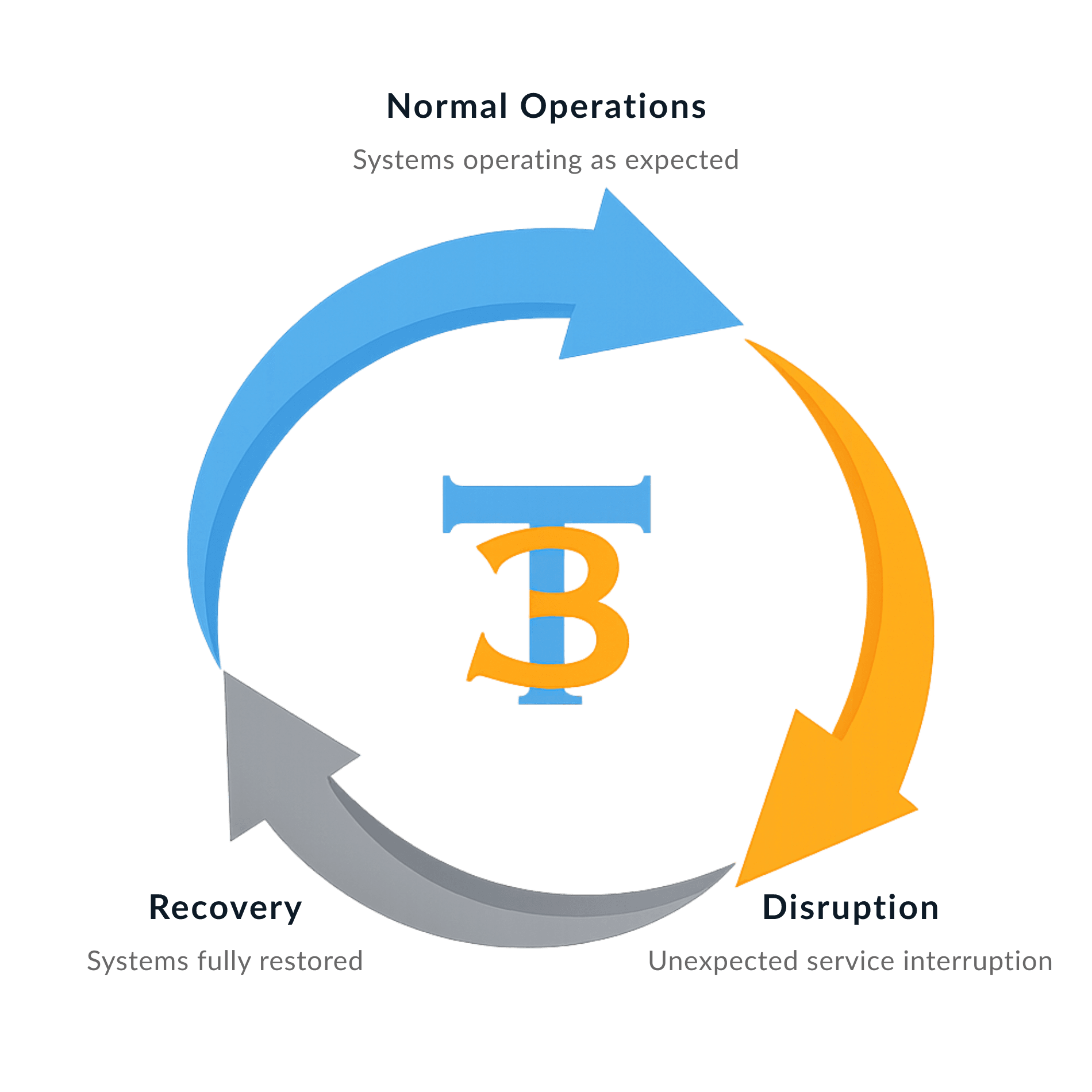
Churches are one of the most underprotected organizations when it comes to data. Limited budgets mean backups get skipped and sensitive information sits unsecured on aging computers. We specialize in data backup solutions that are built for organizations like yours and priced so there is no reason to go without.
Tech365 protects your church from:

WHAT'S INCLUDED WITH MANAGED IT
One Plan That Covers Everything Your Church Depends On
We built our plans specifically for churches because generic IT support is not enough. Everything your ministry depends on is covered from the moment you sign on.
We Secure IT
We Support IT
FREQUENTLY ASKED QUESTIONS
Common Questions From Church Leaders
No technical jargon and no runaround. Just straight answers to the questions we hear most from churches like yours.
Do you have experience working with churches?
Yes. We have partnered with churches across the Indianapolis area and understand the unique technology needs of ministry organizations.
How is your pricing structured?
We offer one flat rate based on the number of devices at your church. No surprise charges and no confusing tiers.
What happens if something breaks on a Sunday morning?
Call us. We offer remote and onsite support and will work diligently to get your systems back up so your service can go on without interruption.
Do you require long term contracts?
We have minimum service agreements in place and will walk you through everything before you sign.

Local Church IT Support Across Central Indiana