Is Your Dental Practice At Risk?
A single compliance gap can result in fines, data loss, and patient trust that's hard to rebuild. Find out where your practice stands today.
DENTAL IT RISK ASSESSMENT
Find Out If There Are Gaps in Your Technology
Answer a few questions in about 2 minutes and find out if your practice is Low, Moderate, or High risk for a HIPAA violation. Enter your name and email and your score is delivered instantly.
Dental HIPAA Risk Assessment
"*" indicates required fields
READY TO TALK THROUGH YOUR RESULTS?
Talk to a local team that knows Dentrix, Eaglesoft, and dental IT from the ground up. No obligation, just clarity.
HOW WE SUPPORT YOUR PRACTICE
A More Reliable Approach To Dental IT
Your IT environment is managed directly by a local team that knows dental technology. No outsourcing, no guesswork, just consistent support built around how your practice operates.
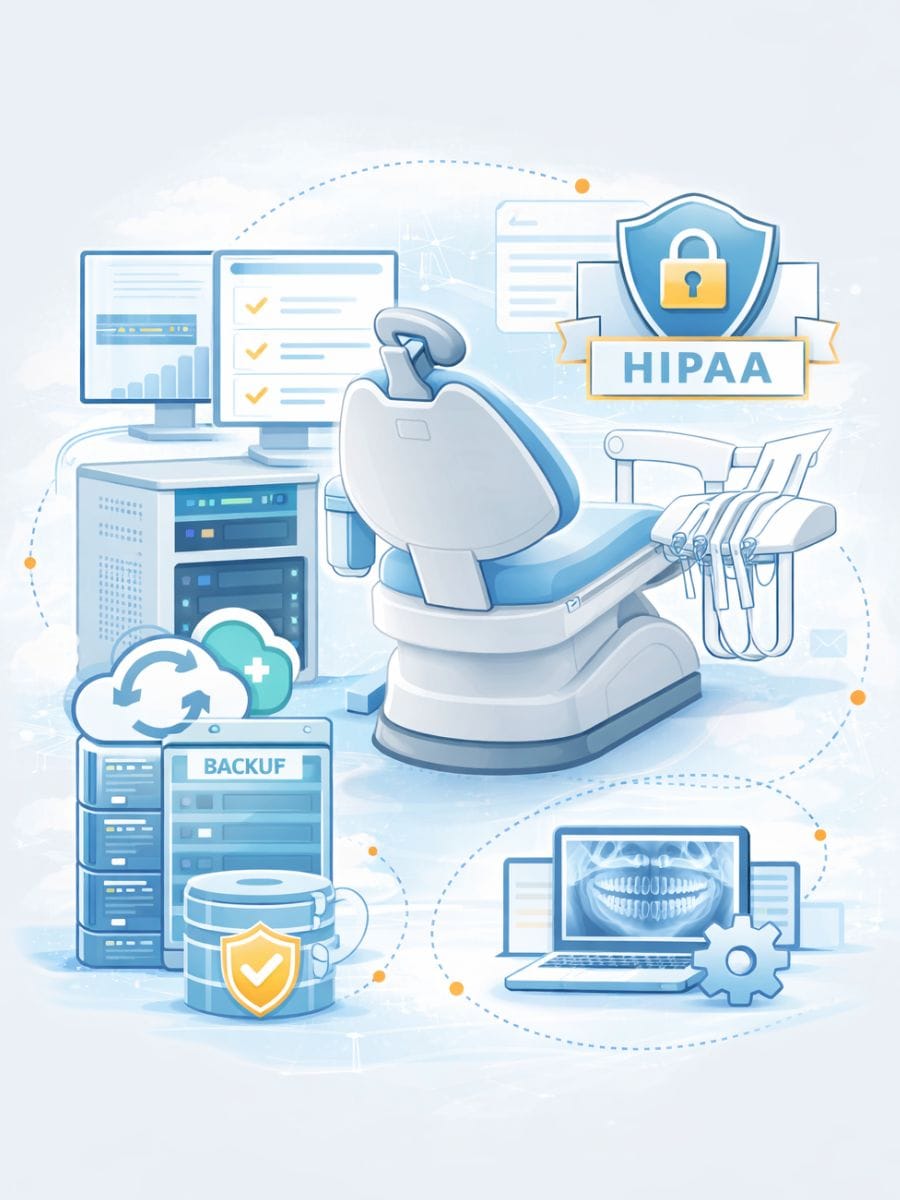
Built Around Dental Workflows
Your IT is structured to support scheduling, imaging, and patient flow across your entire practice.
Local Team, Direct Accountability
You work with a local team that understands your environment and is responsible for your systems.
Proactive, Not Reactive
We identify and address issues early to reduce disruptions to your day-to-day operations.
Clear Visibility Into Your IT
You have a clear understanding of what’s in place, how it’s performing, and where attention is needed.
Designed to Support Growth
Your systems are structured to support additional providers, locations, and changes in your practice.
“⭐️⭐️⭐️⭐️⭐️ We were truly blessed to find Tech365 to help us with our dental IT. They are always available any time we need them. We started with a company that made a complete mess, but when Tech365 stepped in, they solved our problems and made everything easy for us. They are trustworthy and very cost effective.”
Farheen Pasha, Skyview Dental
COMPLIMENTARY CONSULTATION
What to Expect During Your Risk Consultation
During your consultation, we take a focused look at how your systems are set up, how they’re performing, and where gaps may exist. The goal is to give you a clear understanding of your environment without overcomplicating things.

Understand Your Current Setup
We start by reviewing how your systems are structured and how your team is using them day-to-day.

Review Security & Data Protection
We look at how your patient data is handled, where it’s stored, and how it’s being protected.

Evaluate Backup & Recovery Readiness
We assess whether your data can be restored and how your practice would respond if something went wrong.

Walk Through Findings & Next Steps
We explain what we see, answer your questions, and outline what may need attention moving forward.
KNOW YOUR RISK LEVEL. NOW LET'S TALK ABOUT IT.
A local team that knows Dentrix, Eaglesoft, and dental IT from the ground up is ready to walk through your results with you.
REAL CLIENT FEEDBACK
Trusted IT Support For Local Businesses
EXCELLENT Based on 127 reviews
 Posted on Google
 Joe MetzSeptember 1, 2026Brandon was a huge help! I was referred to 2 other tech people first (from other companies) who were not able to solve my issue and Brandon had us up and running in just a few hours. I could not recommend Brandon and Tech365 enough!!Posted on Google
 Missy TennantAugust 25, 2026Brandon and his team are the best. They are always available and keep us up and running. We couldn't do what we do without him.Posted on Google
 Zach SmithAugust 24, 2026We have been absolutely thrilled with the team at Tech365. They are very quick to respond when they are and go above and beyond to service their clients. We are happy to have them on our side!Posted on Google
 Monish PatelAugust 24, 2026Best Ever. Brandon knows it all and does the best work!! Would use him for everything! Smartest guy in the room and has the best heart as well!!Posted on Google
 Joshua CarterAugust 23, 2026If you are looking for a company that prioritizes your needs, finds ways to save you money, and can do anything (literally anything) tech related…. Look no further. I have been working with Tech365 for the past couple of years and my business operations have drastically improved because of them. Brandon solves problems and lets you be a part of the process and learn along the way. Super helpful for another business owner who desires to understand all parts of their business. I highly recommend Tech365!Posted on Google
 Thomas AustinAugust 19, 2026Great job and great service. Thank you.Posted on Google
 Daniel ClarkAugust 11, 2026I had a computer that was old, out of date, and poorly functioning. Tech365 solved all of my worries. I purchased a new computer and brought it to Tech365. All of my documents were transferred expertly from the old computer to the new computer. Microsoft programs were updated and running flawlessly, as were connections to the Internet and printer. The Tech365 technician (Brandon: the company leader) was a patient and thorough expert. The price for the work was very reasonable. He even checked with me the next day to see if everything was working. It was.Posted on Google
 Tammy JonesJuly 30, 2026Brandon was definitely a gift sent from God. He was able to help my 84 year-old mother with mild dementia (who still lives independently) fix her TV. Mom was very impressed with his knowledge and skills too. Thank you, Brandon!Posted on Google
 Vintage SpoonJuly 30, 2026TECH365 is amazing! Tanner, Chris, and Joseph came out to my business and installed 6 security cameras with efficiency and knowledge. These guys are super accommodating, fairly priced, and really know their trade. I'd highly recommend them for any tech support you might need, commercial or residential. Thanks TECH365!!!Posted on Google
 Carolyn ThurstonJune 28, 2026When I was hacked, I thankfully found Brandon at Tech 365. We had all of our airline miles stolen and our fear was that the hackers would soon access all of our financial institutions. Brandon made himself available immediately. Within an hour and a half he resolved all of my issues. He worked with my husband's and my tablets and phones to ensure they were clean and secure. He has been available for any follow-up concerns . Brandon was incredibly compassionate with us and allayed all our fears.
Local Dental IT Support Across Central Indiana