
Technology Built For Your Industry
No two businesses are the same, and we wouldn't have it any other way. Tech365 partners with organizations across industries to deliver managed IT solutions that fit the way you work, scale as you grow, and keep your team productive and secure around the clock.
LET'S TALK ABOUT IT
EXPERIENCE WHERE IT COUNTS
Delivering IT Solutions Across Industries
Every industry comes with its own challenges, and Tech365 is here to meet them. We work with businesses across a wide range of sectors, bringing managed IT solutions that fit the way your industry operates and keep your team moving forward every day.

Everyday Technology Challenges We Handle
No matter what industry you're in, technology problems can slow your business down. These are the challenges we help businesses like yours tackle every day.
UNRELIABLE SYSTEMS
NO DEDICATED IT SUPPORT
DATA LOSS & RECOVERY
REMOTE & HYBRID WORK
BUSINESSES WE SERVE
IT Support Designed For Real-World Businesses
We've been supporting businesses across industries with managed IT that fits the way they work. We're not just a service provider, we're a long-term partner invested in keeping your business running at its best.

Medical Practices
→ Dental Offices
→ Chiropractic Offices
→ Physical Therapy Clinics
→ Urgent Care Clinics
→ Pediatric Practices

Legal & Law Firms
→ Family Law Firms
→ Criminal Defense Attorneys
→ Real Estate Law Firms
→ Corporate & Business Law
→ Personal Injury Attorneys

Small Businesses
→ Retail Stores
→ Restaurants & Cafes
→ Salons & Spas
→ Local Service Providers
→ Boutique Agencies

Accounting Firms
→ CPA Firms
→ Bookkeeping Services
→ Tax Preparation Offices
→ Payroll Services
→ Financial Advisory Firms

Transportation
→ Trucking Companies
→ Logistics & Freight Companies
→ Delivery Services
→ Fleet Management Companies
→ Courier Services

Nonprofits
→ Charitable Organizations
→ Faith-Based Organizations
→ Community Service Groups
→ Foundations & Grants Orgs
→ Social Service Agencies

Education
→ Preschools
→ Daycare Centers
→ Learning & Tutoring Centers
→ Private Elementary Schools
→ After School Programs

Construction
→ General Contractors
→ Electrical Contractors
→ Plumbing Companies
→ HVAC Companies
→ Remodeling & Renovation Firms

WHY CHOOSE Tech365
A Partner Your Business Can Count On
We've been supporting businesses across industries with managed IT that fits the way they work. We're not just a service provider, we're a long-term partner invested in keeping your business running at its best.
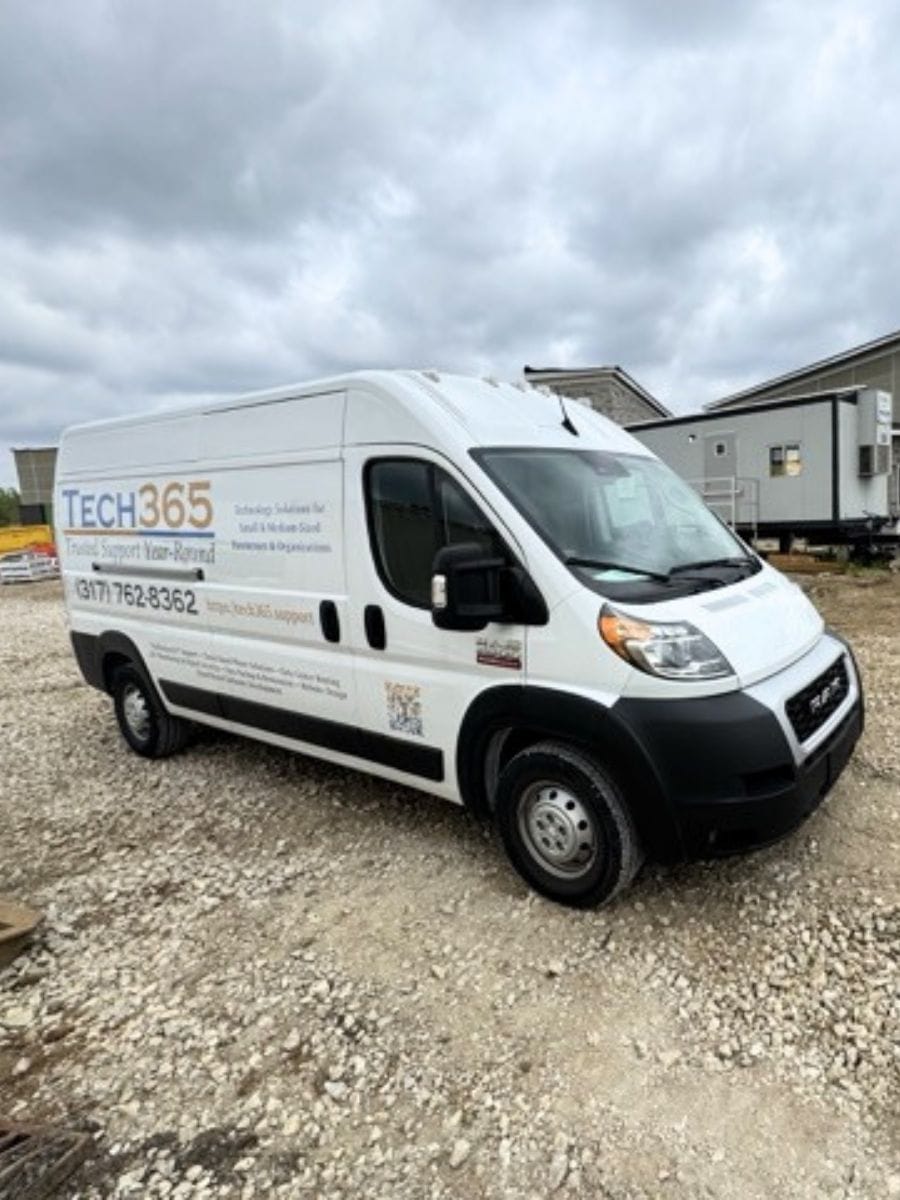
Serving Businesses Since 2010
Over a decade of real-world experience supporting businesses just like yours
Responsive Support You Can Rely On
When something goes wrong, we're on it so your business keeps moving
Local, Hands-On Service
We're not a faceless help desk, we're a real team that shows up for your business
Tailored To Your Industry
We take the time to understand your business so your IT always fits the way you work
One Partner For Everything
No juggling vendors or pointing fingers, Tech365 handles it all under one roof
Proactive, Not Reactive
We monitor and manage your systems before small issues become big problems
WHITE GLOVE MANAGED IT
One Service Built Around Your Industry
No matter what sector you're in, Tech365's White Glove Managed IT brings everything your business needs under a single monthly plan. From day-to-day support and proactive monitoring to security and compliance, everything is managed with clear ownership so nothing falls through the cracks.
Tech365 White Glove Managed IT Includes:
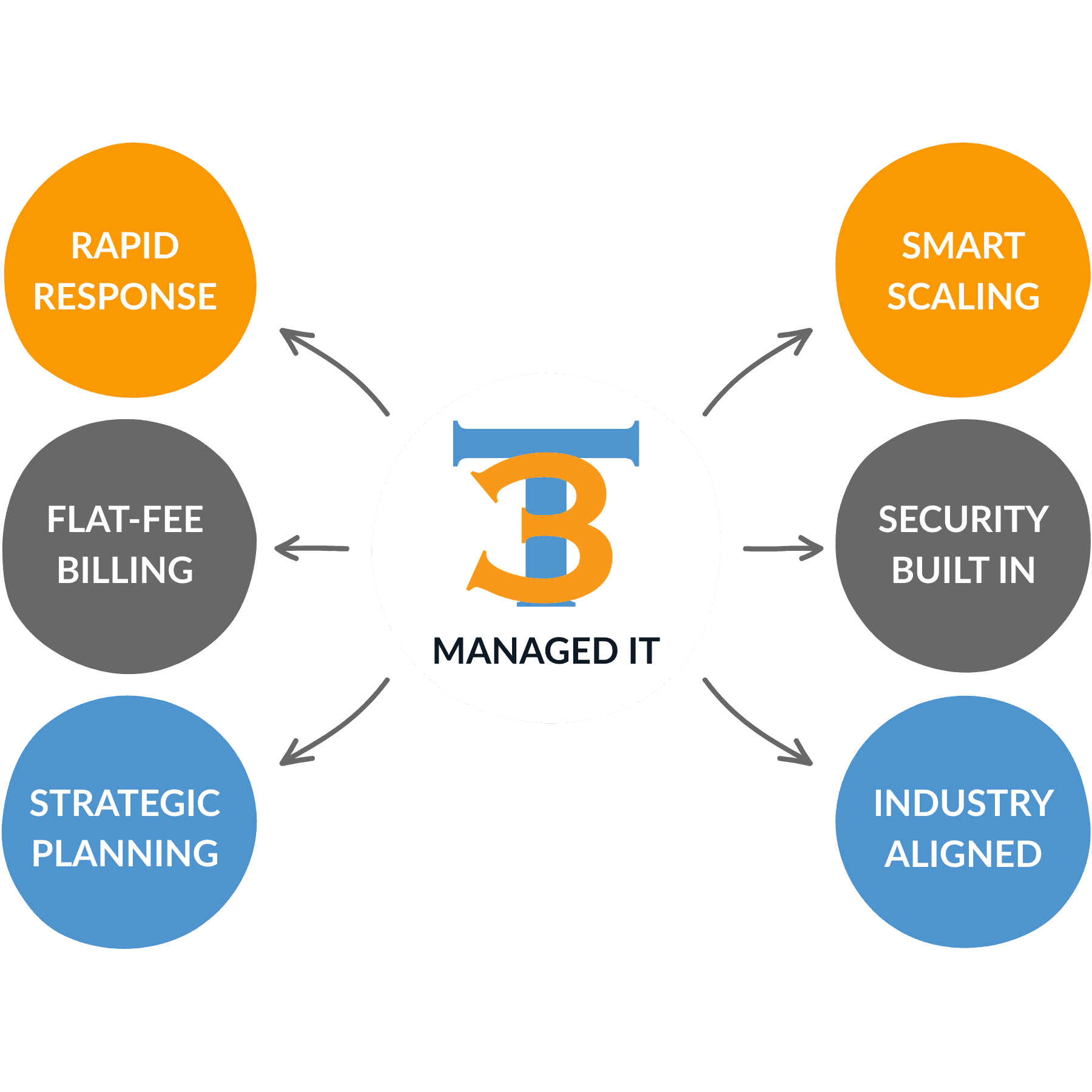
UNLIMITED REMOTE IT SUPPORT FOR BUSINESS
Local team available 24/7 to solve issues and keep businesses running.
SUCCESSFUL IT FOR YOUR BUSINESS
Everything Your Business Needs Under One Monthly Plan
Local, business-focused IT with 24/7 protection, proactive support, and both onsite and remote service in one plan.
WE SECURE IT
- IT Risk Assessment
- Managed Firewalls
- Secure Remote Access
- Data Loss Prevention
- Encrypted Backup & Recovery
- Email Security & Phishing Awareness
- 24/7 Monitoring & Endpoint Detection
- Security Audit Logs & Reporting
- Multi Factor Authentication
- Identity Access Management
- Security Policy & Compliance Review
WE SUPPORT IT
- Remote Helpdesk
- Onsite Technicians
- Strategic IT Advisory
- Hosted Business Phone
- Video & Chat Support
- End-User Training
- Hardware Support
- Software Support
- New User On/Offboarding
- Network Troubleshooting
- After-Hours & Emergency Support
WE SUSTAIN IT
- Business Continuity
- On/Off-Site Backups
- New Tech Budgeting
- Compliance & Risk Management
- System Integrations
- Application Support
- Asset Tracking & IT Documentation
- Paid & Organic Marketing
- New Office/Relocation Install & Setup
- Lifecycle Refresh & Secure Disposal
- Quarterly Business Reviews
REAL CLIENT FEEDBACK
Trusted IT Support For Local Businesses
EXCELLENTTrustindex verifies that the original source of the review is Google. AWESOME AWESOME AWESOME + AWESOME!!! He could do what Apple Store AND Apple Support could NOT do, or didn't care/want to do which is what I suspect. Very patience with me, since I'm older. REALLY REALLY REALLY knows his stuff! He's a tech wizard!!!! Do not hesitate for one second to hire him. (He came to my house) AWESOME!!!!Posted on GoogleTrustindex verifies that the original source of the review is Google. These guys were great to work with. They really went above and beyond looking out what was in the company I where I works best interest. I Look forward to possibly working more with them in the new year.Posted on GoogleTrustindex verifies that the original source of the review is Google. I highly recommend Brandon and his company! We have a small business and all our issues with computer printer/fax/scan were resolved efficiently. The knowledge and professionalism was more than our expectations.Posted on GoogleTrustindex verifies that the original source of the review is Google. Brandon Is quick to respond, very eager, and look forward to working with him again!Posted on GoogleTrustindex verifies that the original source of the review is Google. My experience was AMAZING with Brandon at tech365. I had called other tech companies in the area and remembered the gym I work at got some help from tech365 so I called them up. Brandon was able to come onsite and fix the problem in about fifteen minutes. (mind you I had been calling other places for about a week and no one could fix it) It saved us so much time and he was so nice and easy to work with. I will definitely be hiring him in the future and recommending him to everyone.Posted on GoogleTrustindex verifies that the original source of the review is Google. Seriously amazing and will be working with him in the future! Brandon was so helpful and knew exactly what he was doing. I had spent a week working on fixing the printer and he came in and was able to fix our connection in less then 10 minutes. Save me so much time and brain power. We will forever be using him as our tech guy!Posted on GoogleTrustindex verifies that the original source of the review is Google. I can't recommend this company enough! Kudos to Brandon for operating a 5-star organization!Posted on GoogleTrustindex verifies that the original source of the review is Google. The level of hard work and attention to detail he delivers is unmatched. Tech 365 has been a tremendous help to my business, and I truly value the support and professionalism they provide.Posted on GoogleTrustindex verifies that the original source of the review is Google. He recently completed a project for my small business and did an excellent job from start to finish. His attention to detail, professionalism, and commitment to quality really stood out. I’m very satisfied with the outcome and would gladly work with him again.Posted on GoogleTrustindex verifies that the original source of the review is Google. A friend recommended Tech365 to me so i gave them a try for my small start up shop, I'm amazed how quick and efficient they did their job.
74% of small businesses say technology is critical to their ability to grow and compete
Source: U.S. Chamber of Commerce, Empowering Small Business, 2024
RELATIONSHIPS OVER INVOICE
What Partnership Means To Tech365
We're There When You Need Us
Onsite, by phone, or remote, we resolve issues & keep your team productive.
We Learn Your Business
We listen first, then tailor support that fits your goals, systems, & growth plans.
We Support Your Whole System
We align tech, security, & strategy so everything runs smoothly together.
We're Here For The Long Haul
We guide your growth & innovation with steady, reliable local IT support.