Windows Server Maintenance & Diagnosis For Central Indiana Businesses
Your windows server is the backbone of your business and when it struggles your entire team feels it. Tech365 provides proactive maintenance and diagnosis for both physical and virtual servers so problems are caught before they become costly and downtime is kept to a minimum.
LET'S CONNECT
Have a question or need help? Drop us a note below and we'll be in touch soon.
"*" indicates required fields
SERVER MAINTENANCE & DIAGNOSIS
Keeping Your Servers Healthy & Your Business Running
Server problems rarely announce themselves before they cause damage. We take a structured approach to maintenance and diagnosis so your systems stay stable, your team stays productive, and issues are addressed before they turn into outages.
ISSUE IDENTIFICATION & DIAGNOSIS
LET'S START WITH A COMPLIMENTARY IT CONSULTATION
Let’s have a clear conversation about your IT, your questions, and what support would actually help.
WHY SERVER MAINTENANCE MATTERS
The Hidden Cost of Ignoring Your Server
Most business owners do not think about their server until something goes wrong. By then the damage is already done. Regular maintenance keeps your systems stable and your team working without interruption.
Your Data Depends On It
Your server stores everything your business runs on. Without regular maintenance that data is vulnerable to corruption, hardware failure, and loss.
Small Problems Become Big Ones
A server that is not maintained collects issues over time. What starts as a minor slowdown can turn into a full outage that brings your entire operation to a halt.
Your Team Feels It First
Slow file access, dropped connections, and system errors are often server related. Maintenance keeps those frustrations from becoming a daily reality for your staff.
It Costs Less Than a Crisis
Reactive server repairs are significantly more expensive than routine maintenance. Staying ahead of problems is always the better investment for your business.

PHYSICAL & VIRTUAL SERVERS
How Tech365 Supports Physical & Virtual Servers
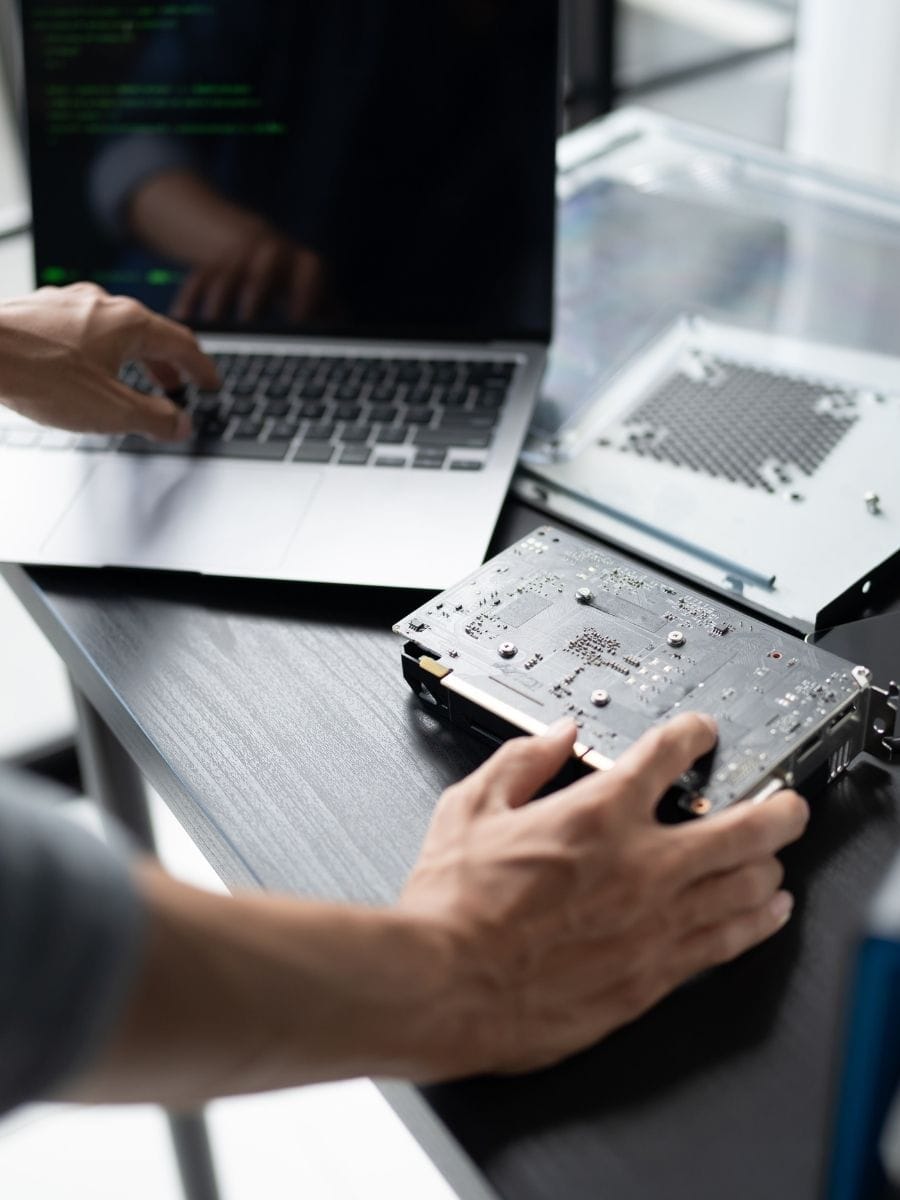
Most businesses are running one or the other without fully understanding the difference. Whether your server sits in your office or lives in the cloud, Tech365 maintains and diagnoses both so your systems stay stable no matter how your business is set up.
Physical Server Maintenance Includes:
Virtual Server Maintenance Includes
Is Your Server Running the Way It Should?
Most server problems start small and go unnoticed until they cause real damage. Let's take a look before that happens.
THE MAINTENANCE PROCESS
From Assessment to Ongoing Support
Every server engagement follows a clear process so nothing is missed, problems are caught early, and your systems stay stable over time.
Server Assessment
& Discovery
Review your current server setup, identify any existing issues, and establish a clear baseline for ongoing maintenance and future planning.

Monitoring & Maintenance Plan
Set up monitoring tools, apply updates and patches, and put a structured maintenance schedule in place specific to your environment.
Ongoing Maintenance
& Support
Perform regular maintenance, respond to alerts, and address issues before they impact your team or your business operations.
Reporting &
Review
Provide visibility into server health, document what was done, and make adjustments as your business needs change.

WHY CHOOSE Tech365
Built for Reliability from Start to Finish
Security systems need to be installed correctly and supported over time to be effective. The focus is on doing the work right, keeping systems reliable, and making sure everything continues to function as expected.
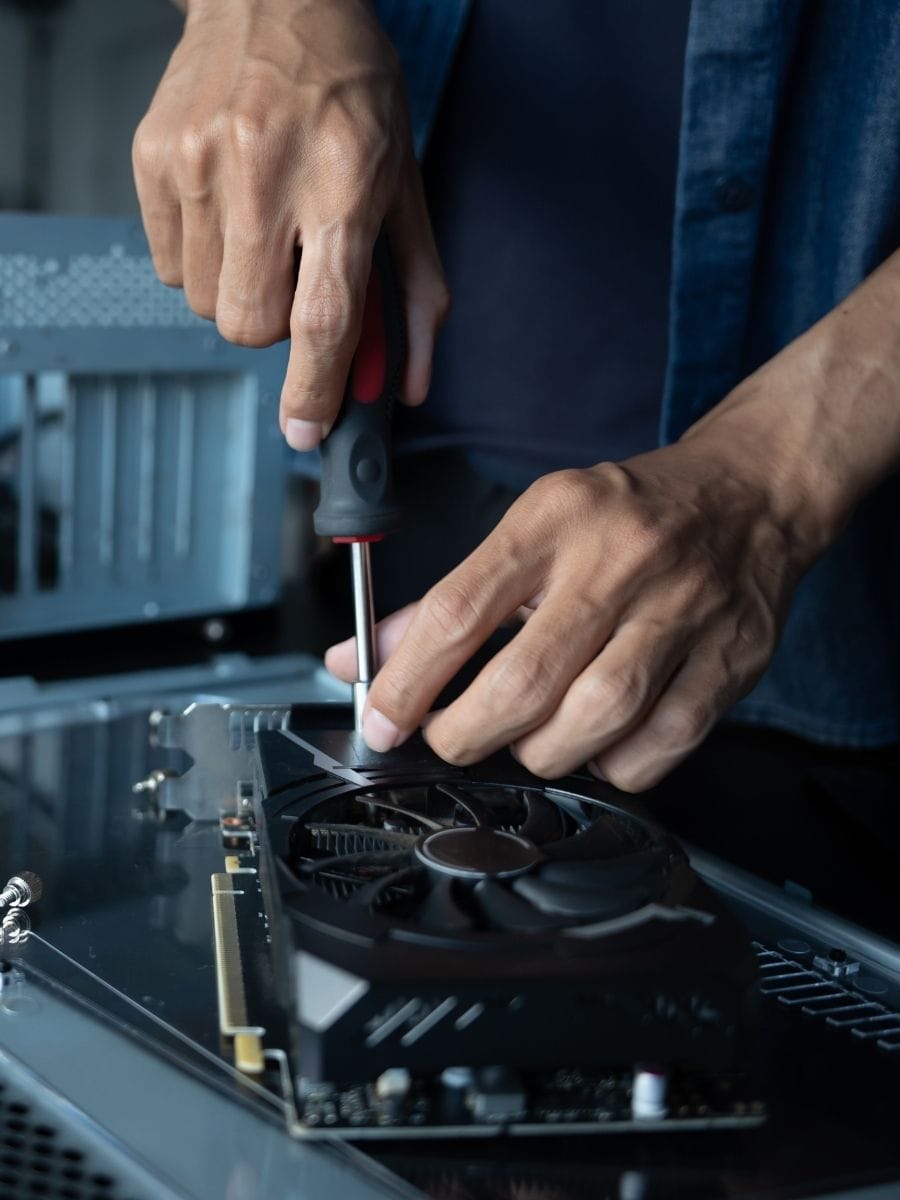
Proactive Over Reactive
Problems are identified and resolved before they cause disruptions.
Local Central Indiana Support
Indianapolis-based team that knows your environment and responds fast.
Physical and Virtual Server Support
Onsite and cloud-based servers are both maintained and supported.
Integrated with White Glove Managed IT
Server care is handled as part of your broader IT environment.
Clear Communication
You always know what was done, what was found, and what is next.
Ongoing Support
Tech365 stays engaged as your business grows and your needs change.
Local Server Maintenance & Diagnosis Across Central Indiana