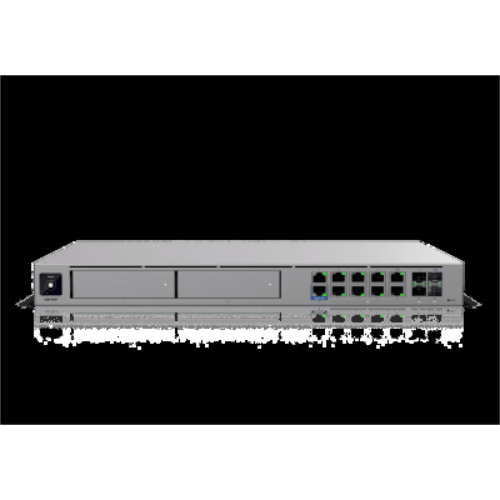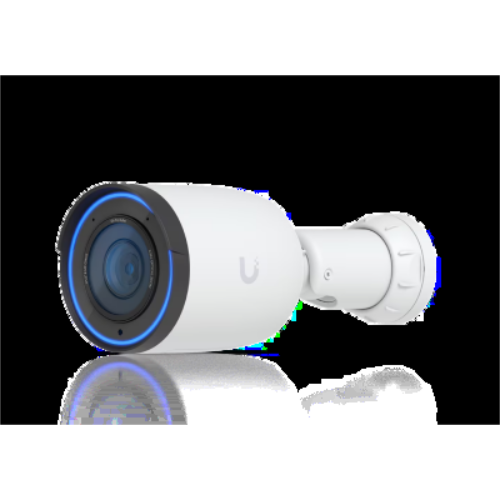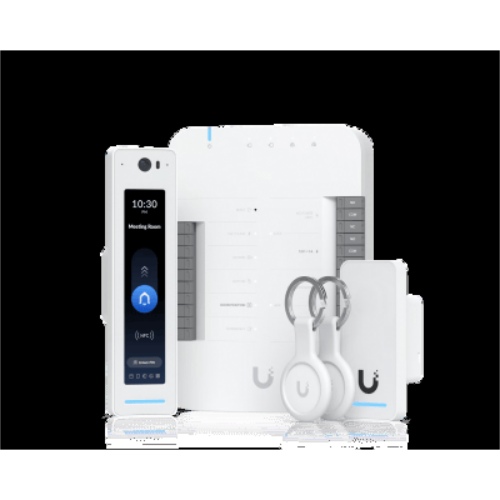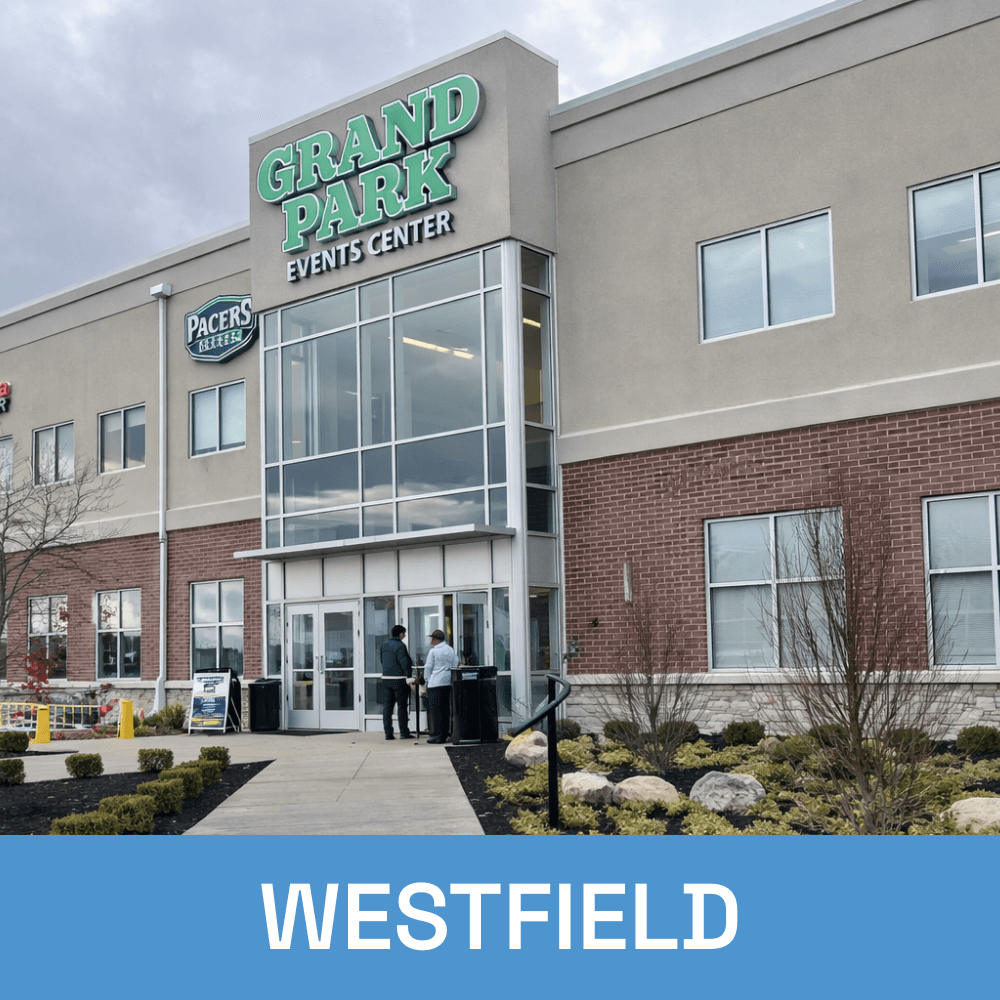
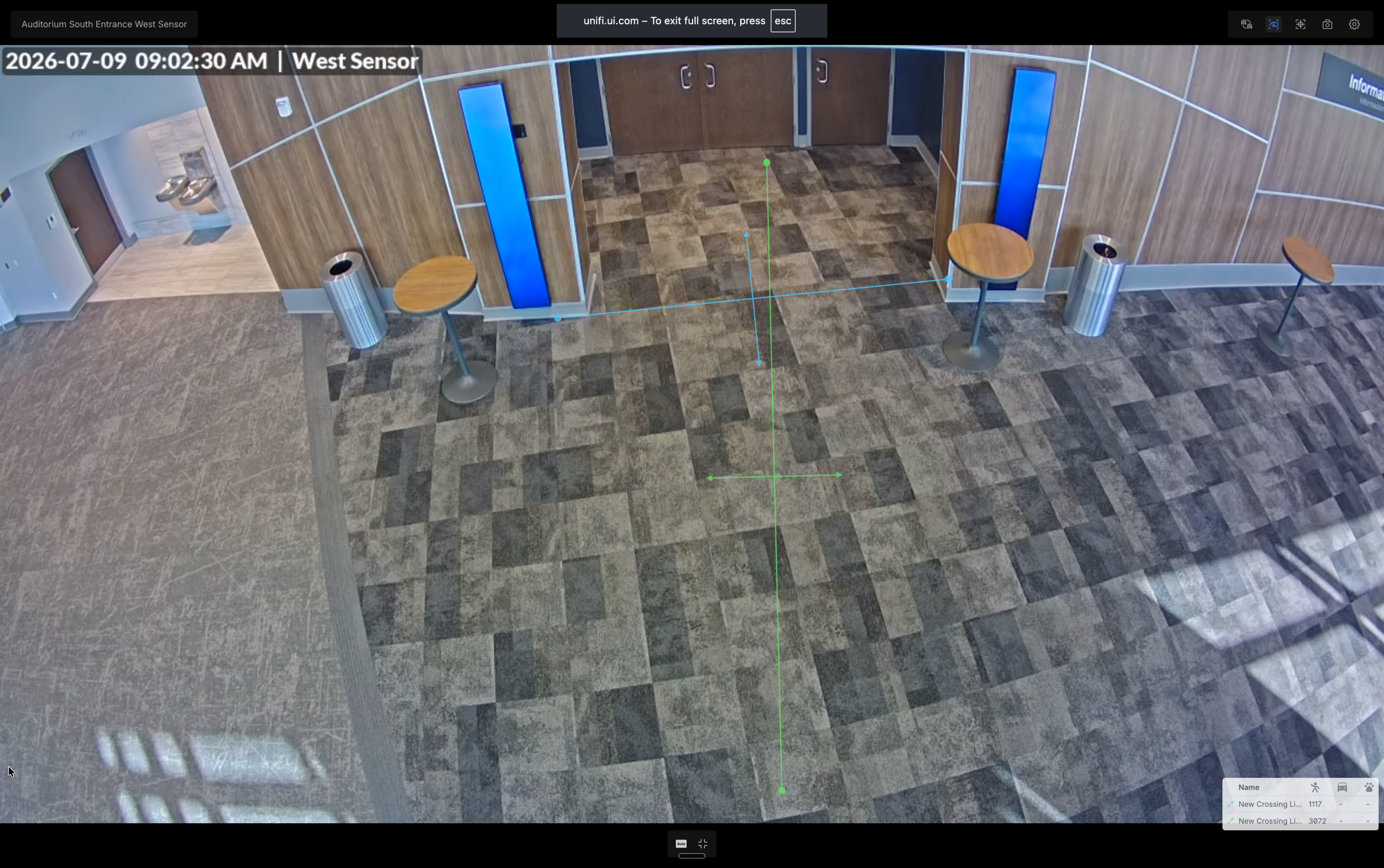
AI cameras with facial and license plate recognition. WiFi 7 that ends dead zones forever. Biometric door access. Open APIs that talk to your software. All cloud-controlled from your phone: designed, installed, and White Glove managed by Tech365.
users per deployment

Firewall, cameras, WiFi, doors, and building links leading to separate contracts, separate portals, separate finger-pointing. On UniFi with Tech365, they're one ecosystem under one pane of glass, and one team accountable for all of it.
IDS/IPS · VPN · Filtering
Face · Plate · Loitering
Heatmap-designed coverage
Face · Finger · Fob · Phone
Multi-gig building links
Every device, every site, every alert. Managed from anywhere, on any phone. Owned by you.
Predictive heatmap design eliminates dead zones before install. WiFi 7 APs with seamless roaming keep calls and video connected wall-to-wall and validated with a post-install survey.
UniFi Protect: 4K AI cameras, local storage you own, zero per-camera or cloud fees. The subscription line item disappears from your budget permanently.
UniFi Access: revoke any credential (face, fingerprint, PIN, fob, or phone) in seconds, from anywhere. Every entry logged with video. Brass keys retire.
Cloud-controlled infrastructure means Tech365 diagnoses and resolves most issues remotely, often before you notice them. Minutes, not truck rolls.
UniFi’s open APIs plus Tech365’s in-house development team means custom integrations: doors that follow your schedule, alerts in your tools, data where you need it.
UniFi scales from 1 to 5,000 people on the same platform. Add APs, cameras, doors, or whole buildings. Your day-one investment carries forward and never gets replaced.
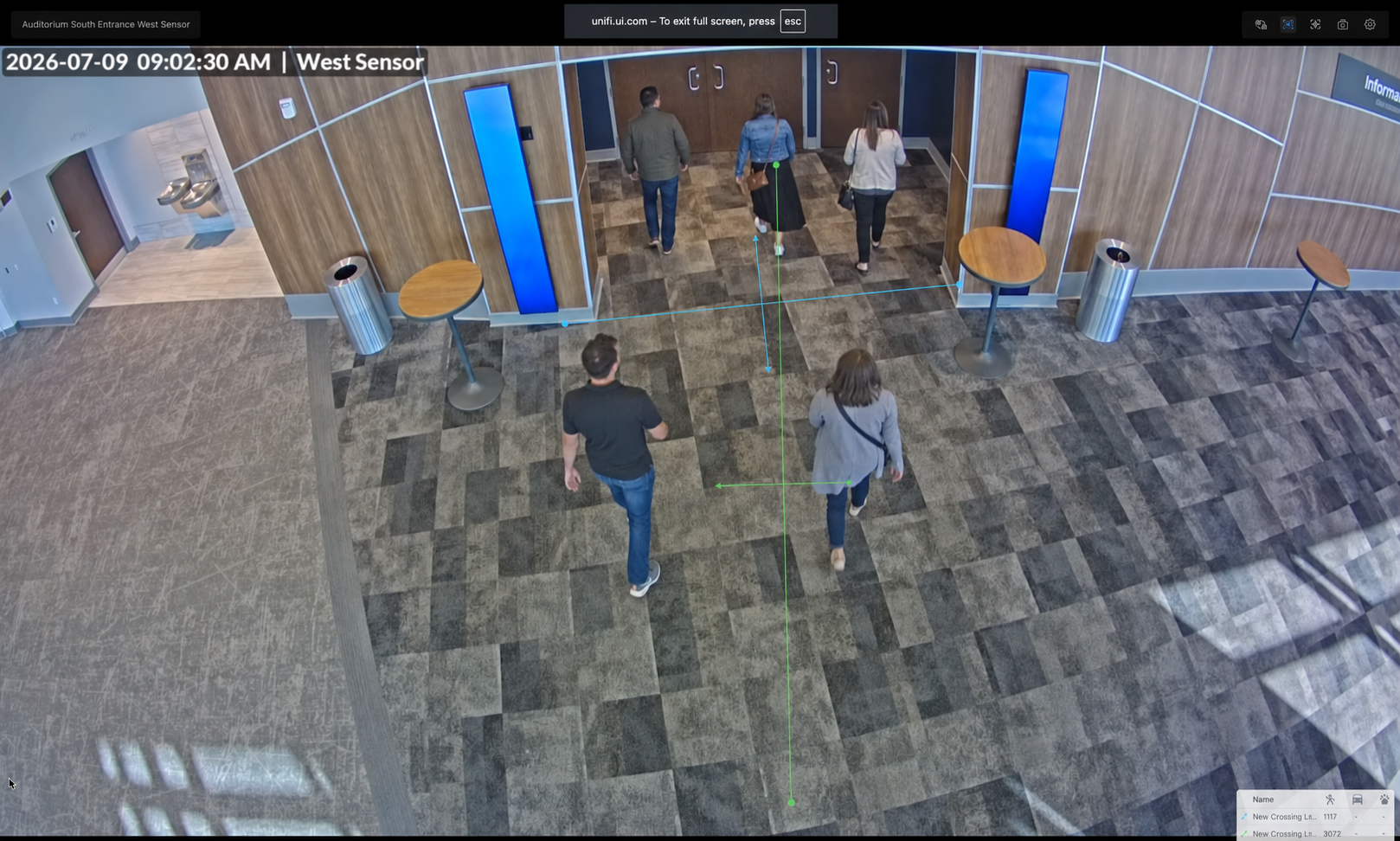
Facial recognition, license plate recognition, and loitering detection run on the camera itself, making detection instant and private, with zero AI subscription fees. Click a capability to see it work.

Known-face alerts for staff and VIPs
Plate history: who arrived, when, how often
Loitering alerts after-hours at doors & lots
Package & vehicle-type detection
Search months of footage in seconds
Local storage | $0 cloud fees
Spotty WiFi and buffering aren't facts of life, they're symptoms of guesswork installs. Tech365 designs coverage on a predictive heatmap first, installs WiFi 7 access points on a fiber backbone, then validates the result.
Face, fingerprint, PIN, fob, or the phone already in their pocket. Every entry is authenticated, logged, and paired with camera footage. Lost credentials die in seconds, not re-keying weekends.
{
"event": "access.granted",
"door": "Front Entrance",
"person": "Jamie M.",
"method": "face",
"timestamp": "2026-07-12T08:02:14Z",
"camera_clip": "https://…/clip/8842"
}
// → check-in system marks Jamie present
// → Slack posts to #facilities
// → visitor dashboard updates liveRoom bookings, service schedules, and class times can drive unlock schedules automatically. No one touches a setting.
Camera detections, door events, and network alerts land in Slack, Teams, email, or your ticketing system, formatted the way your team works.
Occupancy, arrivals, plate history, and network health, surfaced in custom views for front desks, facilities teams, and leadership.
Tech365 writes software, not just installs hardware. If your system has an API, we can connect it: scoped, documented, and supported.
Cameras, doors, WiFi health, and threats, all live on your phone, whether you're on-site or on vacation.
Tech365 diagnoses and fixes most issues remotely. Complex troubleshooting that used to mean days and site visits becomes minutes and a notification that it's already handled.
Proactive monitoring flags a struggling AP, a camera offline, or unusual traffic, so fixes start before the first complaint.
Unlock a door for a delivery, share a camera clip, pause guest WiFi. Administration that used to require a vendor call is now a thumb-tap.

Cameras · WiFi · Security · Access · APIs, owned, not rented

Helpdesk · Security · Strategy · A local team that answers
Technology becomes fuel, not friction
Workstations, Microsoft 365, email security, backups, and compliance. Tech365 White Glove IT covers the whole environment, not just the infrastructure we installed.
WiFi question, camera clip request, locked-out laptop, or a strategic technology decision: one local team, accountable for all of it, year-round.
When infrastructure just works and support is proactive, leadership stops managing IT problems and starts using technology to move the mission forward.
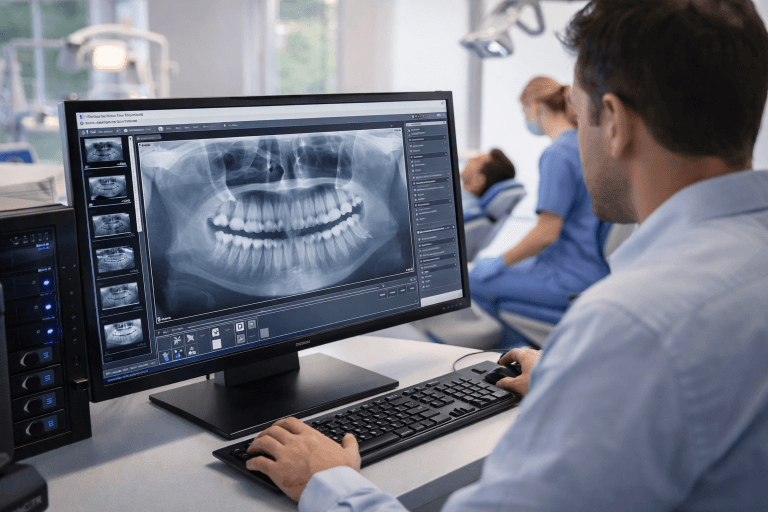
UniFi exposes open APIs and webhooks across cameras, access, and network. Most installers stop at hardware. Tech365 has an in-house development team so your infrastructure integrates with the systems your organization already runs on.

HIPAA-aware segmentation, records-room access, policy-aligned retention.

Confidentiality by architecture: VPN, isolation, entry audit trails.

POS-safe networks, register cameras, multi-location dashboards.

Streaming WiFi, child-safety cameras, door schedules that match service life.

Scanner roaming, dock & yard coverage, outbuilding links.
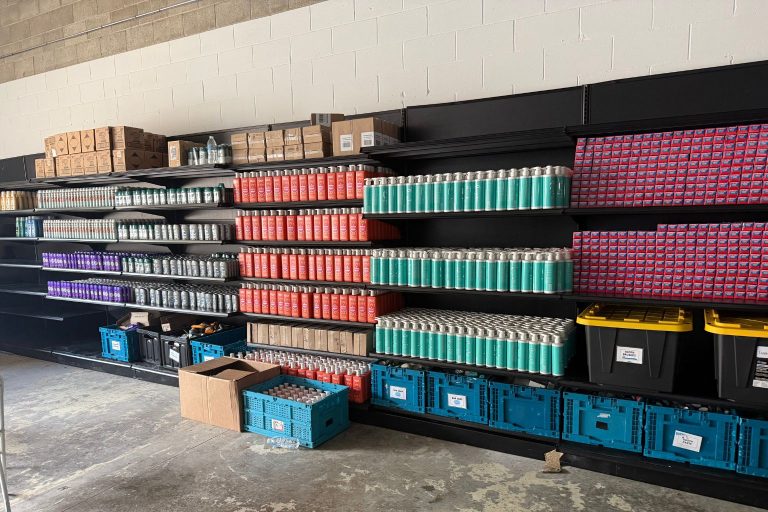
Enterprise protection at ownership economics.

1:1 density, content filtering, lockdown-capable doors.

Meeting-grade WiFi, badge access, security that scales with hiring.


When a shared printer stops working, there can be several possible causes, and it often takes a few checks to identify the issue.
Here is how we typically approach printer problems in an office setting:
✓ Checking how the printer is connected and who is affected
✓ Reviewing printer status, errors, and queued jobs
✓ Confirming computers are pointing to the correct printer
✓ Updating or reinstalling printer software if needed
✓ Testing printing once changes are made to confirm results
Opening a suspicious link does not always mean something is wrong, but it is worth a security check.
Here is how we typically help recover files and protect data going forward:
✓ Identifying what data is missing and where it was last stored
✓ Checking available backups and recovery points
✓ Attempting safe file recovery without causing further damage
✓ Confirming what can and cannot be restored
✓ Putting backup and disaster recovery protections in place for the future
Opening a suspicious link does not always mean something is wrong, but it is worth a security check.
Here is how we typically make sure systems remain secure:
✓ Checking the affected device for any unusual activity
✓ Confirming email, account access, and passwords are still protected
✓ Reviewing recent activity to ensure nothing unexpected occurred
✓ Removing anything unsafe if it is found
✓ Helping reduce future risk by implementing simulated phishing emails
Server outages happen, and there are clear steps we take to restore access and minimize disruption.
Here is how we typically help get teams back up and running:
✓ Identifying what caused the outage and how widespread it is
✓ Bringing critical systems and access back online safely
✓ Checking data integrity to make sure nothing was lost or corrupted
✓ Reviewing server health to prevent repeat issues
✓ Putting safeguards in place to reduce future downtime
When Wi-Fi goes in and out, it is usually tied to a few common setup or signal issues.
Here are some of the things we look at to help get Wi-Fi working more consistently:
✓ Making sure Wi-Fi coverage reaches all the areas you need it
✓ Checking for signal interference from nearby devices or networks
✓ Reviewing router placement and basic configuration
✓ Confirming equipment and software are current
✓ Helping reduce ongoing connection problems over time
Slow computers are usually caused by a few common issues, and they are typically fixable.
Here is how we typically help with slow computer issues:
✓ Removing unnecessary background programs and system clutter
✓ Freeing up storage that can slow performance
✓ Fixing update or software conflicts
✓ Checking hardware for early signs of wear
✓ Keeping systems maintained to help prevent future slowdowns