Virus & Spyware Removal For Central Indiana Businesses
When malware hits your business, every minute it goes unaddressed puts your data, your team, and your operations at risk. Tech365 identifies and removes viruses, spyware, and malicious software so your systems are clean and your business stays protected.
LET'S CONNECT
Have a question or need help? Drop us a note below and we'll be in touch soon.
"*" indicates required fields
WHAT MALWARE DOES TO YOUR BUSINESS
The Real Cost of a Virus or Spyware Infection
Malware rarely announces itself and most businesses don't realize something is wrong until systems slow down, files go missing, or sensitive data has already been compromised. By the time the problem is visible, the damage is often already done and recovery takes far longer than it should.
YOUR BUSINESS GRINDS TO A HALT
LET'S START WITH A COMPLIMENTARY IT CONSULTATION
If your systems are running slow or something feels off, let’s take a look before it becomes a bigger problem.
VIRUS & SPYWARE REMOVAL
How We Get Your Systems Clean and Keep Them That Way
A virus or spyware infection doesn't just slow your systems down, it puts your data, your clients, and your entire operation at risk. Tech365 takes a thorough approach to identifying, removing, and protecting against malicious software so the problem gets solved completely.
Threat Identification & Diagnosis
We start by identifying exactly what is on your systems before anything else.
Complete Removal
We remove the threat fully, not just the parts that are easy to find.
Protection Put In Place
Once systems are clean we make sure they stay that way.
Ongoing Monitoring
Removal solves the problem. Monitoring keeps it from coming back.
SIGNS OF AN INFECTION
Your Systems Are Trying to Tell You Something
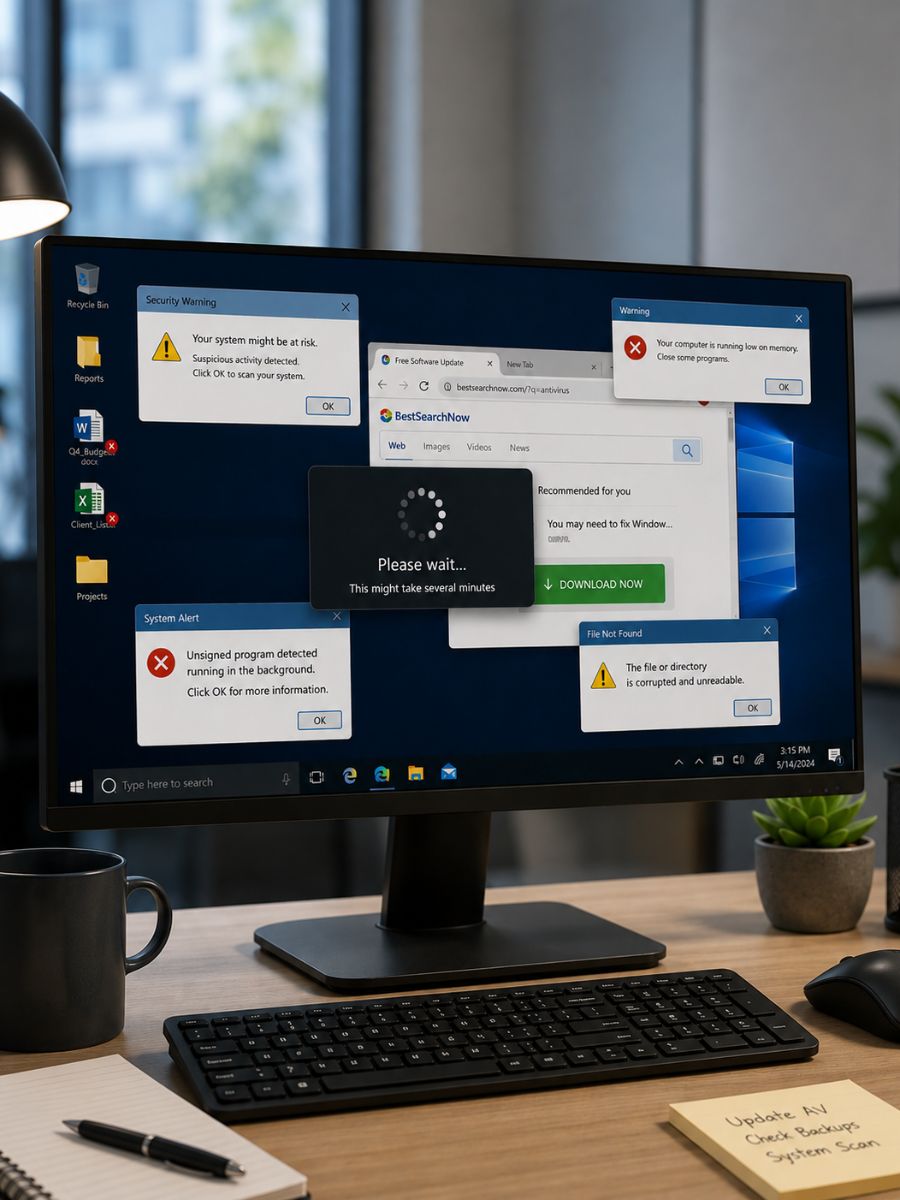
Most virus and spyware infections don't announce themselves with an obvious error message. They show up in ways that are easy to dismiss until the damage is already done.
Your computers are running slower than usual
A sudden drop in performance is one of the most common signs of malware running in the background consuming your system resources.
You're seeing strange pop-ups or behaviors
Unwanted ads, redirected searches, or new toolbars you didn't install are often signs of adware or spyware on your system.
Files are missing, changed, or inaccessible
If files have disappeared, been moved, or can't be opened, malware may be actively interfering with your data.
Your team is getting unusual error messages
Repeated crashes, unexpected shutdowns, or error messages that weren't there before are often symptoms of an underlying infection.
THINK YOUR SYSTEMS MIGHT BE INFECTED?
Don't wait for the problem to get worse. Let our local team take a look and get your business back on track.
WHY Tech365
Local Support That Actually Solves the Problem
Anyone can run a scan. Tech365 goes further by finding the source, removing the threat completely, and making sure your business stays protected after we're done.
An IT Partner, Not Just Another Vendor
We don't just clean your systems and walk away. We work alongside your business to make sure the same problem doesn't come back.
Built For Your Business
Every business environment is different. We tailor our approach to your systems, your data, and how your team actually works.
Ready When You Need Us
When something feels off, we're here. Our local Central Indiana team handles virus and spyware removal so your staff can get back to work.
Protecting What Matters
Your data is your business. After removal we put the right protections in place so your systems stay secure going forward.
Included In Your Managed IT Plan
Virus and spyware removal is part of your Tech365 managed IT plan, not an add-on you have to ask for.
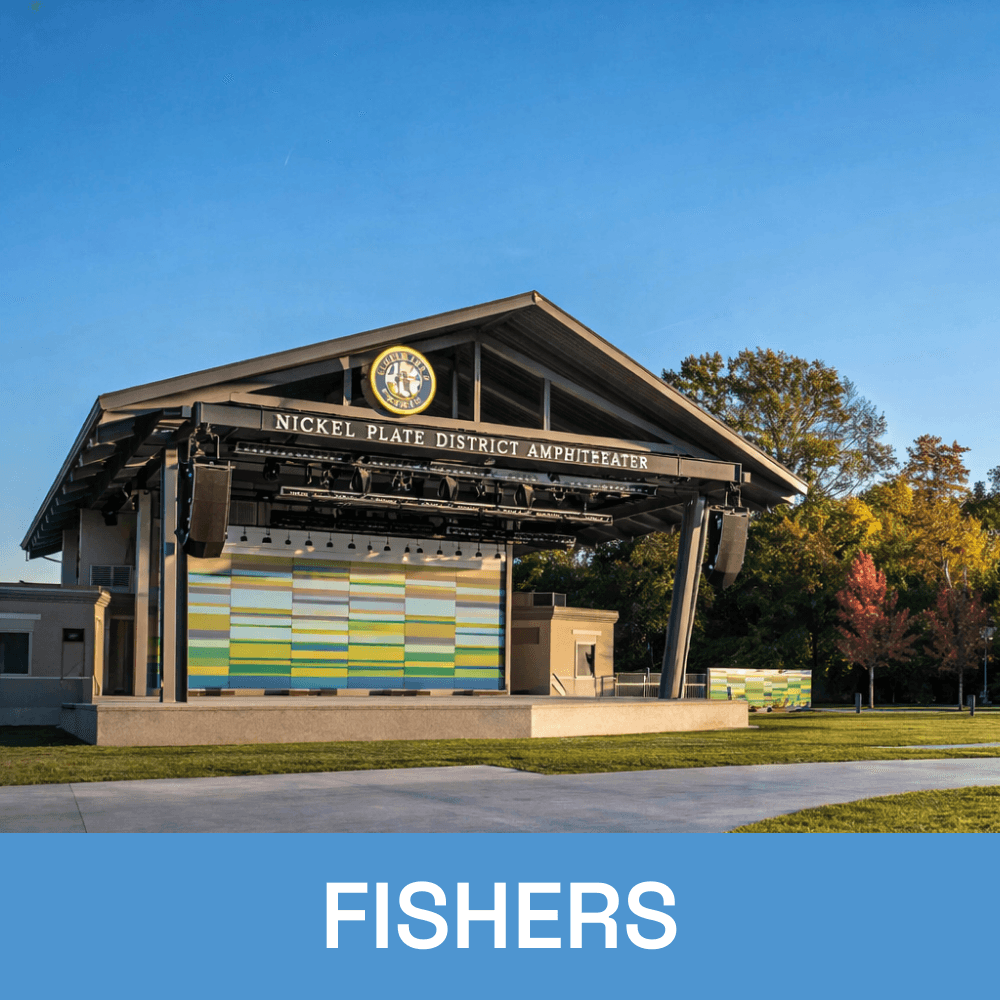
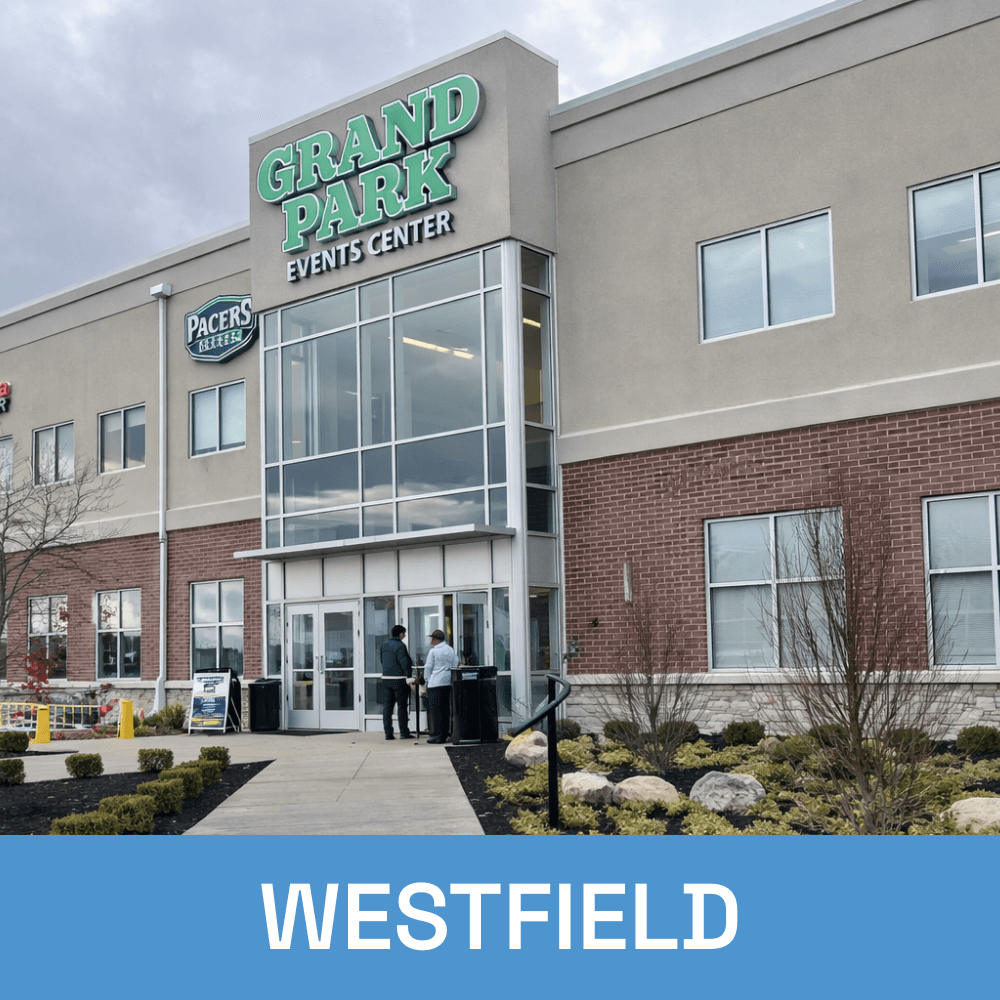
Local Virus & Spyware Removal Across Central Indiana