Remote Desktop Server For Central Indiana Businesses
Your team shouldn’t have to slow down because of where they’re sitting. Tech365 keeps your desktop environment running reliably so your people can work from anywhere, without IT headaches getting in the way.
LET'S CONNECT
Have a question or need help? Drop us a note below and we'll be in touch soon.
"*" indicates required fields
UNDERSTANDING REMOTE DESKTOP SERVER
What Is a Remote Desktop Server?
A remote desktop server is a central computer that hosts your business's apps, files, and desktop environment. Instead of everything living on each employee's individual machine, it all lives in one secure place that anyone on your team can access from anywhere.
It's not the cloud, it's your environment.
Unlike generic cloud storage, a remote desktop server gives your team a full working desktop, with the exact programs and files they use every day, accessible from any device.
Nothing sensitive lives on the laptop.
Because everything runs on the server, a lost or stolen device doesn't mean lost or stolen data. Your business information stays where it belongs.
It works the same whether you're in the office or not.
Your team logs in and picks up exactly where they left off, no VPNs to wrestle with, no files to transfer.
REMOTE DESKTOP SERVER
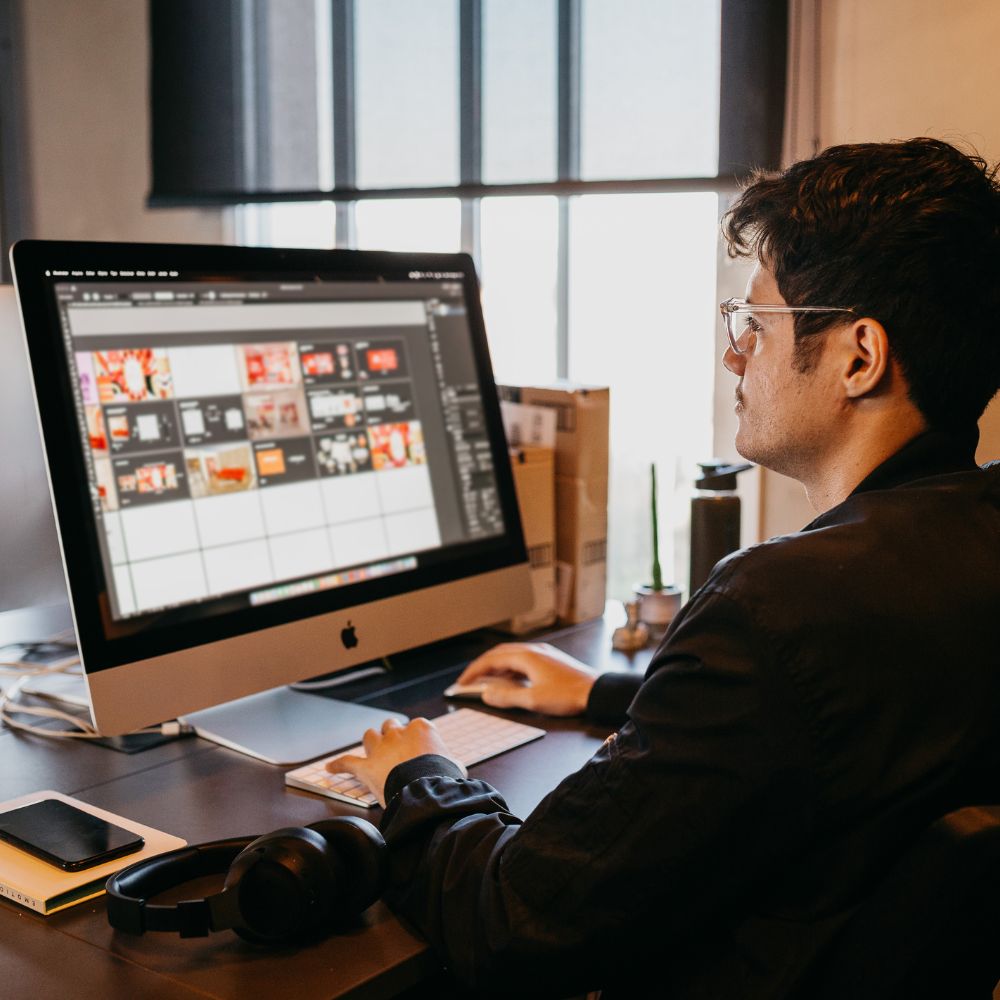
Work From Anywhere, On Any Device
When your files, apps, and desktop live on a central server, it doesn't matter if someone's at home, in the office, or on the road. Everyone stays connected, everything stays secure, and your IT stays simple.
ONE CENTRALIZED SYSTEM
LET'S START WITH A COMPLIMENTARY IT CONSULTATION
We’ll take a look at your current setup and help you figure out if remote desktop is the right move for your team.
HOW IT WORKS
Your Desktop Hosted In The Cloud
Setting up a remote desktop server doesn't have to be complicated. Tech365 handles everything from configuration to ongoing support so your team can get connected and stay that way.
Assessment & Setup
We start by understanding your team size, the apps you rely on, and how your people work. From there we configure a server environment built around your business, not a one-size-fits-all template.
Onboarding Your Team
We get every user set up with secure login access and walk them through connecting from their devices. Whether your team is fully remote, in the office, or somewhere in between, we make sure the transition is smooth.
Ongoing Support & Maintenance
Once you're up and running, we stay in your corner. Updates, user changes, troubleshooting, and monitoring are all handled by Tech365 so you're never on your own when something comes up.
WHY BUSINESSES USE RDS
The Smarter Way to Keep Your Team Working
When your desktop lives on a server instead of a single machine, your team stops being limited by where they are or what device they're on. Less downtime, fewer support calls, and no more "I left that file at the office."
Data Stays Off Devices
If a laptop is lost or stolen, your business data isn’t on it. Everything lives on the server.
Easy For Remote Teams
Remote and hybrid employees get the same experience as someone sitting in the office.
Simpler IT Support
Updates, patches, and software installs happen once on the server, not on every machine.
Lower Hardware Costs
Employees can use older or lower-cost devices since the heavy lifting happens server-side.
Not Sure If Remote Desktop Is Right for Your Business?
Let's find out together. A quick conversation with our team is all it takes to know if Remote Desktop Server is the right fit for you.

COMMON QUESTIONS
What Business Owners Ask Us
These are the questions we hear most from business owners who are new to remote desktop. If you don't see yours here, just reach out.
Is RDS hard to set up?
We handle the setup, configuration, and ongoing maintenance. Your team just logs in.
What if the internet goes down?
Users need an active internet connection to access the server. We can help you plan for connectivity redundancy if that's a concern.
Is Remote Desktop Server secure?
Yes. Access is controlled by user credentials, and all data stays on the server, not the endpoint device. We also apply security patches centrally.
How many users can connect at once?
It depends on the server configuration. We size it based on your team and usage patterns during onboarding.
Can I use my existing software?
In most cases, yes. We'll review your software during setup and make sure everything runs correctly on the server environment.
Local Remote Desktop Server Across Central Indiana