Comprehensive Tech Services: Managed IT Support, Network Management, Cloud Computing, Cybersecurity, and Remote Assistance Solutions
In today’s fast-paced digital landscape, businesses increasingly rely on comprehensive tech services to maintain operational efficiency and security. This article delves into the various facets of tech services, including managed IT support, network management, cloud computing, cybersecurity, and remote assistance solutions. Readers will gain insights into how these services can enhance business performance, streamline operations, and safeguard sensitive data. As organizations face mounting challenges in technology management, understanding these services becomes crucial for sustainable growth. We will explore the benefits of each service, the specific features they offer, and how they can be integrated into business operations effectively.
What Are Managed IT Support Services and Their Business Benefits?
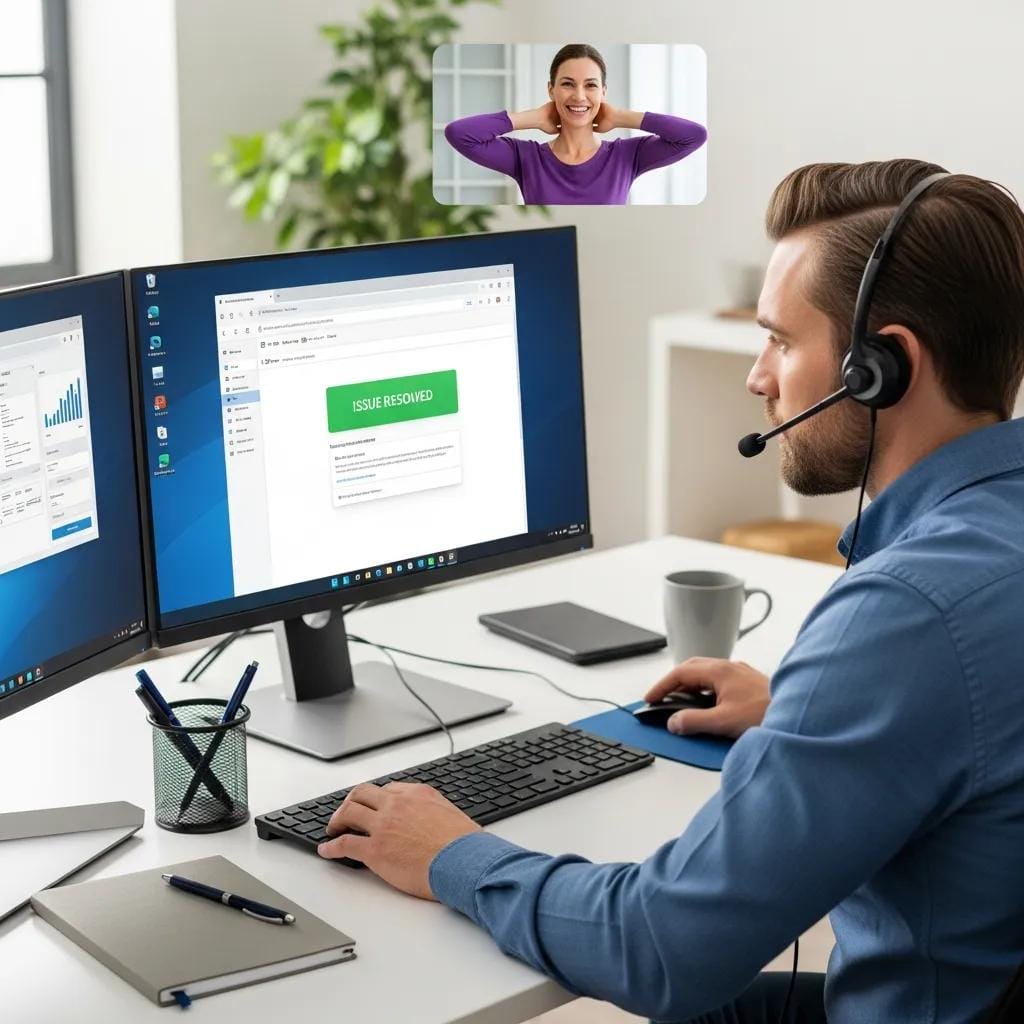
Managed IT support services encompass a range of proactive IT management solutions designed to enhance business operations. These services typically include monitoring, maintenance, and support for IT systems, ensuring that businesses can focus on their core activities without the burden of technical issues. By outsourcing IT management, companies can benefit from improved efficiency, reduced downtime, and enhanced security.
Which IT Support Services Are Included in Managed Tech Solutions?
Managed tech solutions often include a variety of IT support services, such as:
- Help Desk Services: Providing immediate assistance for technical issues, ensuring minimal disruption to business operations.
- Data Backup and Recovery: Regularly backing up critical data to prevent loss and ensuring quick recovery in case of data breaches, system failures, or disasters.
- Network Monitoring: Continuous surveillance of network performance to identify and resolve issues before they impact business operations.
These services integrate seamlessly into business operations, allowing for a more streamlined approach to IT management.
How Do Managed IT Services Improve Business Efficiency and Security?
Managed IT services significantly enhance business efficiency by automating routine tasks and providing expert support. For instance, regular system updates and maintenance reduce the risk of security vulnerabilities, while proactive monitoring ensures that potential issues are addressed before they escalate. Additionally, businesses that utilize managed IT services often experience improved response times to technical issues, leading to increased productivity and reduced operational costs.
How Do Network Management Solutions Optimize Business IT Infrastructure?
Network management solutions play a critical role in optimizing a business’s IT infrastructure. These solutions ensure that all network components function effectively, providing a stable and secure environment for data transmission and communication. By implementing robust network management practices, businesses can enhance their overall IT performance and reliability.
What Are Key Features of Effective Network Management Services?
Effective network management services typically include:
- Performance Monitoring: Tracking network performance metrics to identify bottlenecks and optimize resource allocation.
- Security Management: Implementing security protocols to protect against unauthorized access and cyber threats.
- Configuration Management: Ensuring that network devices are configured correctly to maintain optimal performance and security.
These features contribute to a more resilient IT infrastructure, enabling businesses to operate efficiently and securely.
How Does Network Management Include Security Monitoring and Maintenance?
Security monitoring is a vital component of network management, as it helps detect and respond to potential threats in real-time. Regular maintenance practices, such as software updates, patch management, and vulnerability assessments, further enhance network security. By integrating security monitoring into network management, businesses can protect their sensitive data and maintain compliance with industry regulations.
Why Choose Cloud Computing Providers for Scalable Business Solutions?
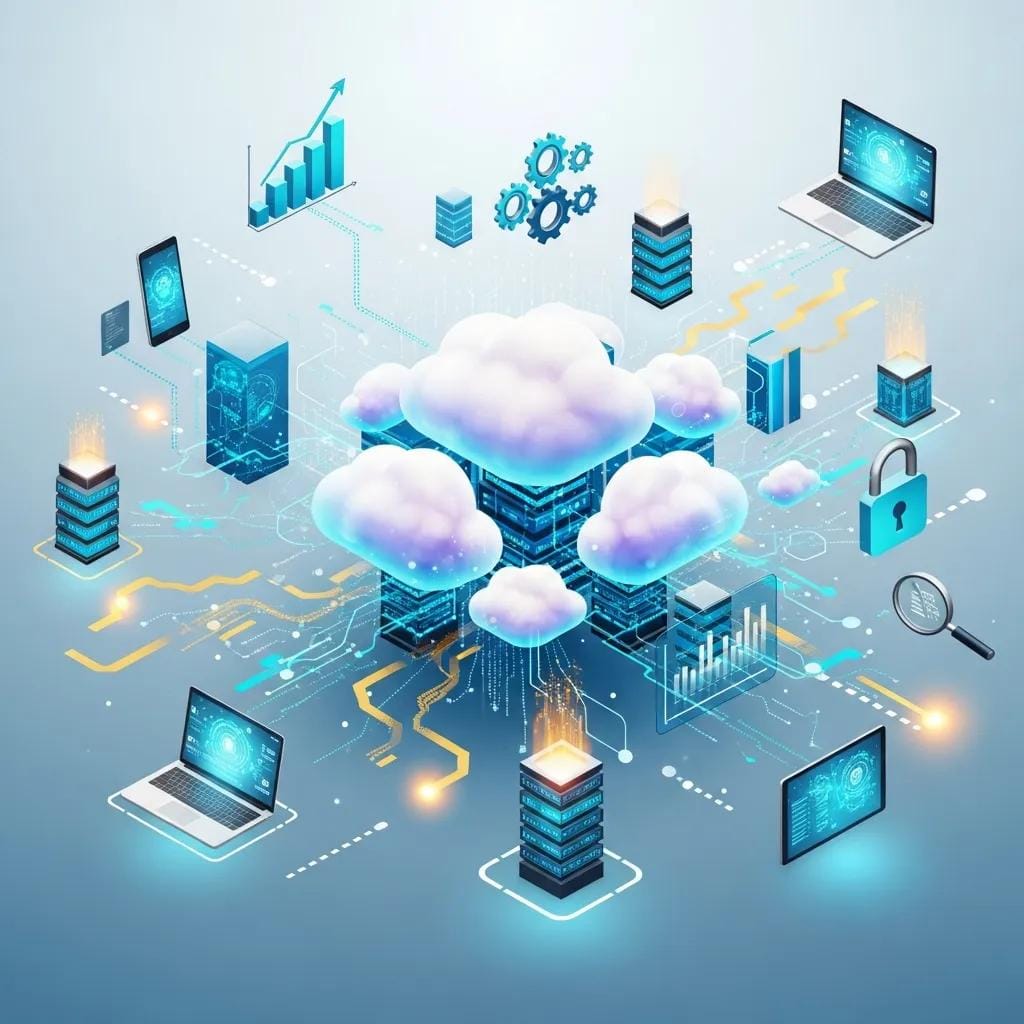
Cloud computing providers offer scalable solutions that can adapt to the changing needs of businesses. By leveraging cloud technology, organizations can access resources on-demand, reducing the need for significant upfront investments in hardware and infrastructure. This flexibility allows businesses to scale their operations efficiently as they grow.
What Cloud Services Are Offered by Leading Providers?
Leading cloud providers typically offer a range of services, including:
- Infrastructure as a Service (IaaS): Providing virtualized computing resources over the internet, allowing businesses to scale their IT infrastructure as needed.
- Platform as a Service (PaaS): Offering a platform for developers to build, deploy, and manage applications without the complexity of managing the underlying infrastructure.
- Software as a Service (SaaS): Delivering software applications over the internet, enabling users to access them from any device with an internet connection.
These services empower businesses to innovate and respond to market demands quickly.
How Does Cloud Migration Enhance Business Agility and Security?
Cloud migration enhances business agility by enabling organizations to deploy applications and services faster than traditional on-premises solutions. Additionally, cloud providers often implement robust security measures, such as data encryption (both at rest and in transit), multi-factor authentication, and regular security audits, to protect sensitive information. This combination of agility and security makes cloud computing an attractive option for businesses looking to stay competitive in a rapidly evolving market.
What Are Essential Cybersecurity Services to Protect Business Data?
Cybersecurity services are crucial for protecting business data from an ever-increasing array of threats. These services encompass a variety of strategies and technologies designed to safeguard sensitive information and maintain compliance with regulatory requirements.
Which Cybersecurity Solutions Are Included in Managed Tech Services?
Managed tech services typically include several cybersecurity solutions, such as:
- Firewall Protection: Implementing firewalls to monitor and control incoming and outgoing network traffic based on predetermined security rules.
- Intrusion Detection and Prevention Systems (IDS/IPS): Monitoring network traffic for suspicious activity and potential threats, with capabilities to block or mitigate attacks.
- Endpoint Protection: Securing devices connected to the network to prevent unauthorized access, malware infections, and data breaches.
These solutions work together to create a comprehensive security framework that protects business data.
How Do Cybersecurity Services Address Emerging Threats and Compliance?
Cybersecurity services continuously evolve to address emerging threats, such as ransomware, phishing attacks, zero-day vulnerabilities, and advanced persistent threats (APTs). By staying informed about the latest threats and compliance requirements, businesses can implement effective strategies to mitigate risks. Regular security assessments, penetration testing, employee training, and timely updates ensure that organizations remain resilient against new vulnerabilities and maintain compliance with standards such as GDPR, HIPAA, or PCI DSS.
Automated solutions are increasingly vital for maintaining compliance with stringent regulatory standards in dynamic cloud environments.
Automated Cloud Compliance: PCI-DSS & HIPAA in AWS
As the cloud native infrastructure gets more dynamic and complex, the level of difficulty maintaining its compliance with regulatory standards, such as PCI-DSS and HIPAA, pose challenges to DevOps teams. The traditional manual compliance verification methods are known to be time consuming, error prone and are in most cases taking to configuration drifts. This research proposes an automated solution using Terraform for infrastructure provisioning and Open Policy Agent (OPA) for policy enforcement within an AWS CodePipeline-based CI/CD workflow.
Designing and Scaling OPA for PCI-DSS and HIPAA Compliance in AWS, 2025
How Does Remote Tech Support Enhance IT Service Accessibility?
Remote tech support provides businesses with the ability to access IT assistance from anywhere, improving service accessibility and response times. This flexibility is particularly beneficial for organizations with remote or distributed teams, as it allows for quick resolution of technical issues without the need for on-site visits.
What Are the Benefits of Remote IT Support Services?
Remote IT support services offer several advantages, including:
- Cost Savings: Reducing the need for on-site support can lead to significant cost savings for businesses.
- Increased Efficiency: Quick access to technical support minimizes downtime and keeps operations running smoothly.
- User Satisfaction: Providing timely assistance enhances the overall user experience and satisfaction with IT services.
These benefits make remote tech support an essential component of modern IT service delivery.
Further research highlights the importance of user satisfaction in government remote services, especially with the rapid increase in telecommuting.
Enhancing Remote Work Services: GVPN User Satisfaction
As the social distance has been strengthened by the COVID-19 Pandemics, telecommuting has spread, and government agencies have also begun telecommuting since March and are still maintaining a certain level. The Government’s remote work service, Government Virtual Private Network (GVPN), which is essential to telecommuting of government agencies, is expected to cause a number of problems with the rapid increase in users in a short period of time. Therefore, a survey and statistical analysis were conducted to analyze the impact of the quality factors of GVPN on the users’ satisfaction to the public officials of the government departments who are directly using it, and based on these results, we intend to derive the implications necessary for the improvement of GVPN for remote work in preparation for the full-fledged spread of the non-contact era.
A Study on the Influence of Quality Factors on User Satisfaction in Government Remote Service (GVPN):
Focused on Users of Government Department, Y Shin, 1993
How Is Remote Assistance Integrated with Other Managed Tech Services?
Remote assistance can be seamlessly integrated with other managed tech services, such as cybersecurity and network management. This integration allows for a holistic approach to IT support, ensuring that all aspects of a business’s technology infrastructure are monitored and maintained effectively. By leveraging remote assistance, businesses can enhance their overall IT service delivery and responsiveness.
How to Choose the Right Tech Service Provider for Your Business Needs?
Selecting the right tech service provider is crucial for ensuring that your business’s IT needs are met effectively. A well-chosen provider can enhance operational efficiency, improve security, and support business growth.
What Criteria Should Businesses Use to Evaluate IT Service Providers?
When evaluating IT service providers, businesses should consider the following criteria:
- Experience and Expertise: Assessing the provider’s experience in the industry and their expertise in relevant technologies.
- Service Offerings: Ensuring that the provider offers a comprehensive range of services that align with your business needs.
- Customer Support: Evaluating the quality and availability of customer support to ensure timely assistance when needed.
These criteria help businesses make informed decisions when selecting a tech service provider.
How Do Emerging Trends Like AI and Sustainability Influence Tech Service Choices?
Emerging trends, such as artificial intelligence (AI) and sustainability, are increasingly influencing tech service choices. Businesses are looking for providers that leverage AI to enhance service delivery, automate routine tasks, and improve operational efficiency. Additionally, sustainability considerations are prompting organizations to seek eco-friendly solutions that minimize their environmental impact, such as energy-efficient data centers and green IT practices. By aligning with these trends, businesses can position themselves for future success.
Indeed, the integration of Artificial Intelligence into IT Service Management is revolutionizing how businesses achieve efficiency, security, and automation.
AI for IT Service Management: Efficiency, Security & Automation
This document explores the transformative role of Artificial Intelligence (AI) in IT Service Management (ITSM), emphasizing workflow optimization, efficiency enhancements, and security improvements. By integrating technologies like Machine Learning (ML), Natural Language Processing (NLP), Robotic Process Automation (RPA), and predictive analytics, AI automates repetitive tasks (e.g., ticket routing, password resets), enables proactive incident resolution, and strengthens cybersecurity through real-time anomaly detection. Key benefits include reduced Mean Time to Resolution (MTTR), cost savings (20–40%), and improved compliance with regulations like GDPR.
AI-Powered Workflow Optimization in IT Service Management: Enhancing Efficiency and Security, 2020