WiFi & Wireless Networking For Your Business
Slow, unreliable WiFi can disrupt your entire business. We design and install wireless networks that deliver consistent coverage, strong performance, and dependable connectivity across your space.
LET'S CONNECT
Have a question or need help? Drop us a note below and we'll be in touch soon.
"*" indicates required fields
WIFI & WIRELESS NETWORKING
Wireless Networks That Actually Work for Your Business
WiFi isn’t just about getting a signal, it’s about keeping your business connected without interruptions. We design and install wireless networks that deliver consistent coverage, secure access, and reliable performance across your entire space.
SECURE WIFI ACCESS
LET'S START WITH A COMPLIMENTARY IT CONSULTATION
Let’s review your WiFi setup and identify what’s causing slow speeds, dead zones, or unreliable connections.
WHAT WE DO
WiFi & Wireless Networking Built For Your Business
We design, install, and optimize wireless networks that keep your business connected without interruptions. Whether you’re setting up new WiFi, upgrading coverage, or fixing ongoing issues, we handle everything from start to finish.
Tech365 delivers stable WiFi with:
WHAT WE INSTALL
WiFi & Wireless Networking For Every Space
Your wireless network should support how your business actually operates, not slow it down. We design and install WiFi systems that deliver consistent coverage, strong performance, and reliable connectivity across your entire space.
Business WiFi & Coverage
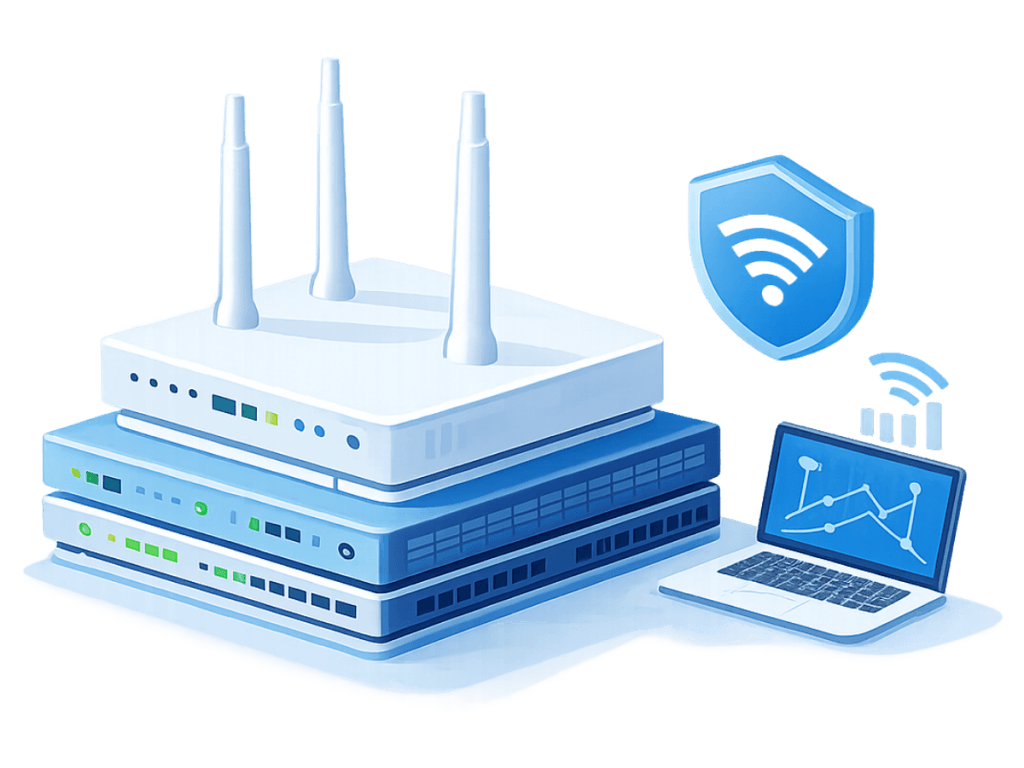
Access Points & Network Hardware
Performance & Optimization
Upgrades & Wireless Improvements
REAL-WORLD WIFI INSTALLATIONS
WiFi Solutions Across Real Business Environments
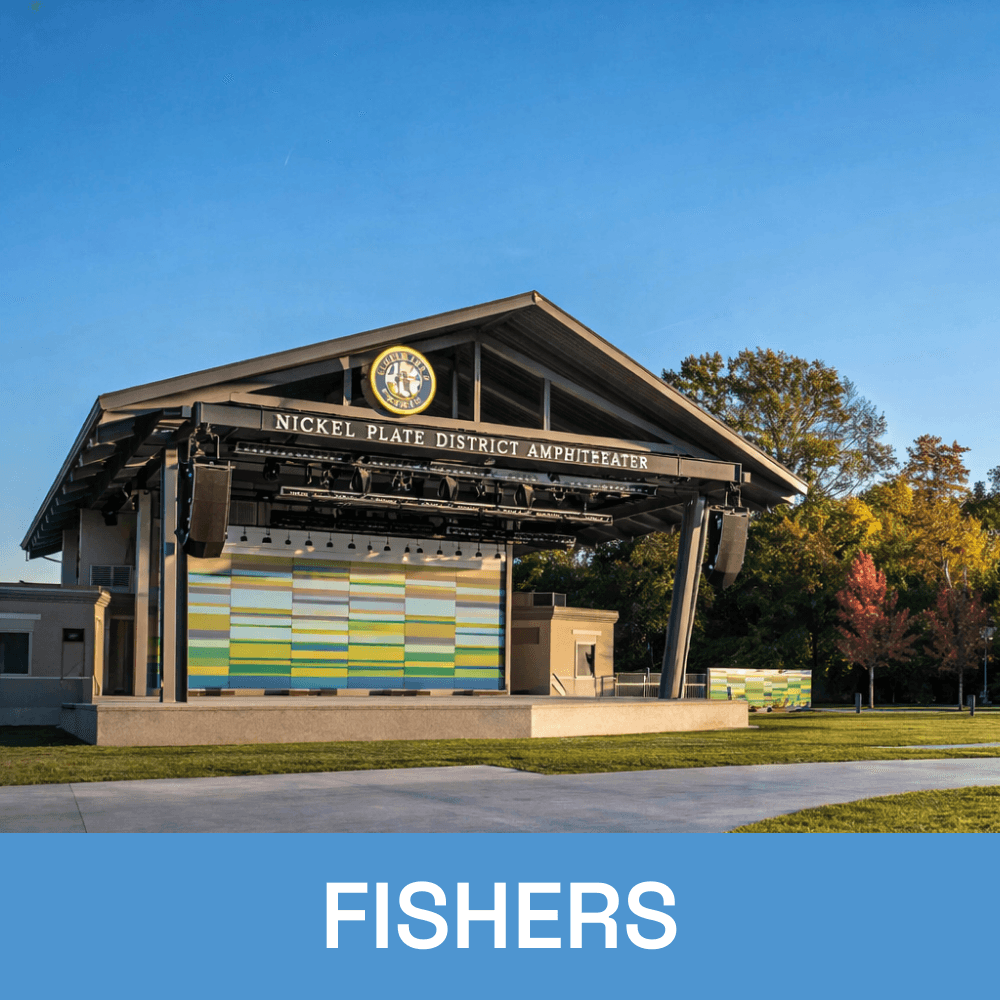
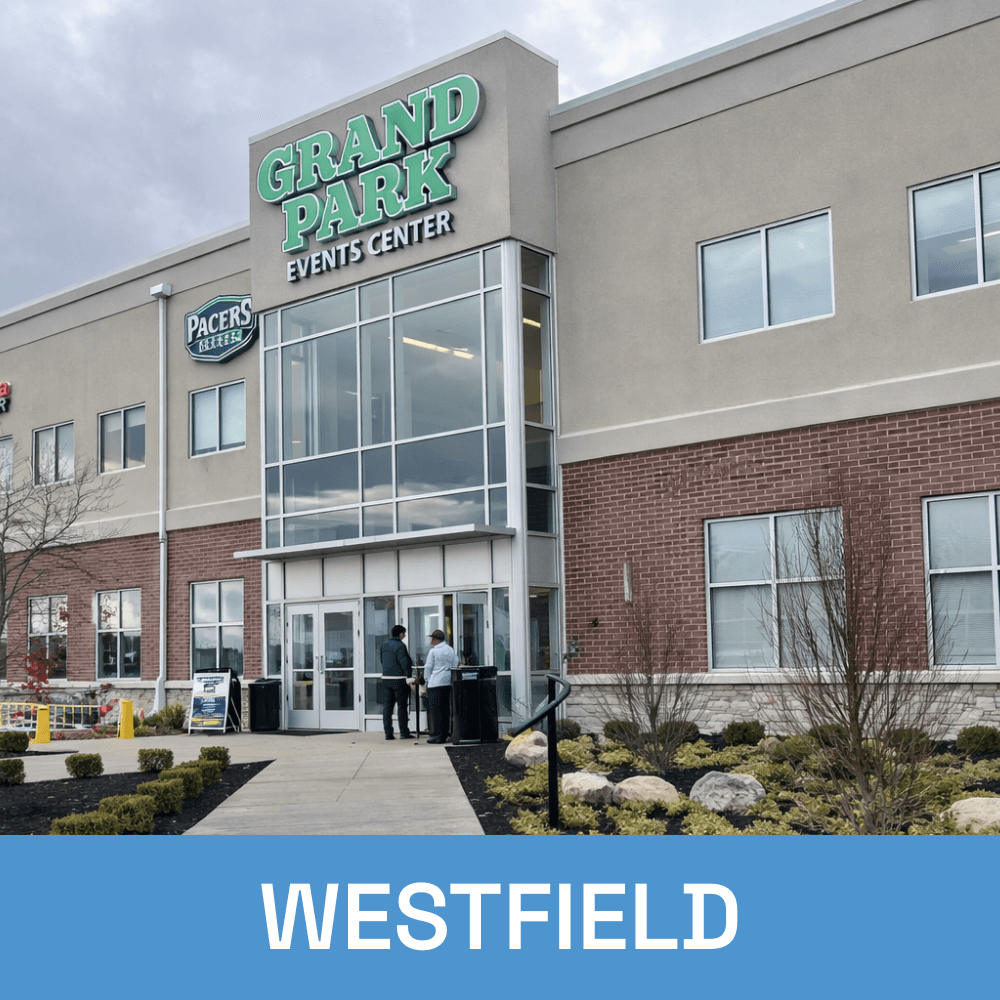
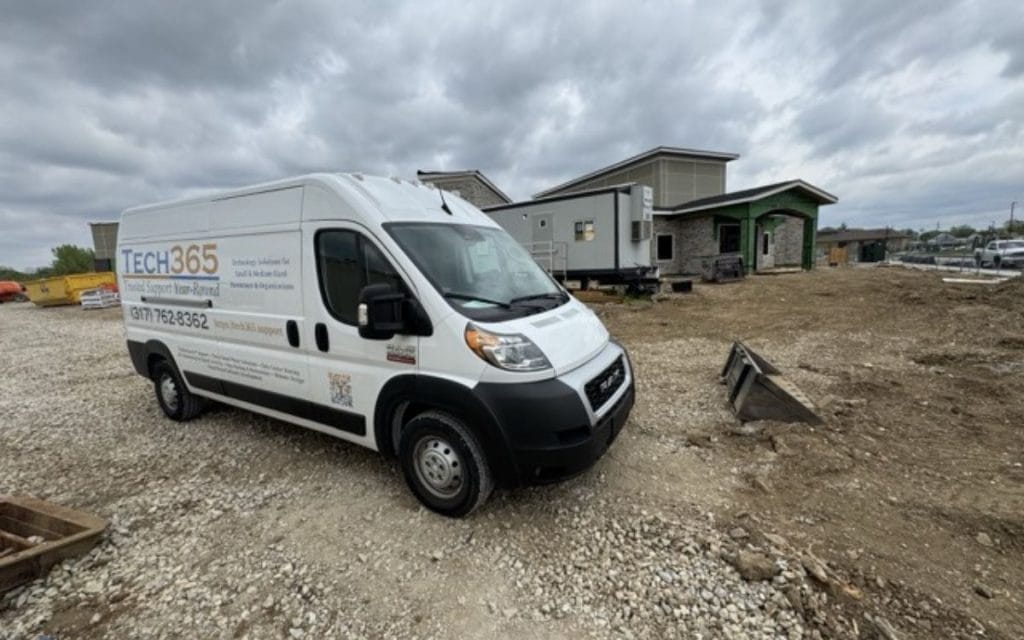
Every wireless network is designed around how your business actually operates, not a one-size-fits-all approach. These are examples of WiFi installations across different environments, each built for reliable coverage, performance, and long-term use.
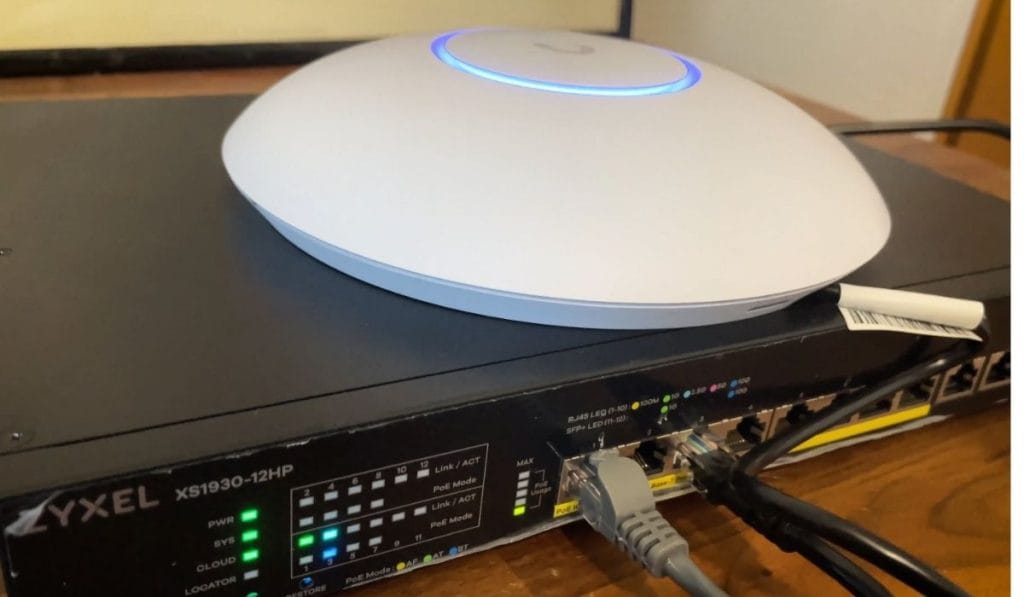
Consistent WiFi performance and standardized network setup across one or multiple locations, built to scale with your business.
Reliable WiFi coverage designed for large, open areas and complex layouts, ensuring strong connectivity around equipment and throughout your space.
WiFi designed to support meetings, video calls, and high device usage without slowdowns or dropped connections.
LET’S DESIGN YOUR WIFI THE RIGHT WAY
Let’s take a look at your space, coverage needs, and current setup to build a wireless network that actually works for your business.
WIFI GAPS & PERFORMANCE ISSUES
Where WiFi Problems Slow Your Business Down
When your wireless network isn’t designed or installed correctly, issues show up in your day-to-day operations. These problems lead to slow performance, dropped connections, and constant frustration for your team.
Unreliable WiFi Network
Dead zones leave parts of your space without coverage
Slow speeds impact productivity and daily work
Dropped connections interrupt calls and operations
Overloaded networks struggle during peak usage
Inconsistent performance across different areas
Network issues that keep coming back instead of getting fixed
Reliable WiFi With Tech365
Consistent coverage across your entire space
Faster, more stable network performance
Reliable connections for meetings and daily operations
Network designed to support devices and usage demands
Even performance across offices, rooms, and work areas
Long-term solutions that prevent repeat issues
THE INSTALLATION PROCESS
From Planning to Installation
Each installation follows a clear sequence to make sure systems are placed correctly and work as expected. The goal is to avoid gaps, reduce rework, and make sure everything runs reliably from day one.

Site Walkthrough & Planning
Review your space, usage, and coverage areas to determine access point placement and network requirements.

System Design & Layout
Map out access points, coverage zones, and network structure based on how your team works and uses WiFi.

Installation &
Setup
Install access points, hardware, and connections, then configure everything for performance, security, and reliability.

Testing &
Handoff
Test coverage, speeds, and stability, then walk you through your setup so everything is clear and ready to use.

WHY CHOOSE Tech365
Built for Reliable WiFi From Start To Finish
A reliable wireless network starts with proper design and doesn’t stop after installation. We focus on doing the work right, building for performance, and making sure your WiFi continues to support your business as it grows.
After-Hours Installation
Work is scheduled around your business to avoid disruptions during operating hours.
Professional Installation Team
Installers focus on clean work, proper placement, and systems that function reliably.
End-to-End Ownership
Planning and installation are handled as one process with clear accountability.
Integrated with White Glove Managed IT
Your WiFi is supported as part of your broader IT environment.
Built To Scale
Wireless networks designed to support more users, devices, and locations.
Ongoing Support
Support is available after installation to keep systems working as expected.
Local WiFi & Wireless Networking Across Central Indiana