White Glove Managed IT In Indiana


WHITE GLOVE MANAGED IT
Comprehensive IT Support With One Monthly Plan
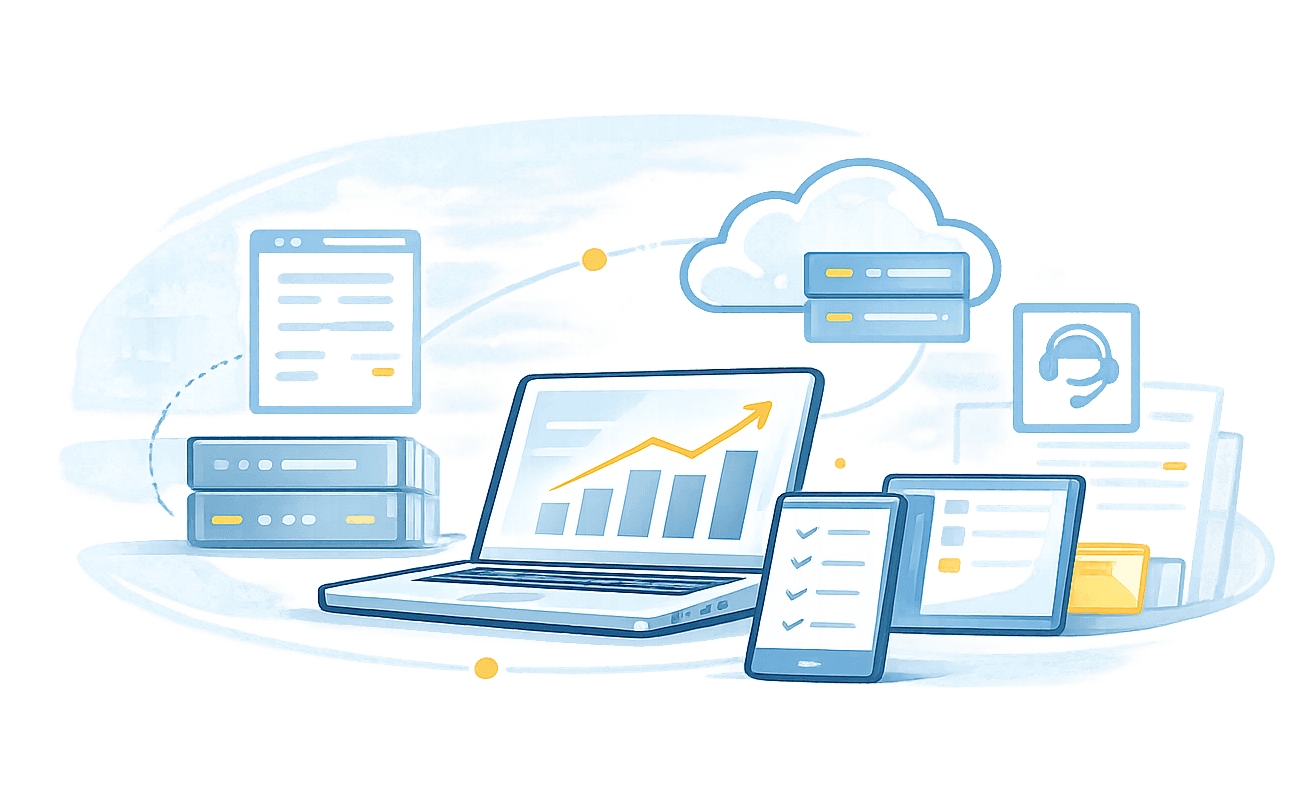
Tech365 managed your IT like it's our own. With one monthly plan, support, security, monitoring, and backups are handled as one system.

What's Covered With White Glove Managed IT
White Glove Managed IT is designed to eliminate vendor juggling and "that's not included" conversations.
24/7 MONITORING & PROACTIVE FIXES
SECURITY & VIRUS PROTECTION
MANAGED BACKUPS & RECOVERY
MICROSOFT OFFICE365 SUPPORT
LET'S START WITH A COMPLIMENTARY IT CONSULTATION
Let’s have a clear conversation about your IT, your questions, and what support would actually help.

THE DAY-TO-DAY EXPERIENCE
How Managed IT Changes Your Business
When IT is handled consistently, it stops demanding attention. Work moves forward without constant interruptions, surprise issues, or last-minute scrambles. Decisions feel easier, changes feel more controlled, and technology supports the business instead of pulling focus away from it.
Working with Tech365 has been one of the best decisions for our business. They handled everything from basic IT to complex audio and video systems with skill, efficiency, and care. If we could give them 7 stars, we would!
Omer Ali, Kick Starrt Coffee
SUCCESSFUL IT FOR YOUR BUSINESS
Complete IT Management With One Monthly Plan
Local, business-focused IT with 24/7 protection, proactive support, and both onsite and remote service in one plan.
WE SECURE IT
- IT Risk Assessment
- Managed Firewalls
- Secure Remote Access
- Data Loss Prevention
- Encrypted Backup & Recovery
- Email Security & Phishing Awareness
- 24/7 Monitoring & Endpoint Detection
- Security Audit Logs & Reporting
- Multi Factor Authentication
- Identity Access Management
- Security Policy & Compliance Review
WE SUPPORT IT
- Remote Helpdesk
- Onsite Technicians
- Strategic IT Advisory
- Hosted Business Phone
- Video & Chat Support
- End-User Training
- Hardware Support
- Software Support
- New User On/Offboarding
- Network Troubleshooting
- After-Hours & Emergency Support
WE SUSTAIN IT
- Business Continuity
- On/Off-Site Backups
- New Tech Budgeting
- Compliance & Risk Management
- System Integrations
- Application Support
- Asset Tracking & IT Documentation
- Paid & Organic Marketing
- New Office/Relocation Install & Setup
- Lifecycle Refresh & Secure Disposal
- Quarterly Business Reviews
Our Promise
Technology should never slow your business down. We manage your IT with intention so decisions feel easier and work moves forward.
Tech365 is incredibly responsive and consistently delivers thoughtful, reliable IT support whenever it is needed. I trust them fully with our technology, and they have always followed through with high quality service and strong attention to detail.
Bryan Stoffel, Stoffel Law LLC
THE Tech365 DIFFERENCE
Why Local Businesses Choose Tech365
We keep operations running, systems secure, and your team supported.
An IT Partner, Not Just Another Vendor
We do more than fix things when they break. We work alongside your business to keep all tech systems running so you can focus on growth, not IT issues.
Built For Your Business
Every business is different. We support the way you work plus the connections between your applications, devices, & systems so everything runs seamlessly.
Ready When You Need Us
Downtime costs time and money. If something goes wrong, we respond fast with remote help and onsite visits to keep your business moving forward.
Protecting What Matters
Your data is your business. We keep you secure with safeguards, verified backups, and audit-ready documentation so you can operate with confidence.
Scalable Growth
Adding employees, devices, or a new location? We plan and set up the tech, onboard new staff, and make sure Wi-Fi, phones, and systems just work.
SMART IT MADE SIMPLE
Our Process For White Glove Managed IT
Learn Your Environment
We start by understanding how your business runs, who uses your systems, and what matters day to day.
Build The Foundation
Systems, access, security, and documentation are organized into a clear setup to reduce issues.
Support Daily Operations
Technology is maintained so work continues smoothly and help is available when issues come up.
Plan For What’s Next
As your business changes, technology decisions are guided by long-term stability and budget.
MANAGED IT AT WORK
Turning Common Issues Into Non-Issues
Most technology issues start small. Managed IT is about catching them early and addressing them before they interrupt your team or slow the business down.
These are common situations businesses face. Managed IT keeps them from becoming real problems:
Backups Fail When They Matter Most
Backups are monitored and tested regularly so data is available when it’s needed.
Too Many People Have Access
Access is reviewed and adjusted so the right people have the right permissions.
Suspicious Emails Look Convincing
Email protections and user guidance reduce the risk of harmful messages getting through.
Security Feels Disconnected
Security tools are managed together so protection stays consistent and clear.
Updates Interrupt the Workday
Updates are scheduled and managed to minimize disruption during work hours.
Problems Appear Without Warning
Systems are watched continuously so issues are noticed and handled early.
Technology Decisions Are Reactive
Planning and regular reviews help decisions stay thoughtful instead of rushed.
Growth Creates New Gaps
As the business grows, systems are adjusted to stay aligned and supported.
System Details Are Hard to Find
Important system information is organized and documented in one place.
After-Hours Issues Go Unseen
Monitoring continues outside business hours so issues are addressed promptly.
IF ANY OF THESE SOUND FAMILIAR, LET'S TALK
Give us a call to talk with a White Glove IT Support Specialist.
SERVICES OVERVIEW
How We Deliver Managed IT
Clear Technology Standards
Consistent systems make issues easier to prevent, manage, and resolve.
Proactive Monitoring & Maintenance
Systems are monitored to catch issues early and keep work moving.
Built-In Security & Protection
Security is built into how systems, access, and data are managed.
Reliable Backup & Recovery
Data is protected and recoverable if something unexpected happens.
Support That Adapts As You Grow
Technology support adjusts as your business grows and changes.
WHY SECURITY MATTERS
Clear Security Standards For Business
Unsecured Network
Secured Network With Tech365
Security audits fail or risks go unnoticed
Security aligns with industry standards and expectations
Employees fall for phishing emails
Suspicious emails are filtered before reaching inboxes
Intrusions remain unnoticed for days
Unusual activity is flagged and brought to attention
Malware bypasses outdated protection
Enterprise level anti-malware protection
Guest WiFi exposes business systems
Staff and guest WiFi access are kept separate
Open ports leave systems exposed
Network entry points are controlled and limited
Sensitive data is sent without protection
Data is shared using secure methods
Unauthorized logins go unchecked
Access activity is tracked and reviewed
Vulnerabilities remain unpatched
Updates are applied on an ongoing basis
No backups leave files unrecoverable
Backups are maintained with recovery planning
WHY SECURITY MATTERS
Clear Security Standards For Business
Secured Network With Tech365
Suspicious emails are filtered before reaching inboxes
Stops the most common entry point for attacks
Unusual activity is flagged and brought to attention
Catches problems early instead of after damage is done
Staff and guest access are kept separate
Prevents visitors or personal devices from reaching business systems
Network entry points are controlled and limited
Reduces exposure to outside threats
Backups are maintained with recovery planning
Ensures the business can recover if something goes wrong
Security aligns with industry standards and expectations
Helps avoid audit issues and insurance problems
Enterprise-level anti-malware protection
Protects systems from common and advanced threats
Updates are applied on an ongoing basis
Closes security gaps before they can be exploited
ENDPOINT DETECTION & RESPONSE
Stronger Protection For Every Device
Your team depends on their computers to get the job done. We monitor every device in your company in real time to catch digital threats before they can lock your files, steal your data, or bring your workday to a halt.
WHY DEVICE PROTECTION MATTERS
RANSOMWARE HIT 67% OF ORGANIZATIONS IN 2024
Early detection and rapid response are critical to stopping threats before they spread.
Source: Sophos State of Ransomware 2024

See how proactive IT protection helps reduce risk across your business.
Your team depends on their computers to get the job done. We monitor every device in your company in real time to catch digital threats before they can lock your files, steal your data, or bring your workday to a halt.
WHY DEVICE PROTECTION MATTERS
RANSOMWARE HIT 67% OF ORGANIZATIONS IN 2024
Early detection and rapid response are critical to stopping threats before they spread.
Source: Sophos State of Ransomware 2024
COMPLIANCE & DATA PRIVACY
Clear Standards for Data & Access
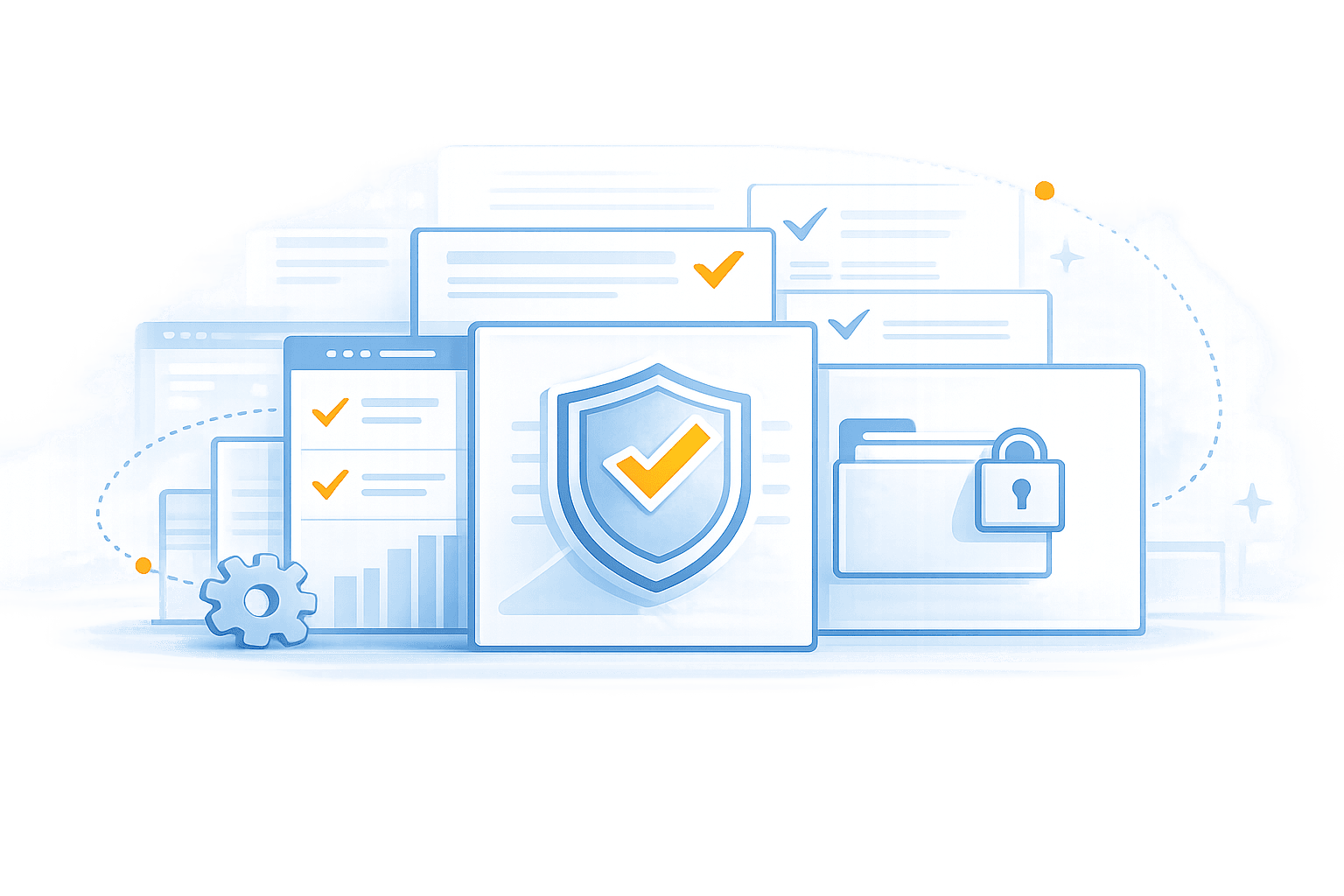
Compliance is not about paperwork or red tape. It is about protecting your data, your reputation, and your ability to keep doing business. With Tech365, compliance is built into how your technology is set up, secured, and supported so expectations are met without added stress.
Clear Access Controls
The right people have the right access, and nothing more.
Audit-Ready Documentation
Records are organized and available when questions come up.
Protected Business Data
Sensitive information is secured across systems, devices, and users.
Consistent Security Standards
Technology is set up to meet industry and insurance expectations.
Compliance That Scales With You
As your business grows, protections stay aligned and up to date.

REMOTE & ONSITE TECH SUPPORT
Support That Keeps Your Business Operating
Most issues are resolved remotely to limit disruption. Onsite support is used when physical access is required.
Reliable Remote Support Includes:
DATA BACKUP & DISASTER RECOVERY
Data Backups Are Not An Option
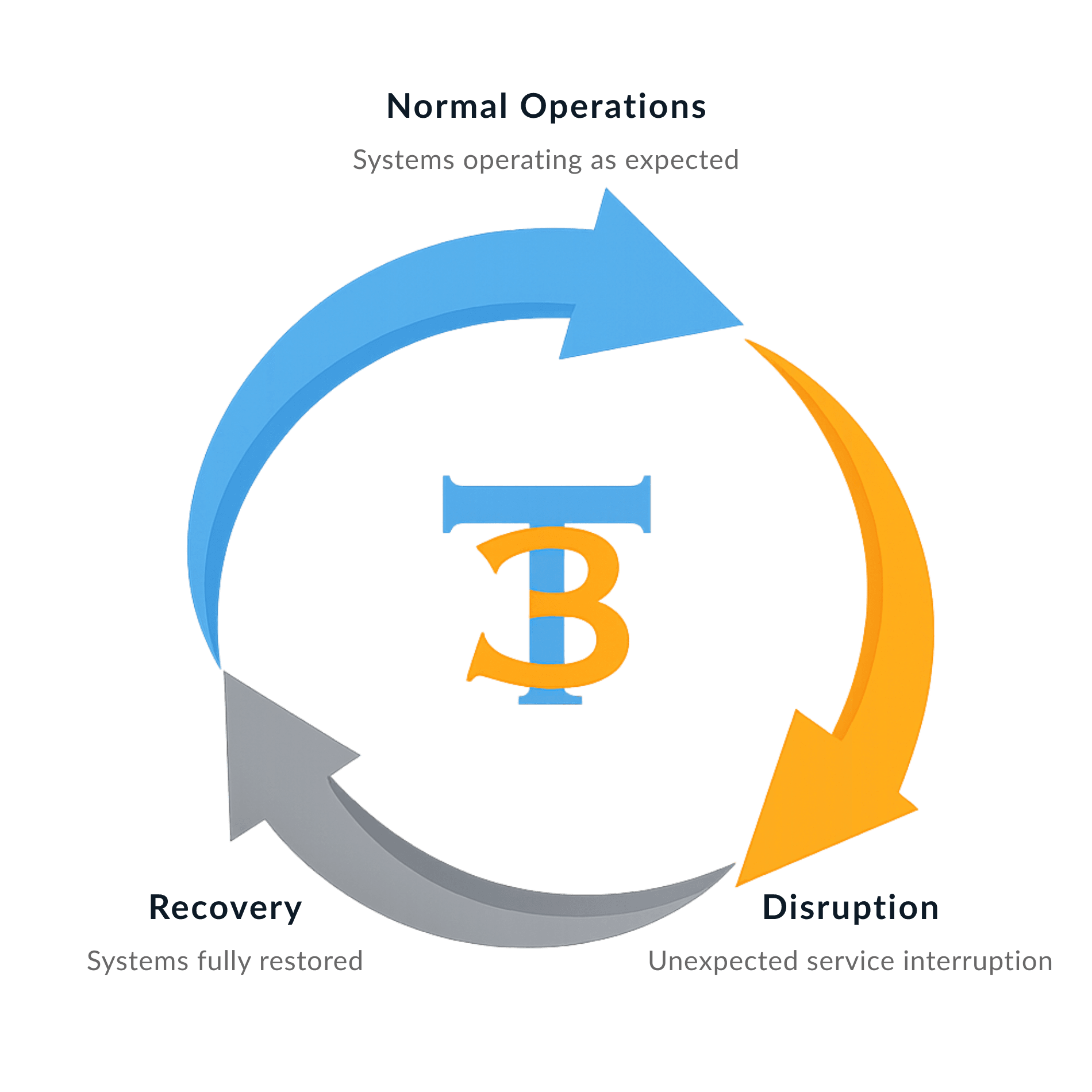
Backup and disaster recovery are required for every White Glove Managed IT client because reliable support depends on reliable recovery.
SOFTWARE & VENDOR SUPPORT
Coordinated Software & Vendor Management
Software, systems, and vendors all need to work together for your business to run smoothly. Tech365 manages the coordination behind the scenes so your team doesn’t have to.
What We Take Off Your Plate:
HOSTED BUSINESS PHONE
Connecting Teams and Customers Clearly
Clear communication keeps your business moving. Tech365 provides hosted business phone systems that are reliable, easy to manage, and designed to support teams as they grow and change.
What's Included?
✓ Unlimited users and extensions
✓ Auto attendant and call routing
✓ Voicemail delivered directly to email
✓ Mobile and desktop apps for flexible work
✓ Call handling built for busy offices
✓ Clear call quality with consistent performance
✓ Auto attendant and call routing
✓ Voicemail delivered directly to email
✓ Mobile and desktop apps for flexible work
✓ Call handling built for busy offices
✓ Clear call quality with consistent performance
The Tech365 Advantage
✓ Simple setup with ongoing support
✓ Local, in house support team
✓ Scales easily for teams of any size
✓ No outsourced call centers
✓ Predictable phone costs without losing quality
✓ Secure voicemail with protected data storage
✓ Local, in house support team
✓ Scales easily for teams of any size
✓ No outsourced call centers
✓ Predictable phone costs without losing quality
✓ Secure voicemail with protected data storage
THE MANAGED IT MODEL
Technology Works Better Together
Your business depends on many connected systems working at the same time. Managed IT ensures those systems are managed together, not separately.
Secure Foundation
Everything starts with a strong, secure base. Devices, networks, and data are protected through consistent standards, active monitoring, and reliable backups. This foundation reduces risk, minimizes disruption, and creates the trust your business needs to operate with confidence.

Reliable Day-To-Day
With a secure foundation in place, day-to-day work runs more smoothly. Systems stay online, issues are addressed quickly, and employees can focus on their jobs instead of technology problems. Reliable support reduces friction and keeps productivity moving forward.
Connected Operations
Technology touches every part of the business. Managed IT brings devices, software, users, and vendors into one coordinated system. Fewer gaps, clearer ownership, and better alignment mean issues are resolved faster and nothing falls through the cracks.

Planned Growth
As your business evolves, your technology should support that growth, not slow it down. Managed IT includes lifecycle planning, scalability, and forward-looking guidance so technology decisions are intentional, budgets are predictable, and growth feels manageable instead of reactive.
RELATIONSHIPS OVER INVOICE
What Partnership Means To Tech365
We're There When You Need Us
Onsite, by phone, or remote, we resolve issues & keep your team productive.
We Learn Your Business
We listen first, then tailor support that fits your goals, systems, & growth plans.
We Support Your Whole System
We align tech, security, & strategy so everything runs smoothly together.
We're Here For The Long Haul
We guide your growth & innovation with steady, realiable local IT support.
BUSINESSES WE SERVE
IT Support Designed For Real-World Business
Tech365 provides managed IT services for businesses across many industries. We support the systems that keep daily operations running.
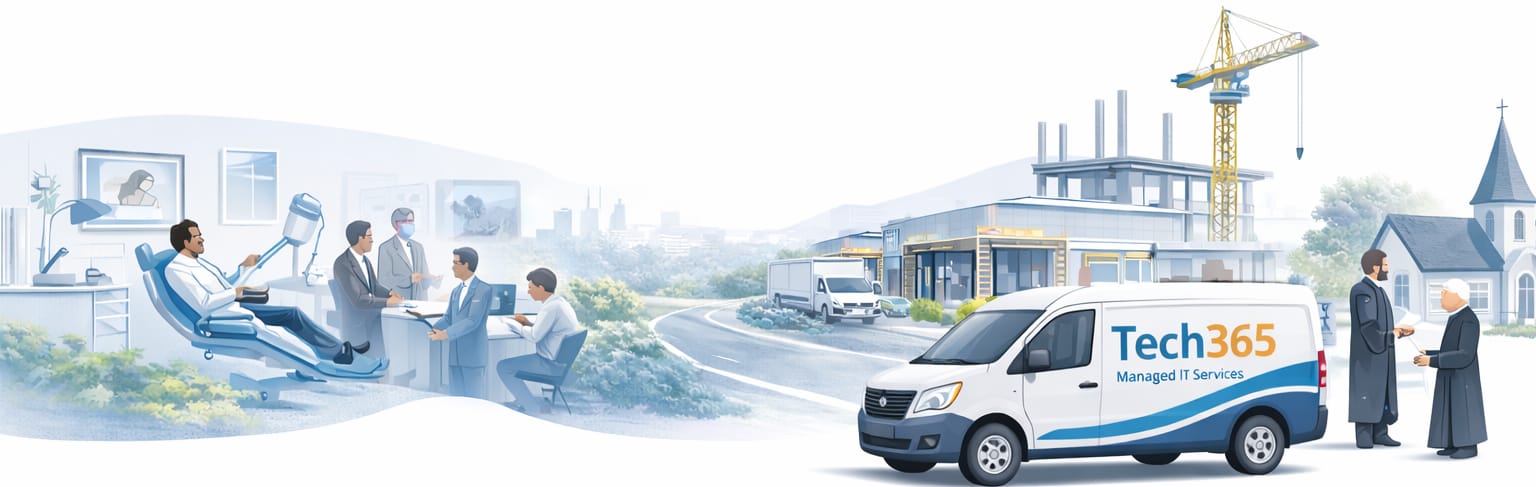
Medical Practices
EHR Support, HIPAA Compliance, Secure Data, X-Ray Devices, & Tech Support

Types of Medical Practices We Support
Legal & Law Firms
LPMS Support, Ethical Compliance, Secure Data Management, & E-Discovery

Small Businesses
24/7 Help Desk, Cybersecurity, Secure Backups, Cloud Integration, & IT Strategy

Types of Small Businesses We Support
Types of Small Businesses We Support
Accounting & CPA Firms
Tax Software Support, IRS Compliance, Client Data Security, Cloud Access, & Audit-Ready Technology

Types of Accounting Firms We Support
Types of Accounting Firms We Support
Transportation
TMS & WMS Support, DOT Compliance, Fleet Management, & Cloud Support

Nonprofit Organizations
Donor CRM Support, Grant Compliance, Data Security, Budget Optimization, & IT Support

Education
CCTV & Access Control, Safety Compliance, Network Management, Data Protection, & Tech Support

Construction Services
Project Software Support, Safety Compliance, Cloud Services, Data Management, & Asset Tracking