
Remote, Cloud, & Helpdesk Support


DAY TO DAY SUPPORT
Unlimited Remote IT Support for Daily Operations
From login issues to system slowdowns, your team relies on technology to work every day. Our unlimited remote support keeps problems from turning into disruptions.
INTERNET CONNECTIVITY
SECURITY CONCERNS
SOFTWARE & EMAIL ISSUES
SLOW DEVICES & TECH
UNLIMITED REMOTE TECH SUPPORT FOR BUSINESS
Get help for everyday IT issues with unlimited remote support from our local team.
REMOTE SUPPORT MODEL
Unlimited Remote Support Backed by Structure
From login problems to slow systems and security concerns, these are the issues businesses deal with every day. Our team handles them through responsive remote support and dependable onsite help when hands-on support is needed.
Unlimited & Predictable
Your team can request support as often as needed without worrying about hourly charges or surprise invoices.
Prioritized & Accountable
Every issue is categorized, tracked, and handled according to defined service levels.
24/7 Monitoring & Support
Support is available around the clock to protect operations when issues impact business systems.

REAL-WORLD BENEFITS
Why Unlimited Remote Support Matters
Unlimited remote support is not just about convenience. It removes friction, stabilizes your environment, and gives your team confidence to ask for help before issues escalate.
"We’ve partnered with Tech365 for several years and value their consistent, responsive support as our business has grown. It’s reassuring to have a trusted local team just a phone call away."
Amy Van Bruggen

REMOTE, CLOUD, & HELPDESK TECH SUPPORT
What Remote Support Actually Solves
These are the issues businesses deal with every week. Unlimited remote support keeps them from disrupting operations.
User & Helpdesk Issues
REMOTE SUPPORT PROCESS
How Remote IT & Helpdesk Support Are Delivered
Unlimited support is backed by clear structure and defined service levels. Every support ticket follows a disciplined process designed to protect your operations.

How A Typical IT Issue Is Handled
Not every IT issue has a single, obvious cause. Starting with remote support allows the situation to be reviewed before taking action. This helps determine the most appropriate next step while keeping your business running smoothly.
Support moves through three defined stages:
Request & Triage
Remote Diagnosis & Resolution
ADVANCED REMOTE CAPABILITIES
Beyond Helpdesk: Cloud & Infrastructure Support
Unlimited remote support goes far beyond user troubleshooting. Our team supports the deeper systems that keep your business stable, secure, and scalable.
Deeper System Support
"Tech365 helped us set up our office with everything we needed to run our internet, scheduling software, server, and anything else tech related. Anytime we have had issues with something, they are quick to answer and get the problem resolved."
Heather Borgman
CLOUD OPERATIONS SUPPORT
Cloud Infrastructure That Protects Uptime
We manage the cloud systems and infrastructure that keep your business secure, connected, and scalable. Our team handles the complexity so your operations remain stable and protected.
Reliable Operations
Secure Remote Access
EVERYDAY SYSTEMS SUPPORT
Backup and Productivity Support That Reduces Risk
We protect your business data, maintain your collaboration platforms, and ensure your core communication systems remain dependable. When daily tools are stable, your team stays productive and your operations stay on track.
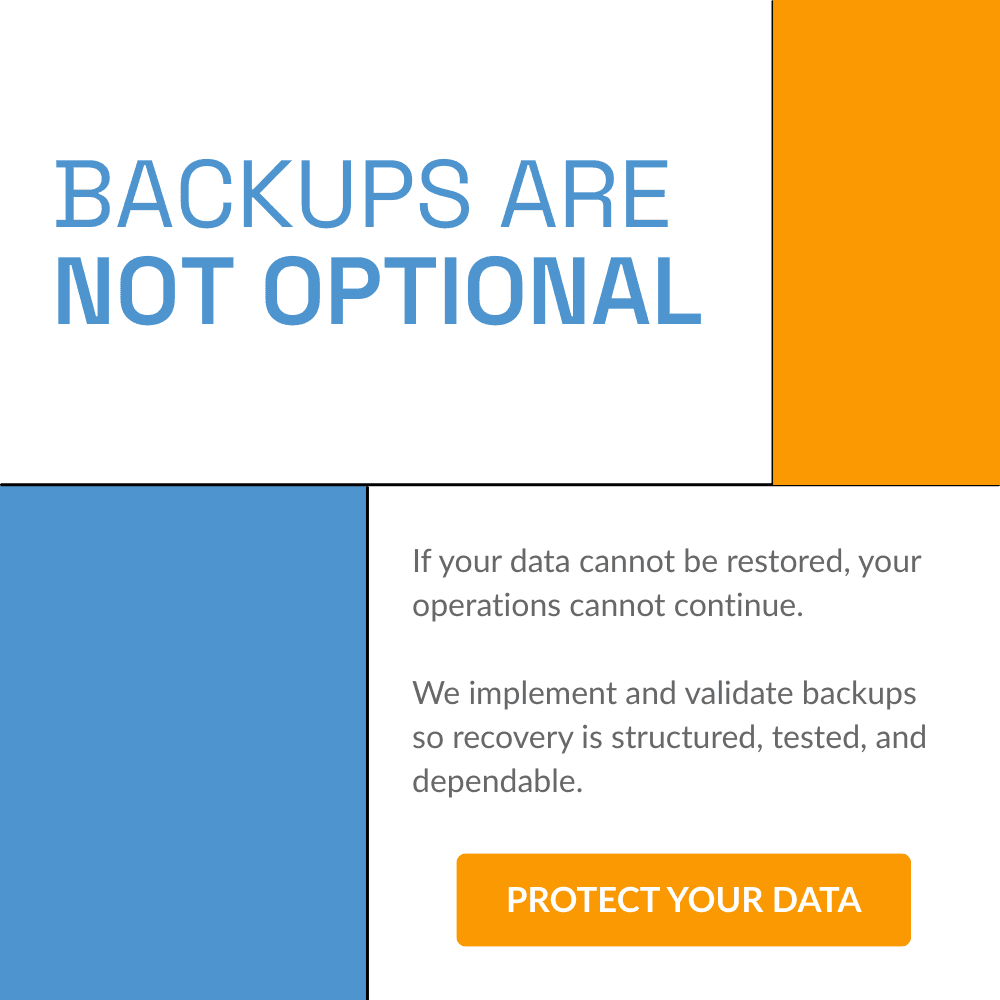
Protected Data
Your critical business data is securely backed up and continuously monitored. If disruption occurs, recovery is tested, documented, and ready so operations can resume with minimal impact.
Reliable Productivity Platforms
Your Microsoft 365 and Google Workspace environments are maintained, secured, and optimized for daily performance. We ensure accounts, permissions, and configurations support smooth collaboration.
Stable Communication Systems
Your business phone and website platforms remain accessible and properly maintained. We monitor and manage these systems to protect uptime, performance, and customer connectivity.
SMART IT MADE SIMPLE
Our Process For Successful IT
Needs Assessment
We review your environment, learn your goals, and identify risks & roadblocks that hold your business back.
Technology Plan
We design a clear technology plan that fits your budget, supports growth, and strengthens your systems.
Launch Solutions
We deploy the right tools, handle setup and training, and ensure everything runs smoothly from day one.
Prevent & Protect
We monitor systems, apply updates, test backups, and coach users so issues are stopped before they start.
REMOTE SUPPORT CAN REDUCE DOWNTIME BY UP TO 50%
We help your team stay productive without waiting for onsite service.
FREQUENTLY ASKED QUESTIONS
Common Questions About Remote Support
What does “unlimited” really mean?
Unlimited remote support means your team can submit tickets and request assistance without worrying about hourly billing. There are no per-incident charges for covered remote support issues within your Managed IT plan.
Is remote support included in all Managed IT plans?
Yes. Remote support is included as part of our Managed IT service agreements. The scope of coverage is clearly defined in your agreement so expectations are aligned from the start.
What if you can’t fix the issue remotely?
If an issue cannot be resolved remotely, we will coordinate the next steps. That may include onsite service or vendor escalation depending on the situation. We always aim to resolve issues in the most efficient and cost-effective way possible.
Do you support cloud and hosted services?
Yes. We support Microsoft 365, cloud platforms, hosted applications, and remote infrastructure as part of your managed environment. We maintain visibility across both local and cloud systems.
Is there ever an additional charge?
Remote support is covered under your managed agreement. Additional charges would only apply to work outside the agreed scope, such as major projects, new hardware deployments, or after-hours emergency onsite requests. Any additional work is discussed and approved before proceeding.
TECH SUPPORT SERVICES
Comprehensive IT Support With Proven Reliability
Together, these services create a stable and dependable technology environment. Each area works in sync to reduce disruption, support daily work, and keep systems running as expected.
Simulated Scenario Testing
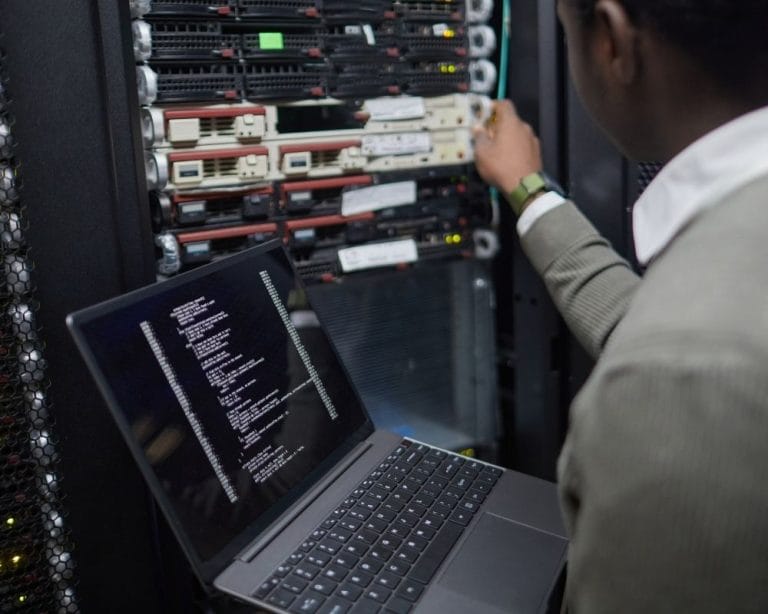
Remote Desktop Server
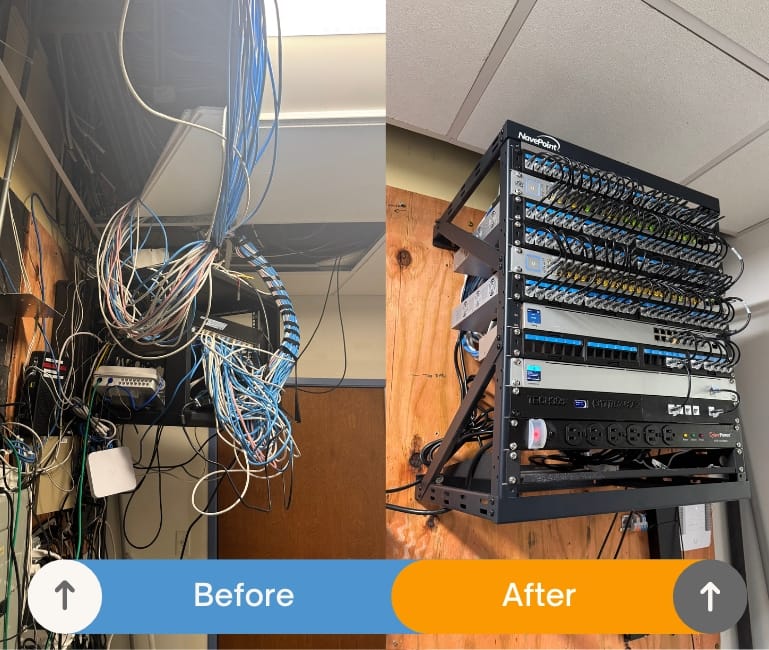
Remote Access Configuration

24/7 Cloud Monitoring

How This Keeps Your Systems Secure
Camera & Security Installations

How Physical Security Protects Your Business
Desktop & Laptop Support

How Everyday Devices Stay Reliable
Analog & VoIP Phone Support

How Phone Systems Stay Supported
Staffing Support

How Dedicated IT Staffing Supports Your Team
How Dedicated IT Staffing Supports Your Team
Staffing Support
How Dedicated IT Staffing Supports Your Team
How Dedicated IT Staffing Supports Your Team
Staffing Support
How Dedicated IT Staffing Supports Your Team
How Dedicated IT Staffing Supports Your Team
Staffing Support
How Dedicated IT Staffing Supports Your Team
How Dedicated IT Staffing Supports Your Team
Staffing Support
How Dedicated IT Staffing Supports Your Team
How Dedicated IT Staffing Supports Your Team
RELATIONSHIPS OVER INVOICE
What Partnership Means To Tech365
We're There When You Need Us
Onsite, by phone, or remote, we resolve issues & keep your team productive.
We Learn Your Business
We listen first, then tailor support that fits your goals, systems, & growth plans.
We Support Your Whole System
We align tech, security, & strategy so everything runs smoothly together.
We're Here For The Long Haul
We guide your growth & innovation with steady, realiable local IT support.