The Most Common HIPAA Mistakes Dental Practices Still Make: How to Stay Compliant and Secure
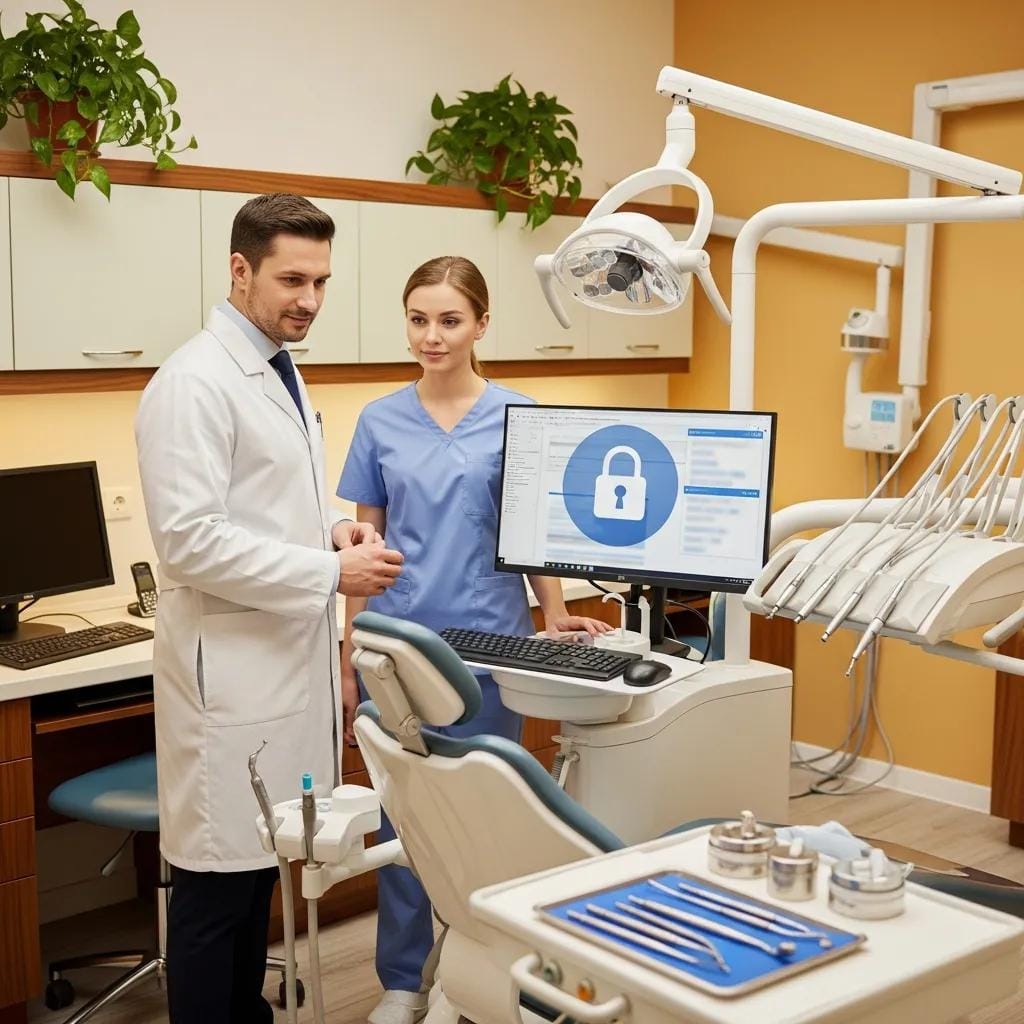
HIPAA rules keep shifting, and that can make compliance feel like a moving target for dental offices. With tighter regulations and more data breaches hitting healthcare, it helps to know where practices often slip up. This article walks through the common HIPAA mistakes we still see and gives practical tips to avoid them. You’ll find best practices, data-security strategies, and the top violations to watch for—so you can protect patient info, avoid fines, and keep your patients’ trust.
Common HIPAA Mistakes to Avoid:
It’s easy to miss important parts of HIPAA compliance, and those gaps can leave practices exposed to big penalties. Here are the mistakes that show up most often:
- Weak Access Controls: Failing to implement robust access controls can expose sensitive patient data to unauthorized personnel.
- Ignoring Security Monitoring: Neglecting to monitor systems for suspicious activity can allow breaches to go undetected.
- Inadequate Training: Insufficient training for staff on HIPAA regulations can lead to unintentional violations.
These problems make a strong case for being proactive—train your team, tighten systems, and keep an eye on potential weak spots.
Best Practices for Compliance:
To stay HIPAA–compliant, focus on practical steps that fix the common mistakes above. These changes can cut your risk of violations quite a bit:
- Implement Strong Access Controls: Ensure that only authorized personnel have access to patient data, utilizing role-based access controls.
- Conduct Regular Risk Assessments: Regularly evaluate potential vulnerabilities in your systems and processes to identify areas for improvement.
- Provide Ongoing Training: Regular training sessions for staff on HIPAA regulations and data security best practices are essential for maintaining compliance.
Tech365 offers specialized IT services to help dental practices implement these best practices effectively, ensuring that they remain compliant with HIPAAregulations.
Strategies for Enhancing Data Security:

Protecting patient data starts with sensible security habits and the right tools. Below are practical strategies that make a real difference:
- Use Multi-Factor Authentication: Implementing multi-factor authentication adds an extra layer of security, making it more difficult for unauthorized users to access sensitive data.
- Encrypt Sensitive Data: Data encryption protects patient information both in transit and at rest, reducing the risk of exposure in the event of a breach.
- Monitor Systems Continuously: Regular monitoring of systems can help detect and respond to potential security threats in real-time.
Put these measures in place and you’ll noticeably improve your security posture and cut the chance of HIPAA violations.
What Are the Top HIPAA Violations Dental Offices Face Today?
Some violations keep cropping up in dental offices and can lead to serious consequences. Knowing these helps you focus your defenses:
- Phishing and Security Awareness: Many breaches occur due to phishing attacks, where employees unknowingly provide access to sensitive information.
- Weak Access Controls: As previously mentioned, inadequate access controls can lead to unauthorized access to patient data.
- Inadequate Training: Failing to train staff adequately on HIPAA regulations can result in unintentional violations.
Spotting these common issues early gives you a chance to address them before they become costly problems.
Which IT Misconfigurations Lead to Data Breaches in Dental Practices?
Misconfigured IT systems are a frequent cause of breaches. Here are the usual suspects:
- Default Passwords: Failing to change default passwords can leave systems vulnerable to unauthorized access.
- Unpatched Software: Not regularly updating software can expose systems to known vulnerabilities.
- Improper Network Configurations: Misconfigured firewalls and network settings can create entry points for attackers.
Fixing these misconfigurations is one of the quickest ways to strengthen your security and stay compliant.
How Do Staff Errors Contribute to HIPAA Compliance Failures?
Human mistakes are a top driver of compliance failures. Common staff errors include:
- Accidental Disclosure: Employees may inadvertently share patient information with unauthorized individuals.
- Failure to Follow Protocols: Not adhering to established protocols for handling sensitive data can lead to violations.
- Neglecting Security Measures: Ignoring security measures, such as locking computers when not in use, can expose data to unauthorized access.
Regular, practical training and simple reminders can go a long way toward reducing these errors.
How Can Dental Practices Conduct Effective HIPAA Risk Assessments?
Running solid HIPAA risk assessments helps you find weak spots before they become breaches. Focus on clear, repeatable steps and document what you find.
A study on HIPAA security risk assessments for small dental clinics further illustrates the ongoing investment of time and resources required, highlighting challenges in streamlining processes.
HIPAA Security Risk Assessments for Dental Clinics
Cyber security risk assessments in the healthcare industry are legally required and demand an ongoing investment of time and resources. Small healthcare clinics are less likely to have streamlined processes in place to meet these requirements. This work presents two case studies featuring qualitative Health Insurance Portability and Accountability Act (HIPAA) security risk assessments of small dental clinics using the free Security Risk Assessment (SRA) tool provided by the US Department of Health and Human Services. One clinic used a cloud service provider to safeguard protected health information (PHI) while the other used an on-premises server. The data revealed detailed information relating to the cyber risk posture of each organization within the scope of the HIPAA Security Rule. Analysis included suggestions to mitigate the compliance gaps and vulnerabilities within the environment. A Comparative Analysis of HIPAA Security Risk Assessments for Two Small Dental Clinics, 2018
- Identify Risks: Assess potential risks to patient data, including physical, administrative, and technical vulnerabilities.
- Conduct Security Evaluations: Evaluate existing security measures to determine their effectiveness in protecting patient information.
- Maintain Documentation: Keep thorough documentation of risk assessments and any actions taken to address identified vulnerabilities.
Tech365 provides comprehensive risk assessment services tailored to the needs of dental practices, helping them stay compliant and secure.
What Steps Are Involved in a Thorough HIPAA Risk Assessment?
A complete HIPAA risk assessment follows a few clear steps you can repeat regularly to track improvements and gaps:
- Identify Risks: Determine potential risks to patient data and assess their impact.
- Security Evaluation: Evaluate existing security measures and identify areas for improvement.
- Risk Analysis: Analyze the likelihood of identified risks occurring and prioritize them based on their potential impact.
Doing these steps on a regular schedule helps practices manage risks instead of just reacting when something goes wrong.
How Does IT Support Help Identify and Mitigate Compliance Risks?
IT support is a practical partner for compliance. Here’s what they typically do to help:
- Conducting Risk Assessments: IT professionals can perform thorough risk assessments to identify vulnerabilities.
- Implementing Security Controls: IT support can help implement necessary security measures to protect patient data.
- Providing Ongoing Training: Regular training sessions can keep staff informed about compliance requirements and best practices.
With the right IT partner, you’ll spot issues sooner and get hands-on help to fix them before they become breaches.
What Are Best Practices for HIPAA Training for Dental Staff?

Good HIPAA training makes responsibilities clear and shows staff exactly how to protect patient data. Best practices include:
- Cover Essential Compliance Areas: Training should address key areas of HIPAA compliance, including patient privacy and data security.
- Utilize Effective Training Methods: Incorporate various training methods, such as interactive workshops and online modules, to engage staff.
- Provide Examples of Training Content: Use real-world scenarios to illustrate the importance of compliance and the consequences of violations.
Keeping training practical and relatable helps staff remember what to do when it matters most.
How Often Should Dental Staff Receive HIPAA Training?
Regular training keeps everyone up to speed on rules and best practices. A good schedule looks like this:
- Initial Training: All new employees should undergo HIPAA training upon hiring.
- Annual Refresher Courses: Regular refresher courses should be conducted annually to reinforce compliance knowledge.
- Updates on Regulations: Training should be updated whenever there are significant changes to HIPAA regulations.
Stick to a consistent training rhythm so your team stays confident and compliant.
What Topics Should HIPAA Training Cover to Prevent Common Mistakes?
Focus training on the areas that lead to most mistakes. Key topics include:
- Patient Data Protection: Emphasize the importance of safeguarding patient information.
- Access Controls: Educate staff on the significance of implementing strong access controls.
- Incident Response: Provide guidance on how to respond to potential data breaches effectively.
Covering these topics helps reduce routine errors and makes your practice safer overall.
Which Data Security Technologies Protect Dental Practices from HIPAA Violations?
There are a few core technologies that protect practices and lower compliance risk:
- Email Filtering: Implementing email filtering solutions can help prevent phishing attacks and unauthorized access.
- Data Encryption: Encrypting sensitive data ensures that even if it is intercepted, it remains unreadable.
- Multi-Factor Authentication: Utilizing multi-factor authentication adds an additional layer of security to access controls.
Using these tools together gives you layered protection that’s much harder to bypass.
How Does Dental Data Encryption Enhance Compliance?
Encryption is a straightforward way to protect patient data and meet regulatory expectations. It helps by:
- Protecting Sensitive Information: Encryption ensures that patient data is secure, even if it is accessed by unauthorized individuals.
- Mitigating Risks of Data Breaches: Encrypted data is less likely to be compromised during a breach, reducing the potential impact on patients and the practice.
- Meeting Regulatory Requirements: Encryption is often a requirement for compliance with HIPAA regulations, ensuring that practices meet legal obligations.
Turning on encryption for stored and transmitted data is a key step in protecting patients and meeting HIPAA rules.
What IT Monitoring Tools Help Detect and Prevent Breaches?
Monitoring tools give you early warning when something’s off. Useful options include:
- Proactive Monitoring Tools: These tools continuously monitor systems for suspicious activity and potential threats.
- Email Filtering Solutions: Effective email filtering can help block phishing attempts and malicious attachments.
- Access Control Systems: Implementing robust access control systems can prevent unauthorized access to sensitive data.
Adding these tools to your setup improves detection and helps you respond sooner to threats.
How Can Indiana Dental Practices Access Localized HIPAA Compliance Support?
If you’re in Indiana, there are local resources that make compliance easier to manage. Look for:
- HIPAA Compliance Support Services: Many local providers offer specialized services to help practices navigate compliance requirements.
- Training and Awareness Programs: Local organizations may provide training programs tailored to the specific needs of dental practices.
Using nearby experts and programs can give you hands-on help that’s tailored to local needs.
What IT Support Services Are Available in Noblesville, Fishers, Carmel, Indianapolis, and Bloomington?
Dental practices across these Indiana cities can get a range of IT support options, such as:
- Proactive IT Support: Ongoing IT support services can help practices maintain secure systems and ensure compliance.
- Risk Assessments: IT providers can conduct thorough risk assessments to identify vulnerabilities and recommend improvements.
- Ongoing Compliance Support: Many IT support services offer ongoing assistance to help practices stay compliant with HIPAA regulations.
These local services help keep systems secure and make it easier to meet HIPAA requirements.
How Does Local Expertise Improve HIPAA Compliance Outcomes?
Working with local experts often speeds up problem solving. They can:
- Understanding Local Regulations: Local providers are often more familiar with specific regulations and requirements in their area.
- Tailored Support Services: Localized support can be customized to meet the unique needs of dental practices, enhancing compliance efforts.
Local knowledge lets you get targeted, practical help that fits your practice and reduces compliance risk.
What Should Dental Practices Do When a HIPAA Breach Occurs?
If a breach happens, act to limit harm. Key initial steps include:
- Immediate Response Steps: Assess the breach and determine the extent of the exposure.
- Notification Requirements: Notify affected individuals and regulatory bodies as required by HIPAA regulations.
- Implement Corrective Actions: Take steps to address the vulnerabilities that led to the breach and prevent future incidents.
Having a clear incident response plan ready will help you move and reduce damage when time matters most.
What Are the Required Steps for Breach Notification and Response?
There are specific actions you need to take after a breach. They include:
- Notification Timelines: Breaches must be reported to affected individuals within 60 days of discovery.
- Documentation Requirements: Maintain thorough documentation of the breach and the response actions taken.
- Regulatory Reporting: Report breaches to the Department of Health and Human Services as required.
Follow these steps to meet HIPAA rules and show regulators you handled the situation responsibly.
How Can Incident Response Plans Minimize Damage and Ensure Compliance?
A good incident response plan makes your actions predictable and efficient. It helps by:
- Defining Processes for Response: Clearly outlining steps to take in the event of a breach helps ensure a swift and effective response.
- Mitigating Impact of Breaches: A well-structured plan can help reduce the overall impact of a breach on patients and the practice.
- Ensuring Compliance: Having a response plan in place demonstrates a commitment to compliance and can help mitigate penalties.
Build and test your plan so your team knows what to do and you can limit harm smoothly.
Frequently Asked Questions
What are the consequences of HIPAA violations for dental practices?
HIPAA violations can carry heavy consequences: fines, legal action, and damage to your reputation. Financial penalties range from $100 to $50,000 per violation depending on severity and negligence. Beyond money, violations can trigger more audits and erode patient trust, so keeping compliant matters both legally and for your practice’s reputation.
How can dental practices stay updated on HIPAA regulations?
Staying current is easier if you use a few steady sources. Subscribe to newsletters from trusted healthcare organizations, attend conferences or webinars, and check the HHS website for official updates. Joining professional associations and keeping a compliance calendar also helps you track training and regulatory changes.
What role does patient education play in HIPAA compliance?
Educating patients helps build trust and reduces accidental disclosures. Tell patients how their data is used and protected, share clear privacy policies, and get informed consent when needed. Involving patients in the conversation about data security supports transparency and strengthens your practice’s privacy culture.
What should dental practices include in their HIPAA compliance policies?
Your policies should be clear and practical. Cover patient privacy rights, how data is accessed and shared, incident response steps, and staff training requirements. Define roles and responsibilities, update policies as rules or tech change, and make sure every employee understands and follows them.
How can dental practices assess their HIPAA compliance effectively?
Regular audits and risk assessments are key. Review policies, procedures, and security tools to spot vulnerabilities. Consider hiring third-party experts for an objective review, gather staff feedback on compliance challenges, and document findings with corrective actions to improve security over time.
What are the best resources for HIPAA training for dental staff?
There are solid training options tailored to dental teams. Look at online courses from the ADA and HIPAA training portals, and check local dental associations for workshops. Use interactive methods—role-play, quizzes, real scenarios—to keep staff engaged, and update materials when regulations change.
Conclusion
Keeping up with HIPAA protects your patients and your practice. Strong access controls, ongoing training, and reliable security tech go a long way toward avoiding violations. Knowing common mistakes and following best practices helps you stay proactive about sensitive data. For tailored support and resources, explore our comprehensive HIPAA compliance services today.