
Business Continuity For Indiana Organizations
Unexpected disruptions can stop business operations without warning. Business continuity planning ensures your systems, data, and teams stay operational when problems occur.
Let's Connect
"*" indicates required fields
BUSINESS IT CONTINUITY
The Problems That Disrupt Business Operations
Most business disruptions start with a few common technology failures. What begins as an IT issue can quickly disrupt employees, customers, and revenue. We help prevent these failures so systems stay available, data stays protected, and operations keep moving.
Ransomware Attacks
Hardware Failures
Cloud Data Loss
Untested Recovery
LET'S START WITH A COMPLIMENTARY IT CONSULTATION
Let’s have a clear conversation about your IT, your questions, and what support would actually help.

OPERATIONAL RESILIENCE
How Tech365 Protects Your Business
Business continuity planning focuses on maintaining operations when unexpected disruptions occur. A structured continuity strategy prepares systems, data, and teams to respond to incidents without prolonged disruption.
Protected Business Data
Critical business data is backed up, secured, and maintained so it remains available when systems fail or incidents occur.
Reliable System Recovery
Systems and data can be restored through a structured recovery process designed to support business operations during disruptions.
Continuous Threat Monitoring
System activity is monitored to detect suspicious behavior and limit potential damage from security threats.
Resilient IT Infrastructure
Technology environments are designed to reduce single points of failure and support operational stability.
Tested Recovery Plans
Recovery procedures are validated through regular testing so systems and data can be restored when needed.

Protected Business Data
Critical business data is backed up, secured, and maintained so it remains available when systems fail or incidents occur.
Reliable System Recovery
Systems and data can be restored through a structured recovery process designed to support business operations during disruptions.
Continuous Threat Monitoring
System activity is monitored to detect suspicious behavior and limit potential damage from security threats.
Resilient IT Infrastructure
Technology environments are designed to reduce single points of failure and support operational stability.
Tested Recovery Plans
Recovery procedures are validated through regular testing so systems and data can be restored when needed.
SYSTEMS THAT WORK
What Is Business Continuity?
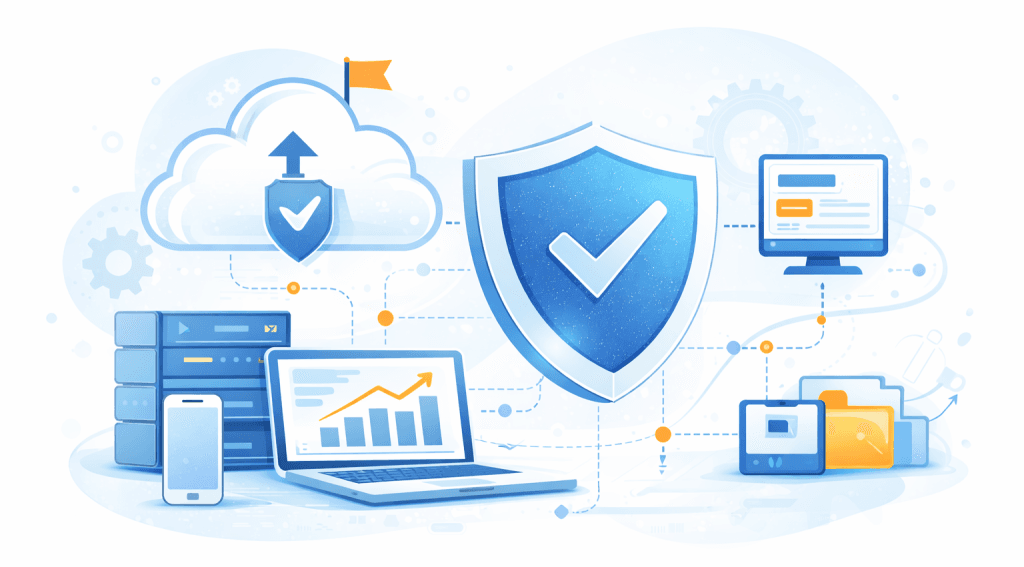
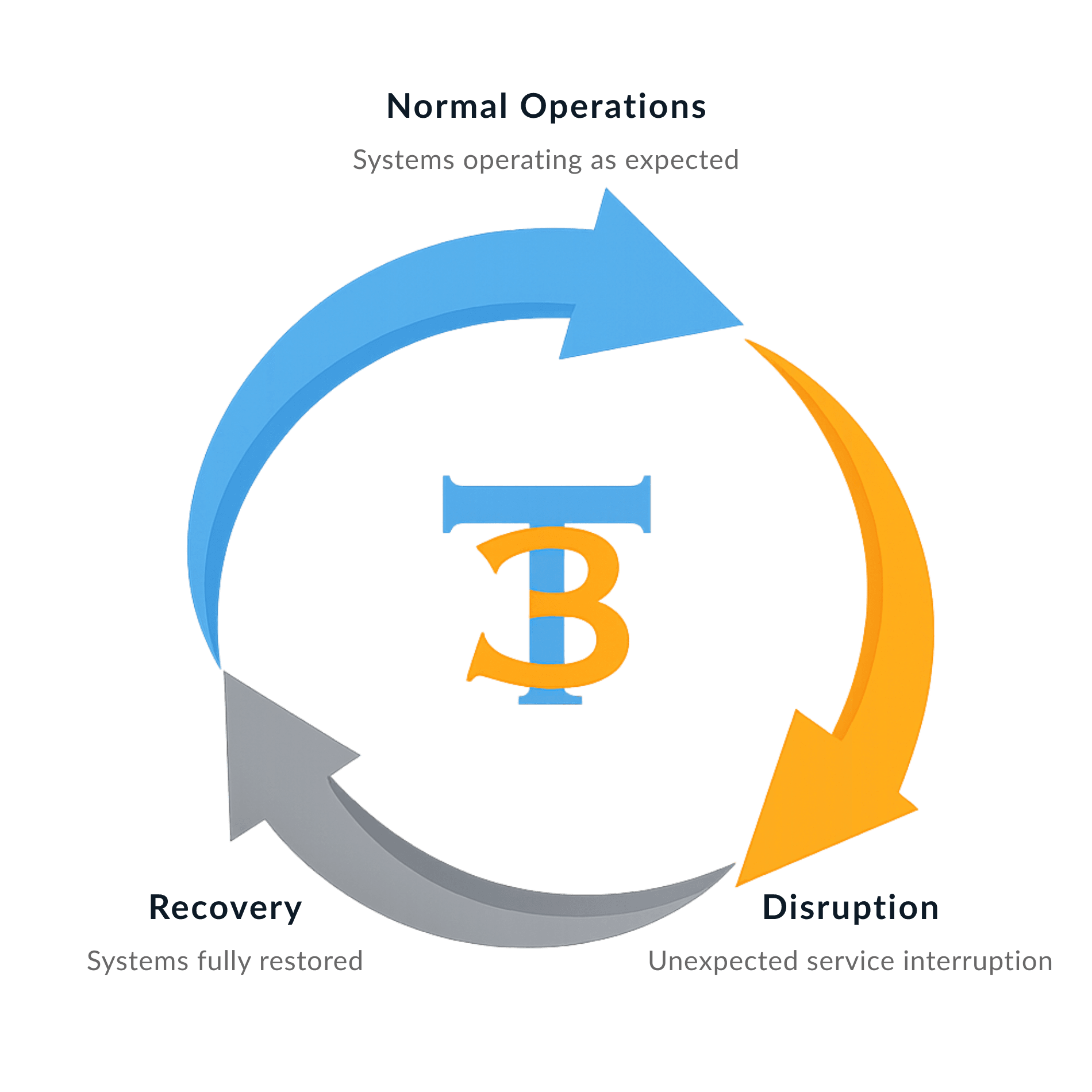
Business continuity is the planning, protection, and recovery systems that keep your business running during unexpected disruptions. Your data is backed up, systems can be restored, and operations continue even when technology fails or threats occur. Instead of scrambling during an outage or security incident, recovery processes are already in place.
SYSTEMS STAY ONLINE
DATA IS PROTECTED
OPERATIONS CONTINUE
SYSTEMS STAY ONLINE
DATA IS PROTECTED
OPERATIONS CONTINUE
I can’t say enough good things about Tech365. My Outlook account was compromised and spam emails were flooding my inbox, and finding someone trustworthy to help was difficult. Tech365 stepped in and solved the problem quickly. Outstanding service and greatly appreciated. They’re on my speed dial now.
Delbert Jarman
BUSINESS IMPACT
The Real Cost Of Downtime
Even short technology disruptions can interrupt operations, delay work, and impact customer trust. Business continuity planning helps reduce downtime and limit the operational and financial impact of unexpected outages.
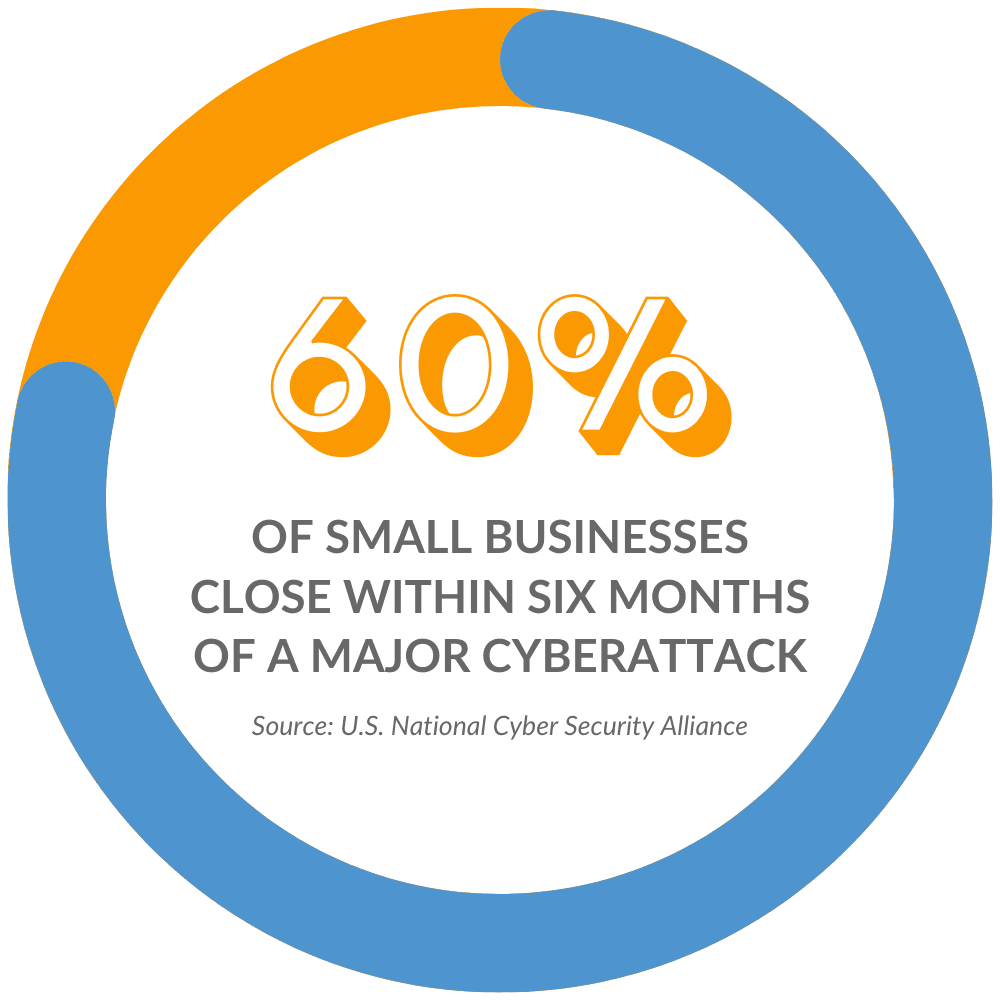
When systems go down, businesses impact can include:
Let's Do A Quick Business Risk Assessment
BUSINESS PROTECTION STRATEGY
Our Process For Business Continuity
We build protection, recovery, and monitoring into your technology so disruptions do not stop your operations. This process reduces risk, protects data, and ensures systems can be restored when problems occur.
Assess Risks
We evaluate critical systems and infrastructure to identify potential disruption points.
Protect Data
Critical systems and business data are secured with backups, monitoring, and safeguards.
Recovery Planning
Recovery procedures are defined so systems and operations can be restored during disruptions.
Test & Verify
Recovery procedures are tested and validated to confirm systems can be restored when needed.
DATA BACKUP & DISASTER RECOVERY
Data Backups Are Not An Option
Backup and disaster recovery are required for every White Glove Managed IT client because reliable support depends on reliable recovery.
PREVENTION & THREAT CONTAINMENT
Preventing Disruptions Before They Spread
We monitor your systems continuously to detect unusual activity and stop threats before they impact your business. By identifying problems early, we reduce disruptions and keep your operations running smoothly.
Threats Businesses Face:
How Tech365 Prevents Threats
Threats Businesses Face & How We Prevent Them:
Ready to Stop Threats Before They Spread?
Connect with a White Glove Managed IT Specialist to discuss vulnerabilities and how to prevent future issues.
RECOVERY TESTING & PREPAREDNESS
A Recovery Plan That Works For Your Business
Your recovery plan is only valuable if it works when something goes wrong. Tech365 verifies backups, tests recovery procedures, and prepares your business to restore systems without uncertainty.
Backup Verification
Backups are continuously monitored and verified to ensure data can be restored when needed.
Recovery Testing
Restore tests confirm systems and files can be recovered without delays or data loss.
Failure Simulations
Controlled testing scenarios ensure recovery procedures work during real disruptions.
Clear Recovery Plans
Clear recovery procedures guide how systems and data are restored during incidents.
FREQUENTLY ASKED QUESTIONS
Common Questions About Business Continuity
What is business continuity planning?
Business continuity planning prepares an organization to maintain operations during unexpected disruptions. It includes systems for protecting data, restoring technology, and supporting employees so work can continue when incidents occur.
How is business continuity different from backup or disaster recovery?
Backups and disaster recovery focus primarily on restoring systems or data after a failure. Business continuity planning takes a broader approach by addressing how the organization continues operating while systems are restored.
Why is business continuity important for organizations?
Technology disruptions can interrupt operations, delay work, and affect customer relationships. Business continuity planning helps organizations prepare for these events so critical systems, data, and processes can be restored when needed.
How often should business continuity plans be reviewed or tested?
Continuity plans should be reviewed regularly to confirm recovery processes are accurate and systems remain protected. Testing helps ensure that recovery procedures function as expected if a disruption occurs.
Do smaller organizations need business continuity planning?
Yes. Organizations of all sizes depend on technology for daily operations. Business continuity planning helps ensure systems, data, and operational processes can be restored when unexpected disruptions occur.
REAL WORLD RECOVERY
How Continuity Plans Keep You Prepared
When technology fails, the difference between disruption and continuity comes down to preparation. A tested backup and recovery plan allows your business to restore systems and keep operations moving.
With Tech365 Backup & Recovery
Without Tech365 Backup & Recovery
Event
Primary server failure
Event
Primary server failure
Impact
Operations continue with minimal disruption
Impact
Business operations stop
Recovery Readiness
Documented recovery plan & restore points
Recovery Readiness
No defined recovery planning & procedure
Cost
Limited operational impact
Cost
Revenue loss & operational delays
Client Experience
Work continues with minimal interruption
Client Experience
Work stops while systems are restored
RELATIONSHIPS OVER INVOICE
What Partnership Means To Tech365
We're There When You Need Us
Onsite, by phone, or remote, we resolve issues & keep your team productive.
We Learn Your Business
We listen first, then tailor support that fits your goals, systems, & growth plans.
We Support Your Whole System
We align tech, security, & strategy so everything runs smoothly together.
We're Here For The Long Haul
We guide your growth & innovation with steady, realiable local IT support.