Camera & Security Installations For Businesses
Get full visibility and control over your business with professionally designed camera and access control systems.
LET'S CONNECT
Have a question or need help? Drop us a note below and we'll be in touch soon.
"*" indicates required fields
CAMERA & SECURITY INSTALLATION
Security Systems That Protect Your Business
Cameras, access control, and security systems work best when they’re set up correctly and managed as one system. The goal is simple: make it easier to monitor your business, control access, and respond when something happens.
ACCESS CONTROL & ENTRY
LET'S START WITH A COMPLIMENTARY IT CONSULTATION
Let’s review your cameras, access control, and setup to see what makes the most sense for your business.
WHAT WE INSTALL
Camera & Security Installation for Any Size Setup
We monitor your systems continuously to detect unusual activity and stop threats before they impact your business. By identifying problems early, we reduce disruptions and keep your operations running smoothly.
Cameras & Surveillance
Access Control & Security
SECURITY CAMERA INSTALLATION
Camera System Design & Coverage
Your camera system should cover every part of your business, not just a few key spots. We design placement to eliminate blind areas and give you clear visibility where it matters most.
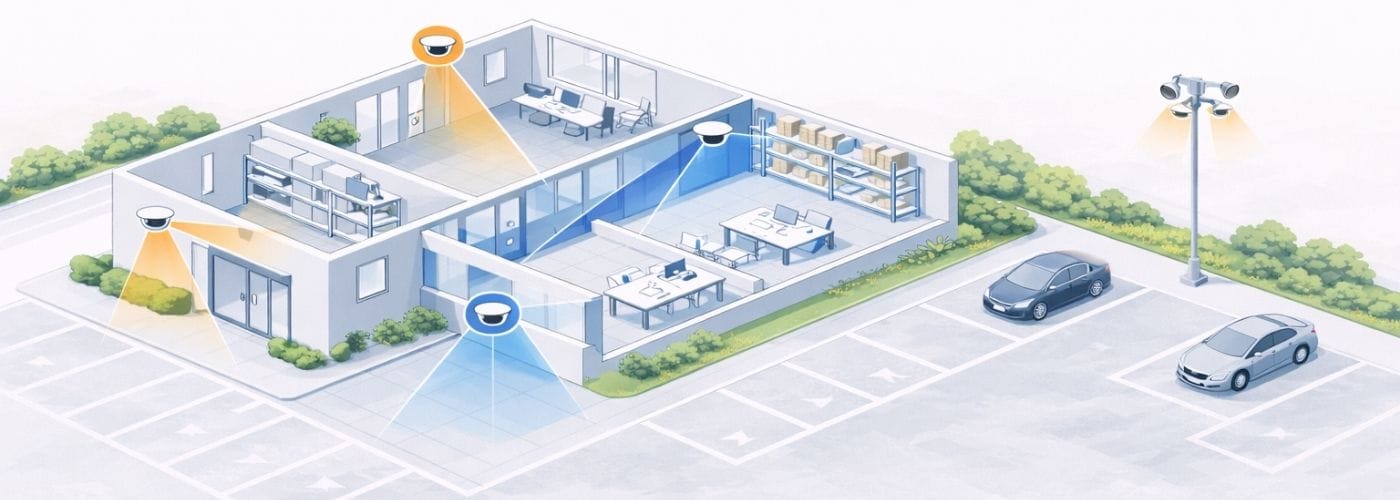
Entry Points Covered
Cameras placed to clearly capture who is coming and going, including visitors, staff, and deliveries.
Interior Coverage
Coverage focused on key areas like hallways, shared spaces, and main work zones without over-monitoring.
Exterior & Perimeter
Visibility across parking areas, building edges, and entry paths, especially for after-hours activity.
Special Areas
Custom placement for spaces like warehouses or multi-room layouts where standard setups don’t work.
SMARTER SURVEILLANCE
Smart Surveillance with AI-Powered Cameras
Modern security systems do more than just record footage. With AI-powered cameras, your business gains real-time awareness and smarter protection.
Better Visibility For Your Business
Instead of sorting through hours of footage, you get meaningful alerts and searchable data when it matters most.
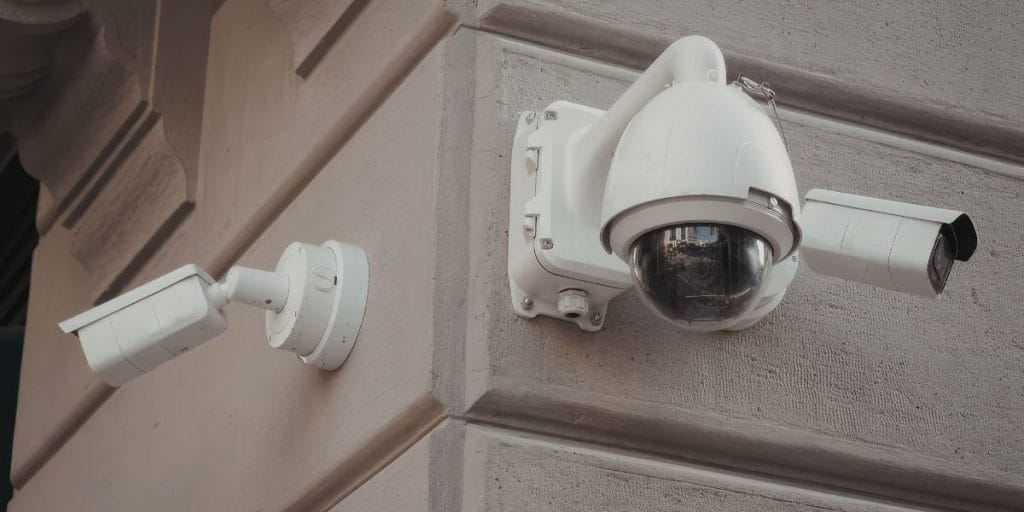
AI-Powered Cameras Can Track & Identify:
Vehicles
People
License Plates
Unusual Activity
Entry & Exit Paths
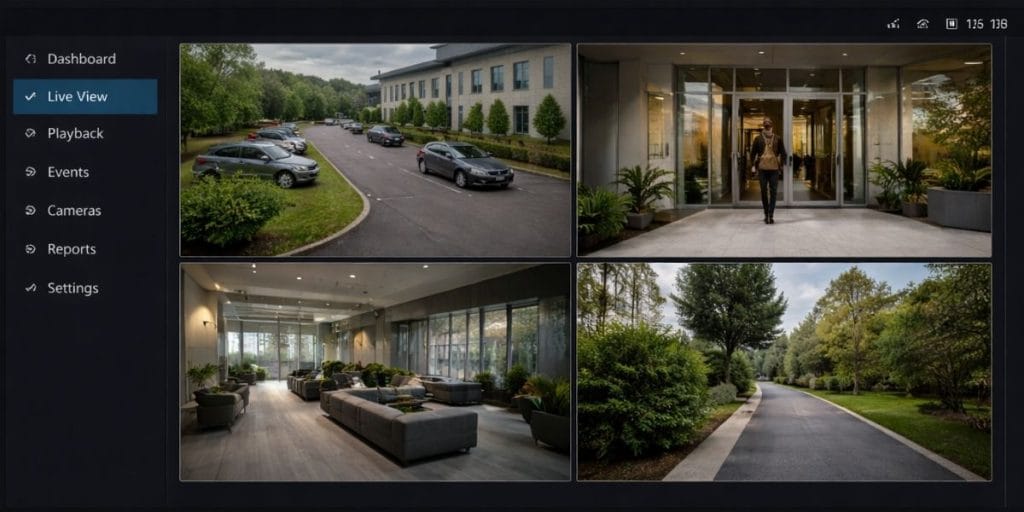
Designed For Modern Business Security
From single locations to multi-site operations, your security system should scale with your business and provide full visibility across your environment.
With intelligent monitoring and centralized access, you always know what’s happening, no matter where you are.
TURN YOUR CAMERAS INTO REAL-TIME INTELLIGENCE
See how AI-powered surveillance can give your business better visibility, faster awareness, and fewer blind spots.
ACCESS CONTROL INSTALLATION
Access Control Without The Guesswork
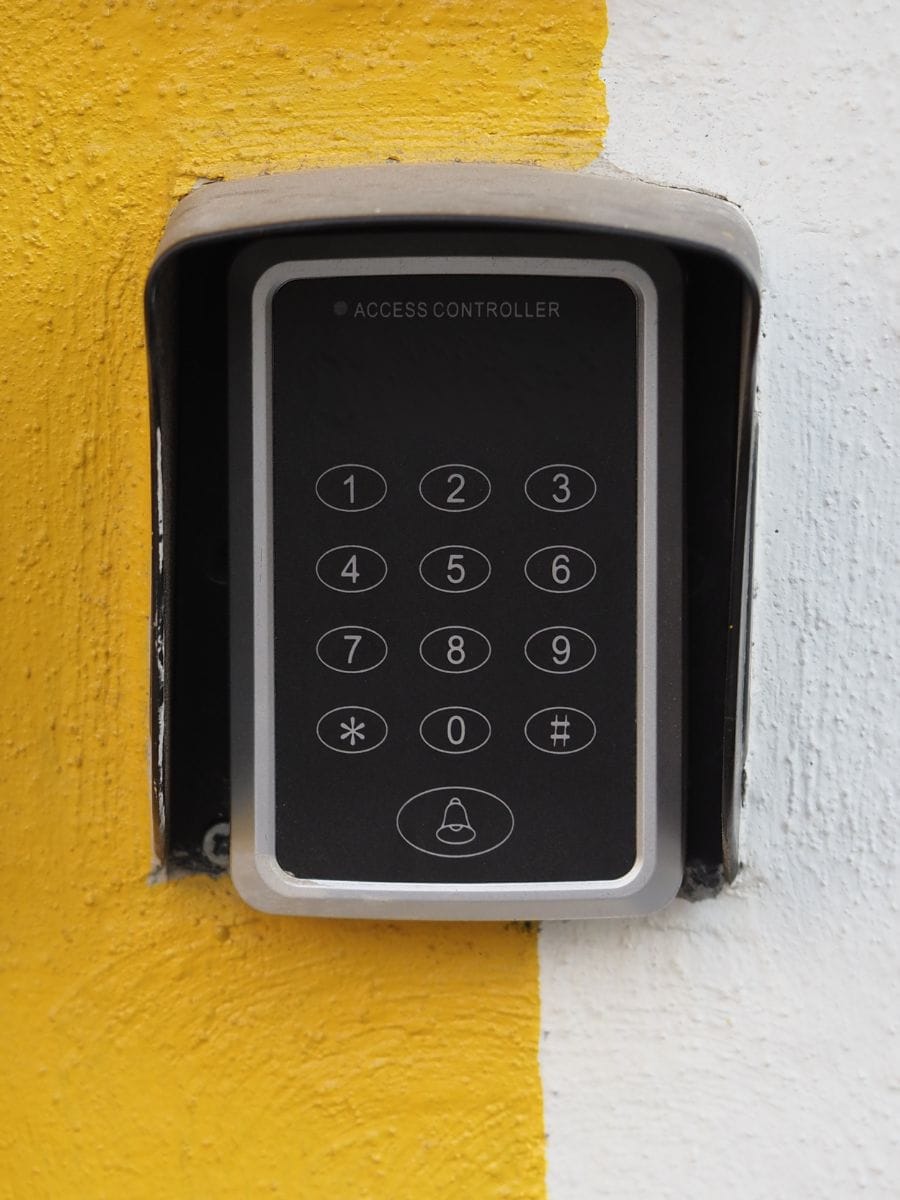
Managing who can access your building shouldn’t rely on keys, shared codes, or memory. We set up systems that give you full control over entry, access levels, and activity across your business.
Control Who Gets In
Assign access by person, role, or schedule so only the right people can enter the right areas.
Remove Access Instantly
Access can be updated or revoked instantly without tracking down keys or outdated codes.
Track Entry Activity
See who accessed doors and when, giving you clear records when you need them.
Work Across Your Locations
Manage doors, users, and permissions across one or multiple sites from a single system.
SECURITY GAPS & RISKS
Where Security Breaks Down
Without the right systems in place, it’s difficult to see what’s happening or control who has access. These gaps create risks that show up in day-to-day operations.
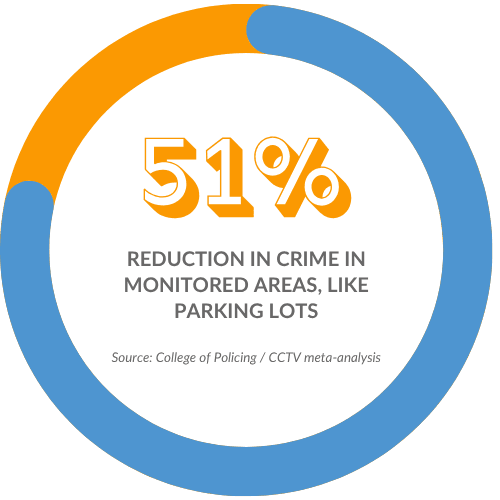
When systems aren’t in place or aren’t set up correctly, these are the problems that show up:
RECENT INSTALLATIONS
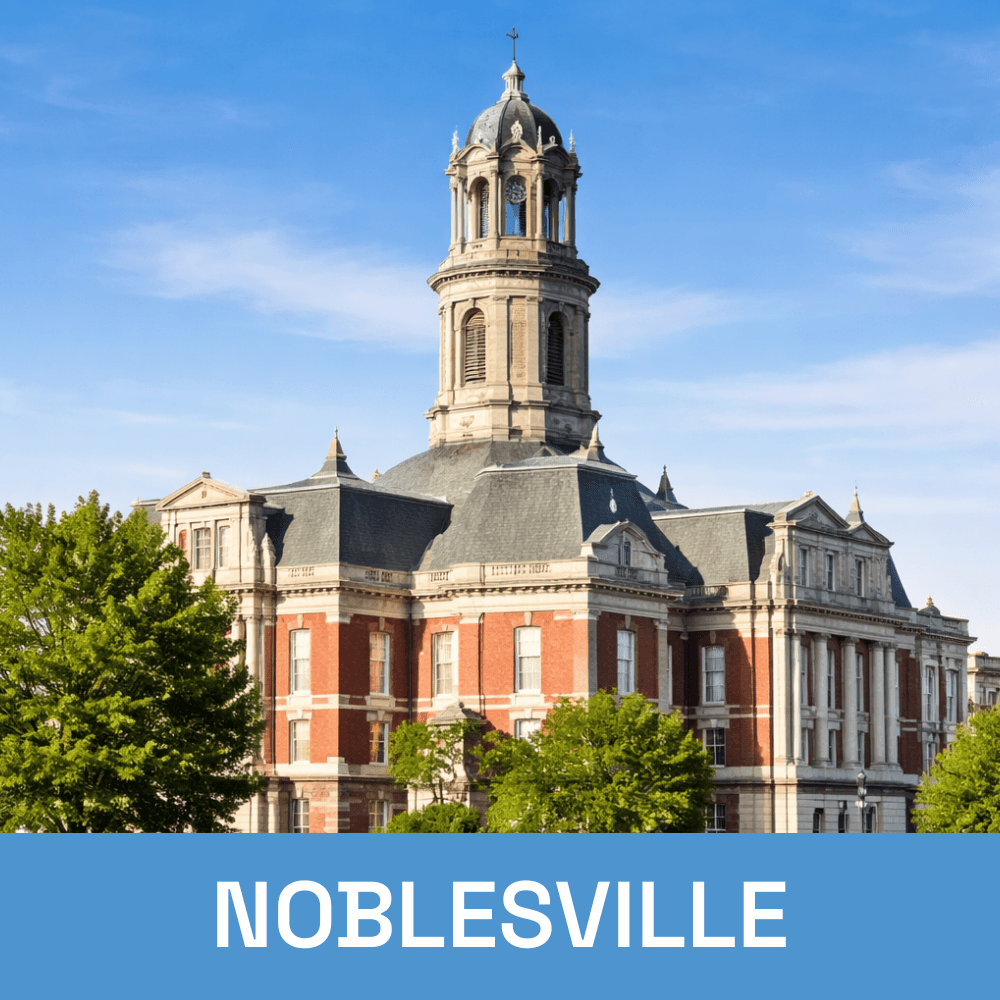
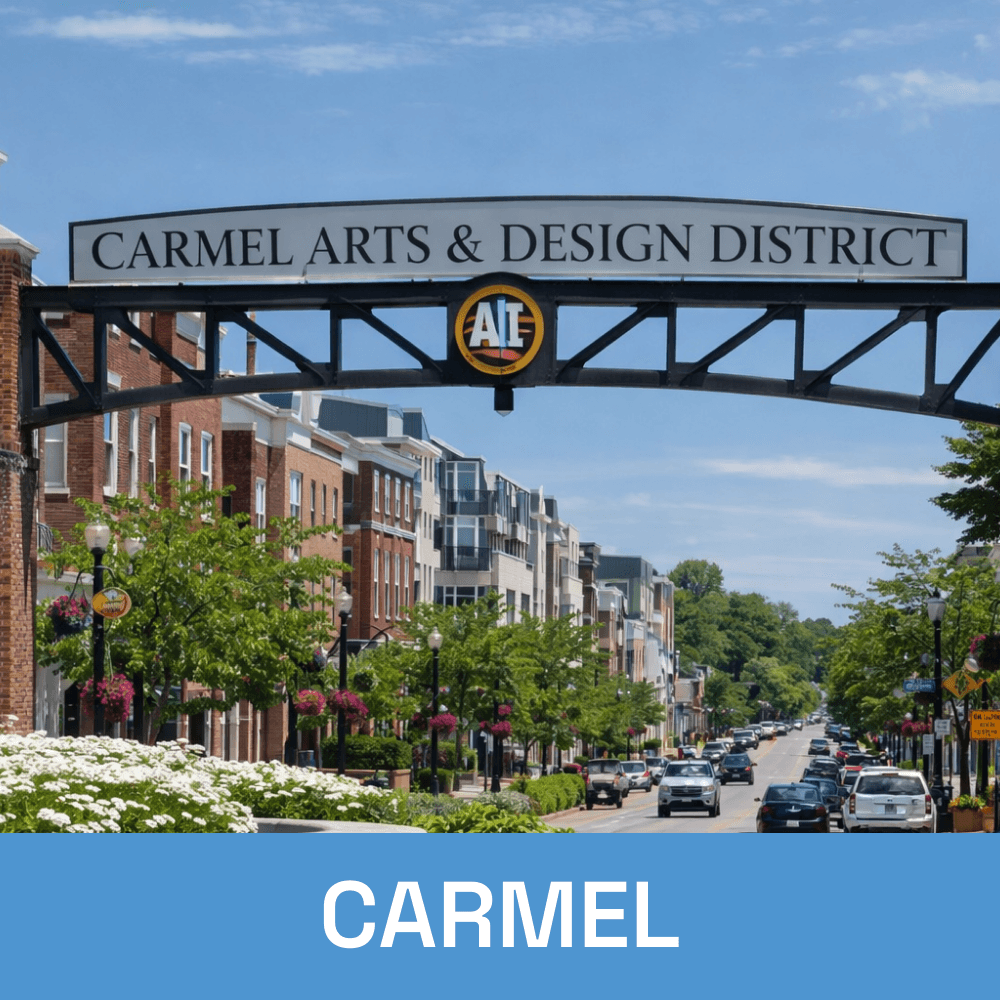
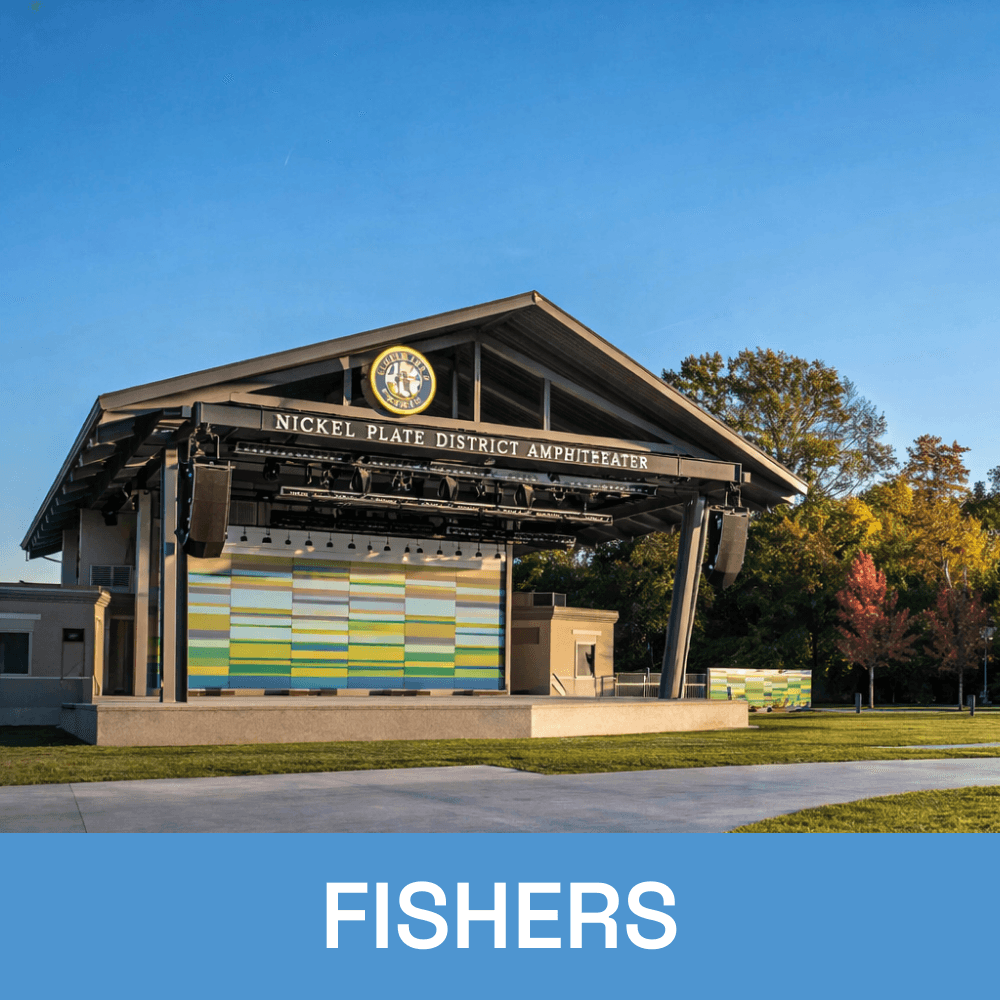
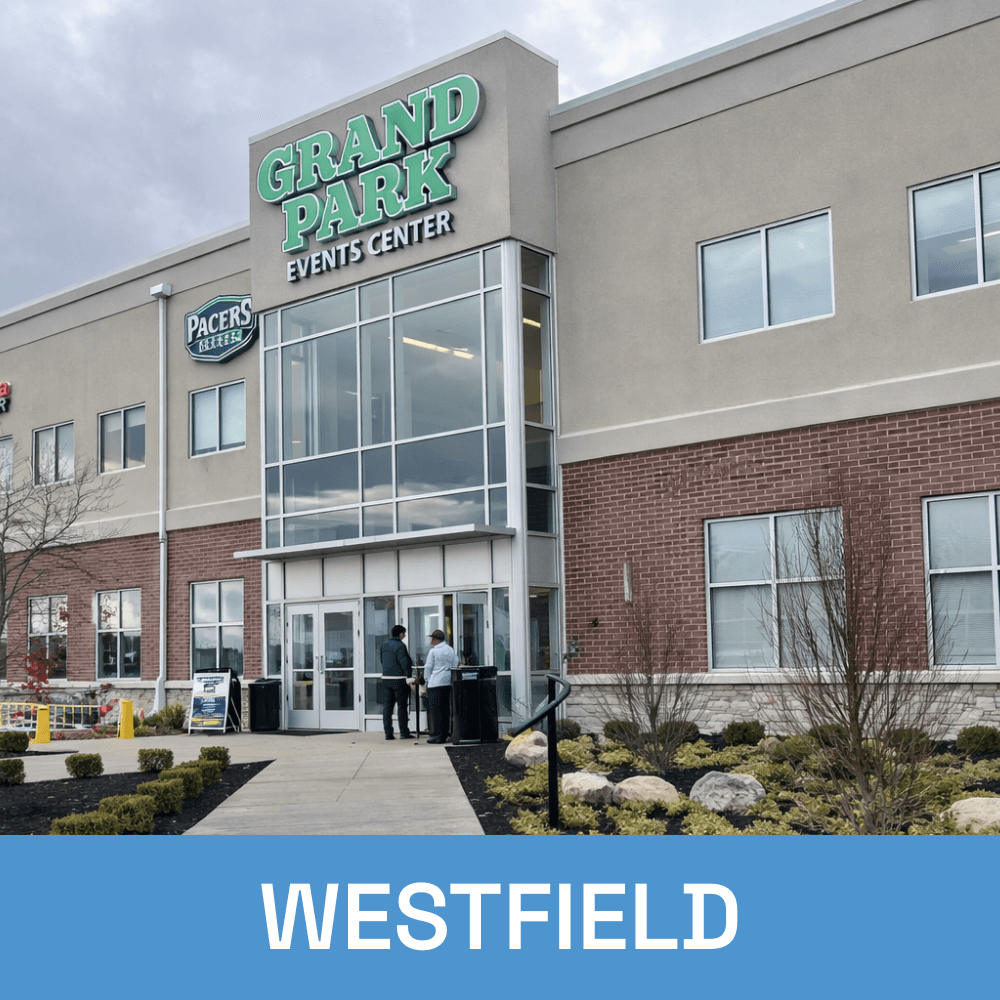
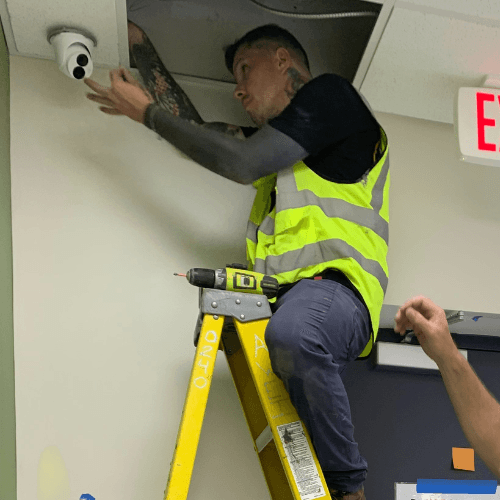
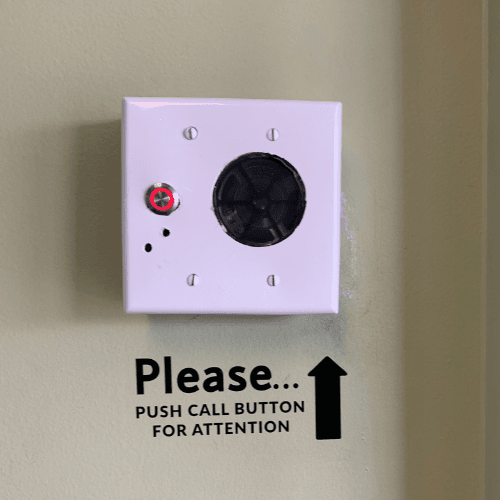
Camera and Security Installations in Real Environments
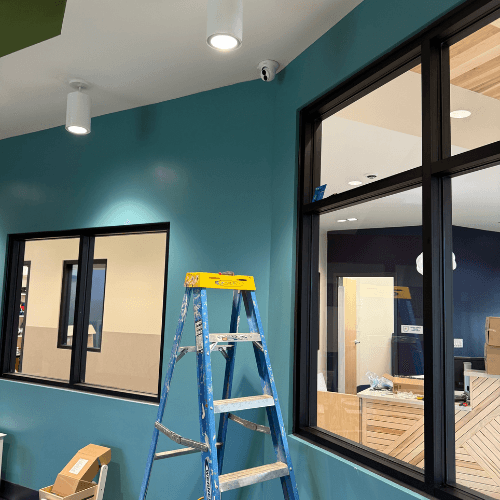
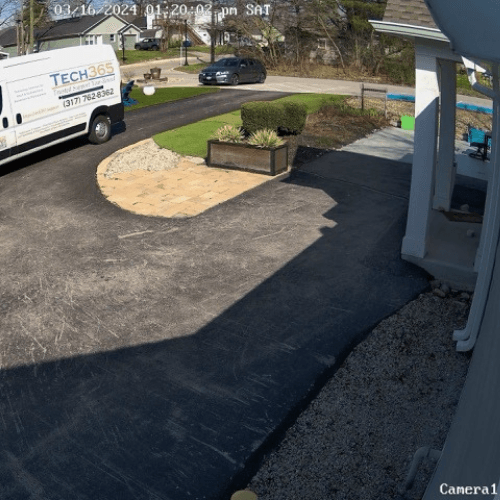
Each setup is based on the layout, access points, and needs of the business. These are examples of real installations across different types of spaces.
Let’s Design Your Security Setup
Every business is different, and the right system starts with understanding your space, your risks, and how your team operates.
THE INSTALLATION PROCESS
From Planning to Installation
Each installation follows a clear sequence to make sure systems are placed correctly and work as expected. The goal is to avoid gaps, reduce rework, and make sure everything runs reliably from day one.
Site Walkthrough & Planning
Review the space, entry points, and coverage areas to determine camera placement and access control needs.

System Design & Layout
Map out camera positions, access points, and system connections based on how the business operates.
Installation &
Setup
Install cameras, access control hardware, and wiring, then configure the system for proper operation.
Testing &
Handoff
Test coverage, access, and functionality, then walk through the system so everything is clear and ready to use.

WHY CHOOSE Tech365
Built for Reliability from Start to Finish
Security systems need to be installed correctly and supported over time to be effective. The focus is on doing the work right, keeping systems reliable, and making sure everything continues to function as expected.
After-Hours Installation
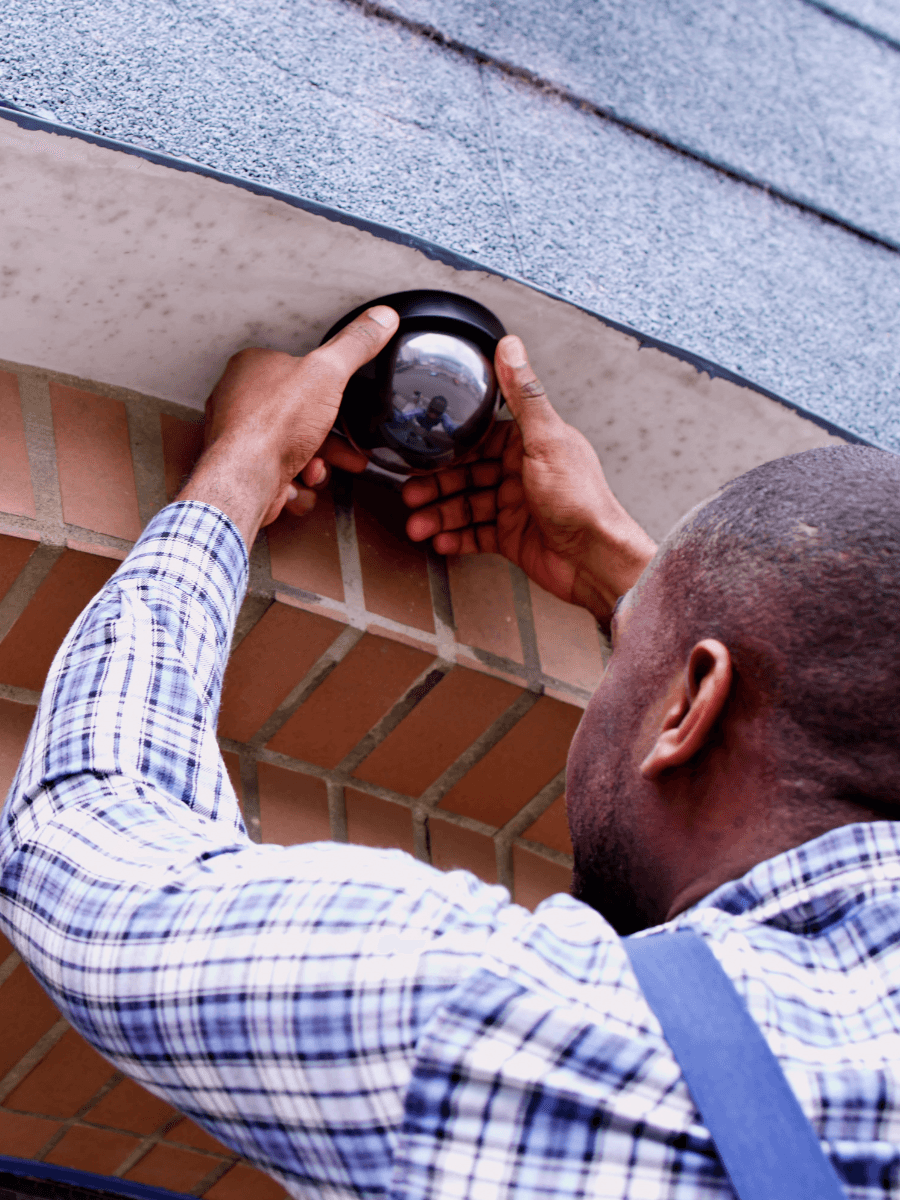
Work is scheduled around your business to avoid disruptions during operating hours.
Professional Installation Team
Installers focus on clean work, proper placement, and systems that function reliably.
End-to-End Ownership
Planning and installation are handled as one process with clear accountability.
Integrated with White Glove Managed IT
Footage will be backed up and secured as part of your broader IT environment.
Built To Scale
Installations range from single camera setups to full building and multi-site systems.
Ongoing Support
Support is available after installation to keep systems working as expected.
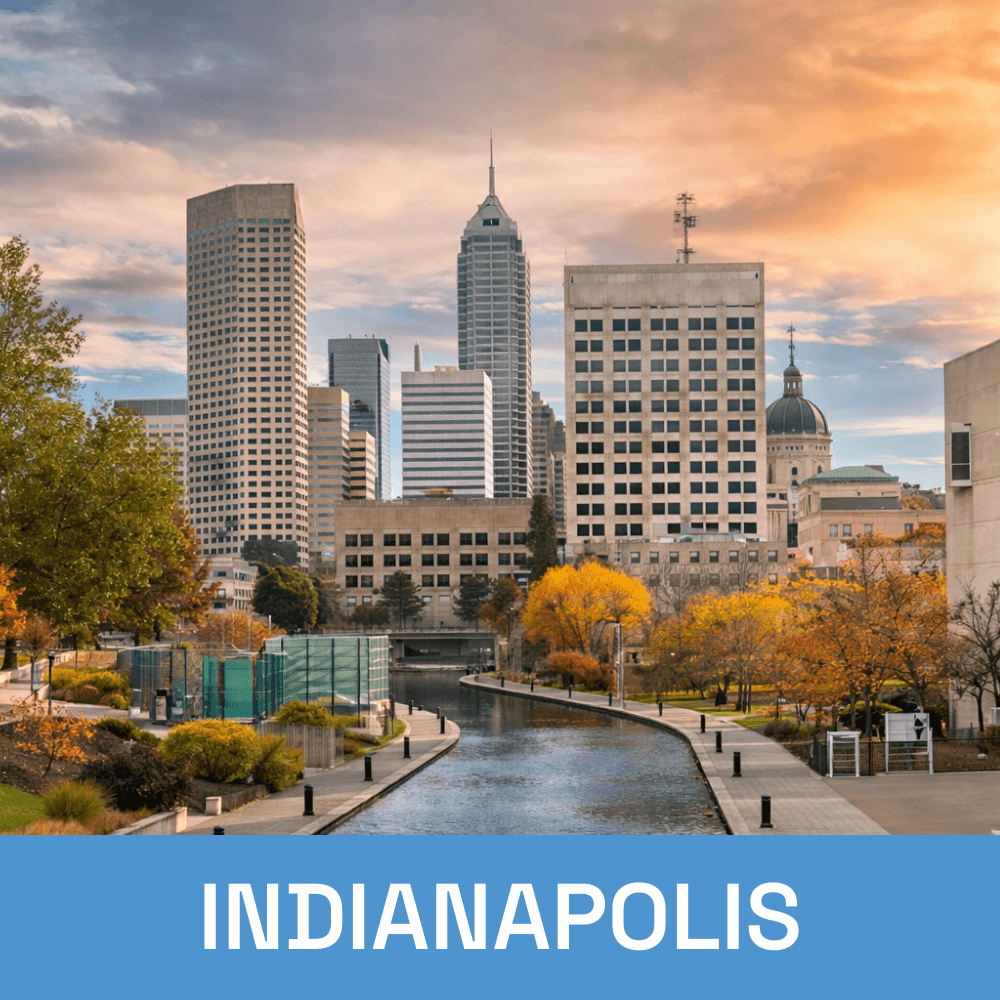
Local Camera & Security Installation Across Central Indiana