Dental IT Questions? We Have Answers.
From Eaglesoft and Dentrix issues to HIPAA compliance and network reliability, get straight answers about managing IT in your dental practice from a local team that knows dental technology inside and out.
LET'S CONNECT
Have a question or need help? Drop us a note below and we'll be in touch soon.
"*" indicates required fields
GET CLEAR ANSWERS ABOUT YOUR DENTAL IT
Whether you’re dealing with Eaglesoft slowdowns, HIPAA concerns, or just wondering if your current IT setup is actually protecting your practice, you’ll find straight answers below.
Dental Software & Daily Operations
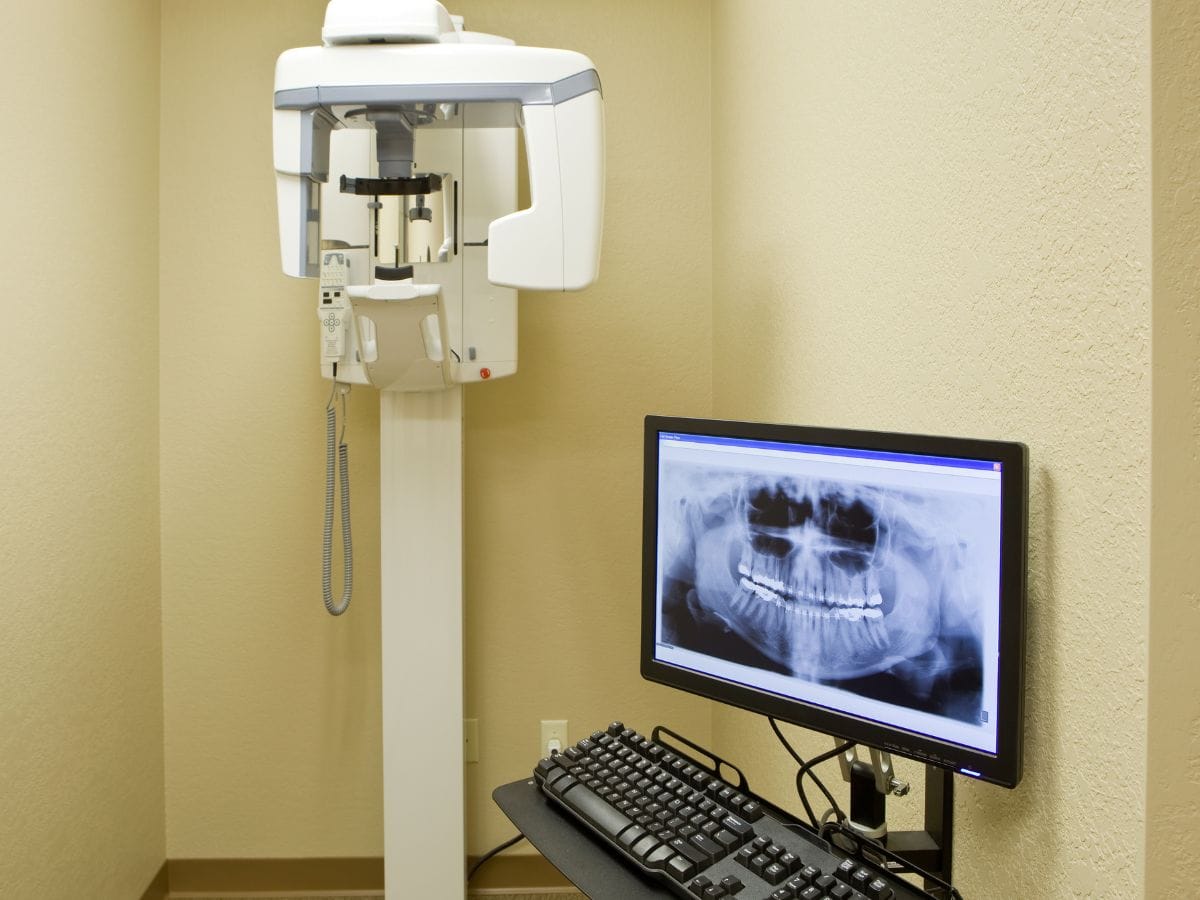
Do you support Dentrix, Eaglesoft, and dental imaging systems?
Yes. We work directly within these systems as part of your daily environment. When something isn’t working, we’re not guessing or pointing fingers at your software vendor. We know how these platforms behave, how they interact with your network, and how to get them running the way your practice depends on.
What happens when our practice management software freezes or goes down during patient hours?
We treat it as a priority. Downtime during patient hours affects your schedule, your revenue, and your team’s ability to do their job. We address it directly, work within your software environment, and focus on getting you back up without disrupting the rest of your day.
How do you prevent the same IT problems from happening over and over?
We look at why problems are happening, not just how to close the ticket. Most recurring issues in dental practices come down to how systems are configured or maintained. We address the root cause so your team isn’t dealing with the same disruption every few weeks.
Security, HIPAA & Data Protection
How do you keep our patient data secure and reduce our risk of a breach?
We use layered protection that includes 24/7 network monitoring, advanced threat detection, encrypted storage, and strict access controls. We don’t rely on a single tool or third-party system we can’t see into. Because we manage our own infrastructure, we have full visibility into how your data is stored, accessed, and protected at all times.
How do you handle HIPAA compliance for our practice?
We build compliance into your environment, not just your paperwork. That means proper access controls, encrypted backups, secure disposal of old hardware, multi-factor authentication, and documented risk assessments. We make sure the way your team actually uses your systems lines up with what HIPAA requires.
How do you identify security gaps in our current setup?
We review your actual environment, not just run a generic scan. We look at how your team accesses systems, where patient data moves through your network, and where risks exist in real workflows. From there we give you a clear picture of what needs to be addressed and why it matters to your practice specifically.
Getting Started With Tech365
What is included with managed IT for a dental practice?
Our White Glove Managed IT plans are priced per device and include remote and onsite support, 24/7 monitoring, security tools, patch management, backup oversight, and vendor coordination. We outline exactly what is covered so there are no surprises on your invoice. If something falls outside your plan, we tell you upfront before we do anything.
Do you support dental practices across Noblesville, Fishers, and Carmel?
Yes. We are a local team based in Indianapolis and we provide onsite and remote support to dental practices across Central Indiana including Noblesville, Fishers, Carmel, and the surrounding areas. When you need someone on-site, we can be there.
What does onboarding look like when we switch to Tech365?
We start by learning how your practice actually operates, from your front desk workflow to your operatories and imaging setup. From there we identify risks, close gaps, and put a support structure in place that fits how your team works day to day. We handle the transition so your staff experiences as little disruption as possible.
Still have questions about your dental IT setup?
Talk to a local team that knows Dentrix, Eaglesoft, and dental IT from the ground up. No obligation, just clarity.
SMART DENTAL IT MADE SIMPLE
Our Process For Dental White Glove Managed IT

Learn Your Practice
We begin by understanding how your dental practice operates, from scheduling and charting to imaging and patient communication.
Build The Foundation
Networks, security, access, and dental systems are organized into a stable foundation that supports your PMS, imaging, and operatories.

Support Daily Operations
Dental software, imaging systems, and office technology are maintained so schedules stay on track and your team can focus on patient care.

Plan For What’s Next
As your practice grows, we help plan technology for new workstations, imaging upgrades, and future office expansion.
REAL CLIENT FEEDBACK
Trusted IT Support For Local Businesses
EXCELLENTTrustindex verifies that the original source of the review is Google. AWESOME AWESOME AWESOME + AWESOME!!! He could do what Apple Store AND Apple Support could NOT do, or didn't care/want to do which is what I suspect. Very patience with me, since I'm older. REALLY REALLY REALLY knows his stuff! He's a tech wizard!!!! Do not hesitate for one second to hire him. (He came to my house) AWESOME!!!!Posted on GoogleTrustindex verifies that the original source of the review is Google. These guys were great to work with. They really went above and beyond looking out what was in the company I where I works best interest. I Look forward to possibly working more with them in the new year.Posted on GoogleTrustindex verifies that the original source of the review is Google. I highly recommend Brandon and his company! We have a small business and all our issues with computer printer/fax/scan were resolved efficiently. The knowledge and professionalism was more than our expectations.Posted on GoogleTrustindex verifies that the original source of the review is Google. Brandon Is quick to respond, very eager, and look forward to working with him again!Posted on GoogleTrustindex verifies that the original source of the review is Google. My experience was AMAZING with Brandon at tech365. I had called other tech companies in the area and remembered the gym I work at got some help from tech365 so I called them up. Brandon was able to come onsite and fix the problem in about fifteen minutes. (mind you I had been calling other places for about a week and no one could fix it) It saved us so much time and he was so nice and easy to work with. I will definitely be hiring him in the future and recommending him to everyone.Posted on GoogleTrustindex verifies that the original source of the review is Google. Seriously amazing and will be working with him in the future! Brandon was so helpful and knew exactly what he was doing. I had spent a week working on fixing the printer and he came in and was able to fix our connection in less then 10 minutes. Save me so much time and brain power. We will forever be using him as our tech guy!Posted on GoogleTrustindex verifies that the original source of the review is Google. I can't recommend this company enough! Kudos to Brandon for operating a 5-star organization!Posted on GoogleTrustindex verifies that the original source of the review is Google. The level of hard work and attention to detail he delivers is unmatched. Tech 365 has been a tremendous help to my business, and I truly value the support and professionalism they provide.Posted on GoogleTrustindex verifies that the original source of the review is Google. He recently completed a project for my small business and did an excellent job from start to finish. His attention to detail, professionalism, and commitment to quality really stood out. I’m very satisfied with the outcome and would gladly work with him again.Posted on GoogleTrustindex verifies that the original source of the review is Google. A friend recommended Tech365 to me so i gave them a try for my small start up shop, I'm amazed how quick and efficient they did their job.


Local Dental IT Support Across Central Indiana