Indiana Managed IT For Dental Practices
What Does Managed IT Do for Dental Practices?
Managed IT services for dental practices keep systems running reliably, protect patient data for HIPAA compliance, and reduce downtime during patient care. This includes support for dental software, imaging systems, network stability, and ongoing monitoring.
Key Benefits Of Managed IT:
Let's Connect
"*" indicates required fields
COMMON DENTAL TECHNOLOGY CHALLENGES
IT Problems That Disrupt Dental Practices
Dental offices rely on stable technology for scheduling, imaging, charting, and patient communication. When systems fail or vendors cannot resolve issues, patient care, schedules, and daily operations are affected.
NETWORK INSTABILITY ISSUES
HIPAA SECURITY RISKS
OUTDATED TECHNOLOGY
BACKUP & RECOVERY ISSUES
LET'S START WITH A COMPLIMENTARY IT CONSULTATION
Let’s talk about your dental software, imaging systems, and the technology your practice relies on every day.

FROM CONCEPT TO CLOSURE
Technology Support For Every Stage Of Your Dental Practice
We support your dental practice from the earliest planning stages through buildout, training, and ongoing IT management. Our team ensures your technology is designed, installed, and supported to keep your practice running efficiently and securely.
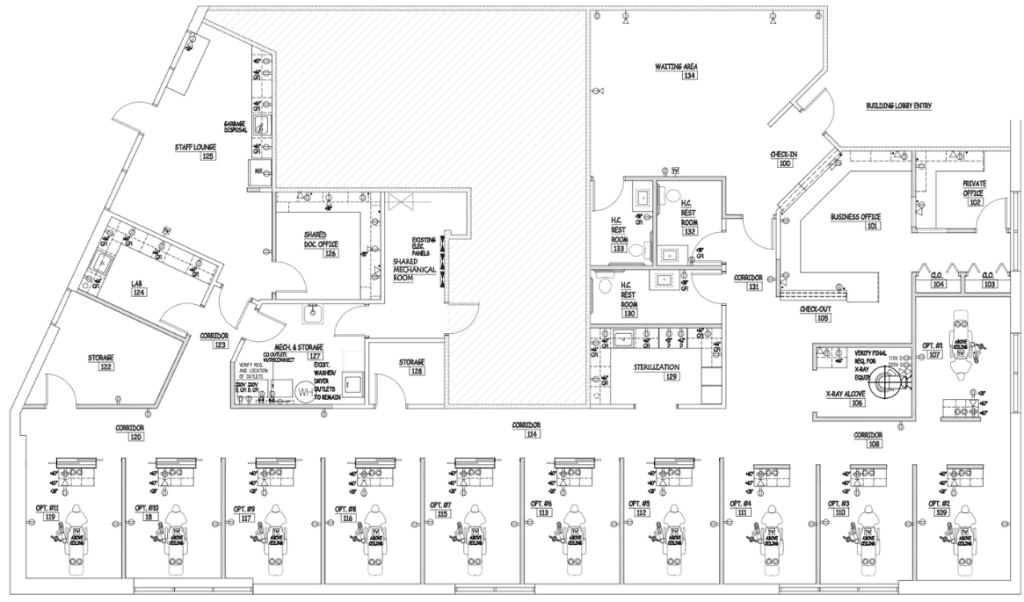
Planning the technology foundation for your dental practice before construction begins
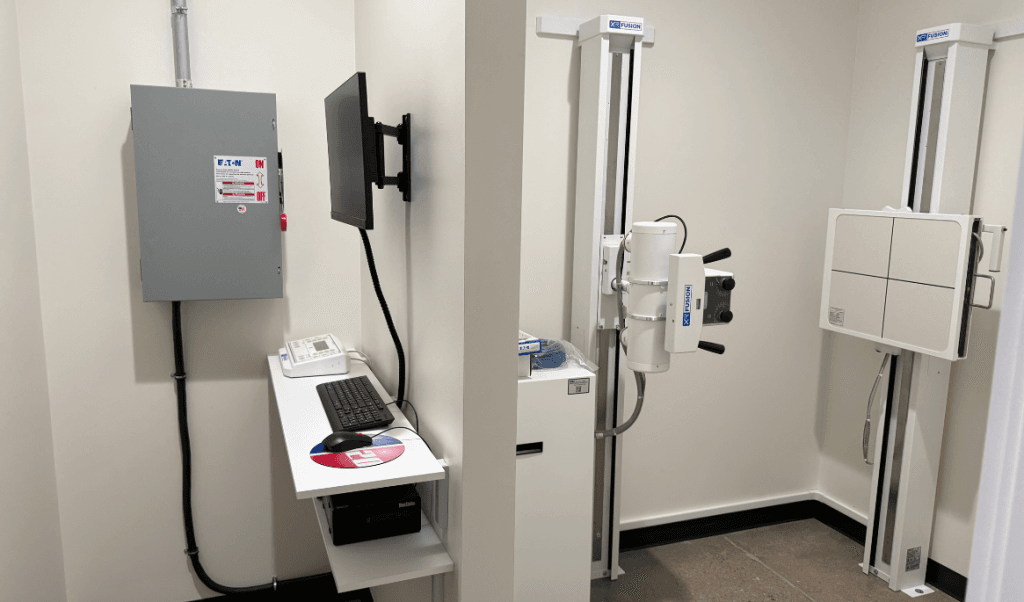
Installing the network, security, and systems your dental office relies on
Preparing your team to use technology securely and stay compliant

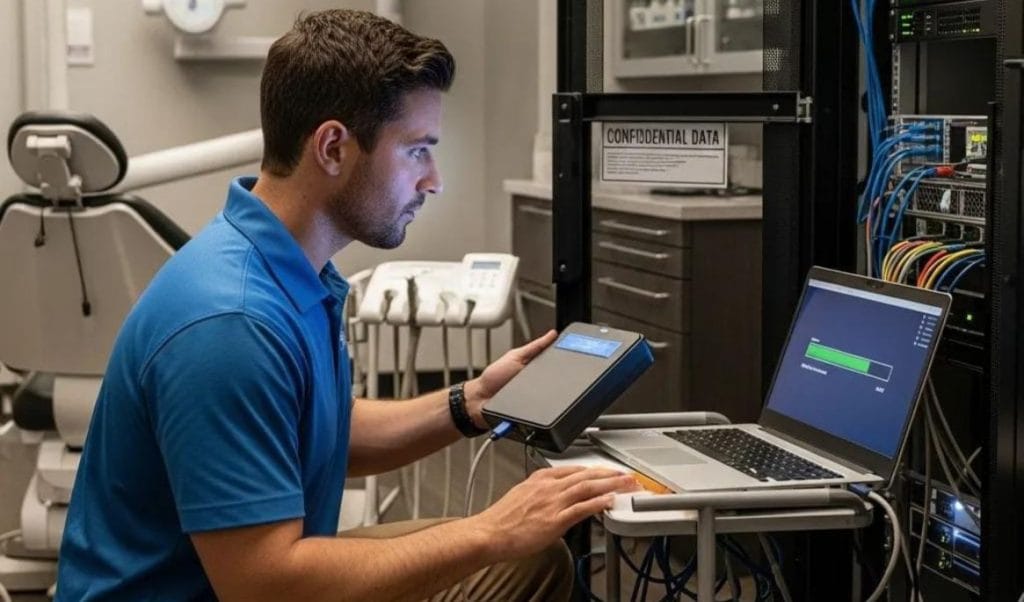
Proactive IT support that keeps your dental practice running smoothly every day
Ongoing technology guidance to support the growth of your dental practice

WHAT MANAGED IT LOOKS LIKE IN PRACTICE
How Managed IT Supports Smooth Dental Operations
When technology is properly managed, dental teams spend less time dealing with technical interruptions and more time focused on patients. Managed IT keeps software, networks, security, and systems working consistently so the entire practice runs with fewer disruptions.
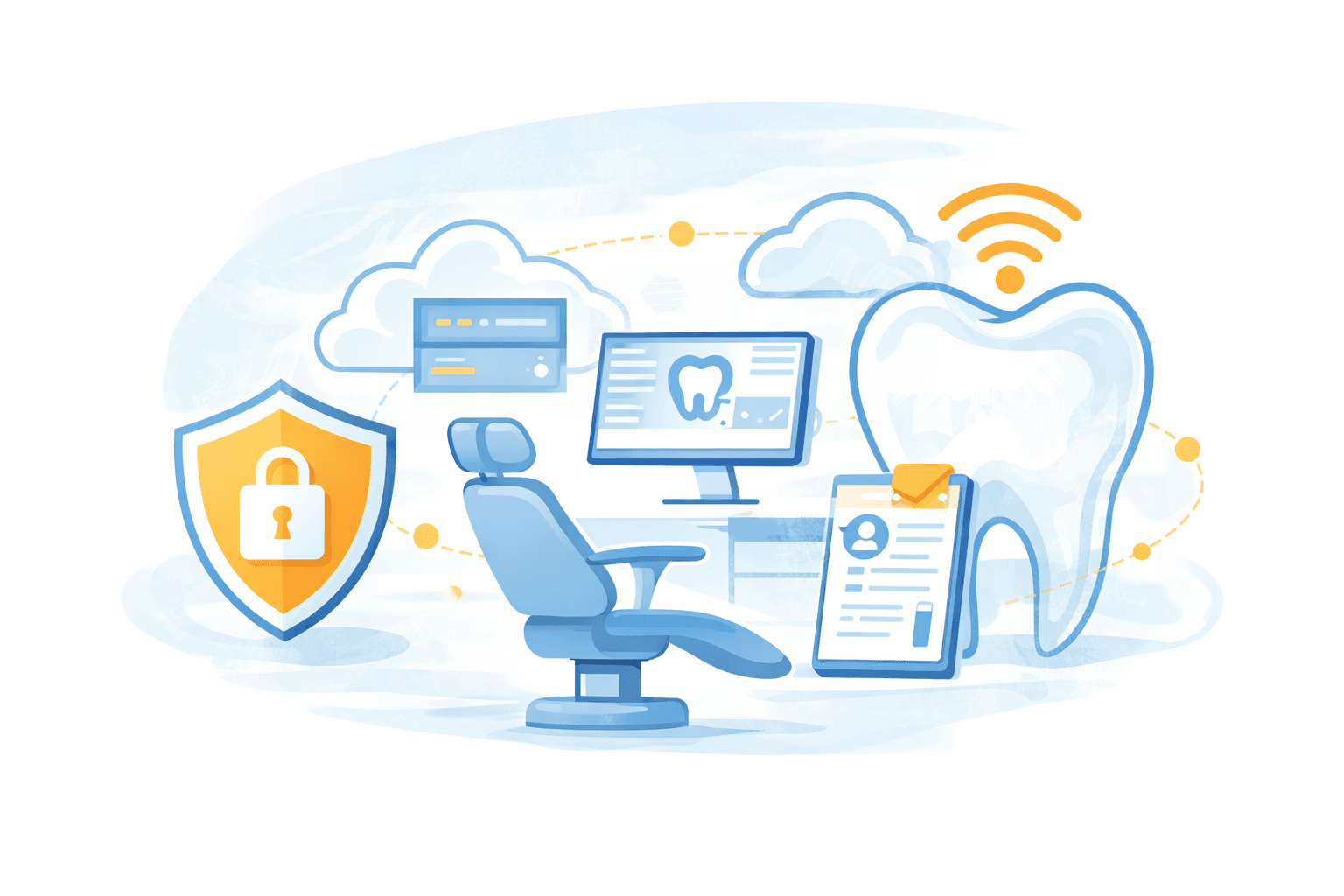
What Dental Practices Experience With Managed IT:
We were fortunate to find Tech365 to support our IT at Skyview Dental. They stepped in after another company had made a complete mess and quickly resolved our issues, making everything easy for our team. Tech365 is always available, trustworthy, and cost-effective, with a clear goal of helping your business thrive. We truly appreciate everything they’ve done and look forward to working together for years to come.
Farheen Pasha, Skyview Dental
SUCCESSFUL IT FOR YOUR PRACTICE
What's Included With Tech365 Dental Managed IT Plans
Dental offices depend on stable software, imaging systems, and secure networks every day. Our managed IT plans provide the protection, support, and technology planning needed to keep your practice running without interruptions.
WE SECURE IT
- HIPAA Risk Assessment
- Managed Firewalls
- Secure Remote Access
- PHI & Patient Data Protection
- Ransomware Protection
- Encrypted Backup & Recovery
- Email Security & Phishing Awareness
- 24/7 Monitoring & Endpoint Detection
- Security Audit Logs & Reporting
- Multi Factor Authentication
- Identity Access Management
- Secure Wi-Fi & Network Segmentation
- Protection for PMS & Imaging Systems
- Security Policy & Compliance Review
WE SUPPORT IT
- Remote Helpdesk
- Onsite Technicians
- Dental Software Support
- Imaging & Sensor System Support
- Practice Management System Support
- Strategic IT Advisory
- Hosted Business Phone
- Video & Chat Support
- End-User Training
- Workstation & Hardware Support
- New User On/Offboarding
- Network Troubleshooting
- Dental Operatory Tech Support
- After-Hours & Emergency Support
WE SUSTAIN IT
- Business Continuity Planning
- On/Off-Site Backups
- Dental Technology Budget Planning
- Disaster Recovery Planning
- HIPAA Compliance & Risk Management
- PMS & Imaging System Integrations
- Application & Software Management
- Asset Tracking & IT Documentation
- Dental Technology Lifecycle Planning
- New Office & Practice Expansion Support
- Technology Refresh & Secure Disposal
- Quarterly Technology Reviews
- Practice Technology Standardization
- Dental Imaging & Equipment Upgrades
Get An IT RISK Assessment For Dental Practices
Dental practices rely on stable, secure technology to keep schedules, imaging, and patient records running without disruption. Our complimentary IT risk assessment reviews the systems behind your practice to identify vulnerabilities, compliance gaps, and opportunities to improve reliability.
I highly recommend Tech365! We have a small business and all our issues with computer printer/fax/scan were resolved efficiently. The knowledge and professionalism was more than our expectations.
Mahnaz Rizvi
THE Tech365 DIFFERENCE
Why Local Dental Practices Choose Tech365
Dental practices choose Tech365 because reliable technology support makes a real difference day to day. Our team helps keep your systems stable, secure, and ready for whatever comes next.
An IT Partner, Not Just Another Vendor
We do more than fix things when they break. We work alongside your practice to keep all tech systems running so you can focus on patients.
Built For Your Practice
Every office is unique. We support the way you work plus the connections between imaging, sensors, and your PMS such as Dentrix or Eaglesoft.
Ready When You Need Us
Chair time matters. If something goes sideways, we respond fast with remote help and on-site visits to keep the schedule on time.
Protecting What Matters
Patients trust you with their PHI. We help you keep it secure with HIPAA minded safeguards, verified backups, and audit-ready documentation.
Scalable Growth
Adding workstations or a new location? We plan and set up the tech, onboard new staff, and make sure Wi-Fi, imaging, and phones just work.
DENTAL TECHNOLOGY WE SUPPORT
Dental Software, Imaging, and Systems Your Practice Relies On
Dental practices rely on a mix of software, imaging equipment, and connected systems to operate smoothly. Tech365 supports the technology that keeps your practice running every day.
DON'T SEE YOUR SYSTEMS LISTED?
Most dental technologies integrate with standard networks, servers, and workstations. If your practice relies on it, we'll help keep it running.
SMART DENTAL IT MADE SIMPLE
Our Process For Dental White Glove Managed IT

Learn Your Practice
We begin by understanding how your dental practice operates, from scheduling and charting to imaging and patient communication.
Build The Foundation
Networks, security, access, and dental systems are organized into a stable foundation that supports your PMS, imaging, and operatories.

Support Daily Operations
Dental software, imaging systems, and office technology are maintained so schedules stay on track and your team can focus on patient care.
Plan For What’s Next
As your practice grows, we help plan technology for new workstations, imaging upgrades, and future office expansion.

REMOTE, CLOUD, & HELPDESK TECH SUPPORT
What Remote Dental IT Support Actually Solves
Dental teams rely on software, imaging systems, and connected devices throughout the day. Remote support helps resolve issues across the practice so schedules, patient records, and communication continue running smoothly.
Staff & Helpdesk Issues:
System, Cloud & Network Issues:
DENTAL CYBERSECURITY PROTECTION
Secure Dental Systems & Patient Data Protection
Dental practices rely on connected software, imaging systems, and patient data every day. Proper security safeguards protect patient information while keeping your technology reliable and compliant.
Unsecured Network
Staff fall for phishing emails targeting patient data
Dentrix or PMS access shared between employees
Imaging systems exposed to ransomware attacks
Guest WiFi connected to office systems
Patient records sent through unencrypted email
Unauthorized access to patient charts
Security alerts go unnoticed by staff
Software updates ignored on clinical workstations
HIPAA risks go unidentified
No verified backup of patient records
Secured Network With Tech365
Email filtering blocks phishing and malicious links
Unique user access controls for dental software
Imaging systems protected with modern security tools
Staff and guest WiFi separated and secured
Patient data transmitted using encrypted methods
Access to patient records monitored and logged
Security alerts detected and investigated thoroughly
Systems updated and patched automatically
HIPAA-aware safeguards across the network
Verified backups protect patient charts and imaging
ENDPOINT DETECTION & RESPONSE
Stronger Protection For Every Device
Dental practices rely on computers in operatories, the front desk, and imaging systems to keep patient care moving. We monitor every workstation and server to detect threats early and prevent ransomware, data loss, or disruptions to daily schedules.
COMPLIANCE & DATA PRIVACY
Clear Standards for Patient Data & Access
Dental practices are responsible for protecting patient information and maintaining HIPAA compliance. Tech365 helps ensure your systems, access controls, and security practices support patient privacy while keeping your practice operating smoothly.
Clear Staff Access Controls
Team members have the right access to patient records, imaging systems, and practice software.
HIPAA-Ready Documentation
Security policies, system records, and procedures are organized for compliance reviews.
Protected Patient Data
Patient charts, imaging files, and communications are secured across systems and devices.
Consistent Security Standards
Technology is configured to support HIPAA safeguards and cyber-insurance requirements.
Compliance That Scales With You
Security practices stay aligned as your team, technology, and patient systems grow.
DATA BACKUP & DISASTER RECOVERY
Data Backups Are Not An Option
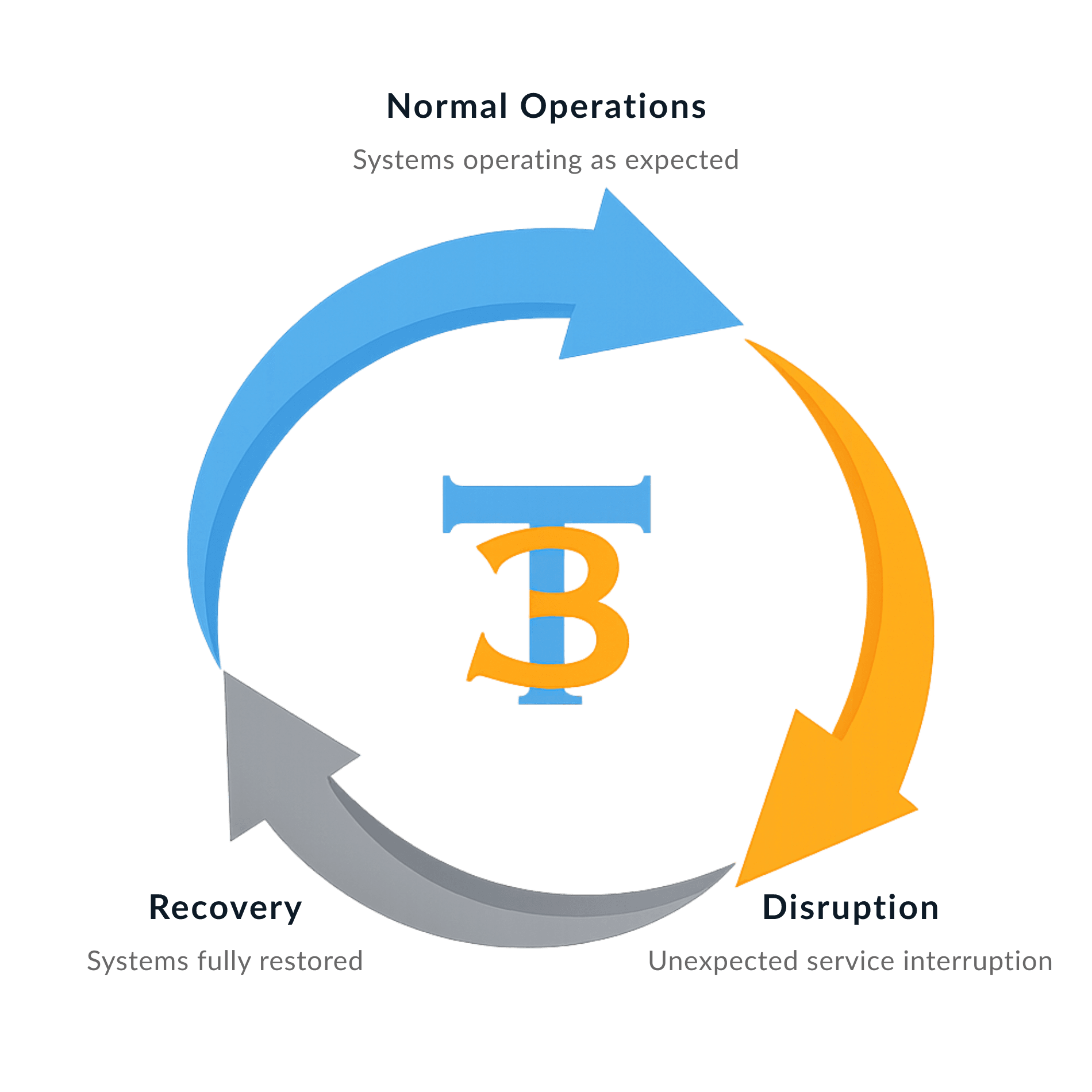
Backup and disaster recovery are required for every White Glove Managed IT client because reliable support depends on reliable recovery.
NETWORK SECURITY COVERAGE
Coordinated Dental Software & Vendor Management
Dental software, imaging systems, and equipment vendors all need to work together for a practice to run smoothly. Tech365
manages coordination between your systems and vendors so your team isn’t stuck troubleshooting technology during patient hours.
What We Take Off Your Plate:
HOSTED BUSINESS PHONE
Connecting Teams and Customers Clearly
Clear communication keeps your business moving. Tech365 provides hosted business phone systems that are reliable, easy to manage, and designed to support teams as they grow and change.

What's Included?
✓ Unlimited users and extensions
✓ Auto attendant and call routing
✓ Voicemail delivered directly to email
✓ Mobile and desktop apps for flexible work
✓ Call handling built for busy offices
✓ Clear call quality with consistent performance
✓ Auto attendant and call routing
✓ Voicemail delivered directly to email
✓ Mobile and desktop apps for flexible work
✓ Call handling built for busy offices
✓ Clear call quality with consistent performance
The Tech365 Advantage
✓ Simple setup with ongoing support
✓ Local, in house support team
✓ Scales easily for teams of any size
✓ No outsourced call centers
✓ Predictable phone costs without losing quality
✓ Secure voicemail with protected data storage
✓ Local, in house support team
✓ Scales easily for teams of any size
✓ No outsourced call centers
✓ Predictable phone costs without losing quality
✓ Secure voicemail with protected data storage
THE MANAGED IT MODEL
Technology Works Better Together
Dental practices rely on many connected systems working at the same time, from practice management software to imaging and patient communication tools. Managed IT ensures these systems are supported together so your practice runs reliably day to day.
Secure Foundation
Everything starts with a strong, secure base. Workstations, networks, and patient data systems are protected through consistent security standards, monitoring, and verified backups so your practice can operate with confidence.
Reliable Day-to-Day
Dental software, imaging systems, and office technology are maintained so your team can stay focused on patients instead of technical issues.
Connected Operations
Practice management software, imaging systems, workstations, and networks are supported together so schedules, charts, and treatment rooms stay connected.
Planned Growth
As your practice grows, technology planning helps support new operatories, additional staff, upgraded imaging systems, and future expansion.
RELATIONSHIPS OVER INVOICE
What Partnership Means To Tech365
We're There When You Need Us
Onsite, by phone, or remote, we resolve issues & keep your team productive.
We Learn Your Business
We listen first, then tailor support that fits your goals, systems, & growth plans.
We Support Your Whole System
We align tech, security, & strategy so everything runs smoothly together.
We're Here For The Long Haul
We guide your growth & innovation with steady, realiable local IT support.
Local Dental IT Support Across Central Indiana