Tech365 Managed Data Backup & Recovery
Data loss can happen without warning, and the impact on your business can be significant. We provide managed backup solutions that protect your data, verify recovery is possible, and ensure your business has a clear path forward when something goes wrong.
LET'S CONNECT
Have a question or need help? Drop us a note below and we'll be in touch soon.
"*" indicates required fields
PROBLEMS WE SEE EVERY DAY
Common Backup Issues Businesses Run Into
These are the backup-related problems businesses deal with on a regular basis. Most aren’t discovered until something goes wrong and data is needed.
RANSOMWARE LOCKED EVERYTHING
SERVER OR COMPUTER FAILURES
IMPORTANT FILES WERE DELETED
DATA SAVED OUTSIDE PROTECTED SYSTEMS
NO VISIBILITY INTO DATA BACKUPS
LET'S START WITH A COMPLIMENTARY IT CONSULTATION
Let’s review your current backup setup and make sure your data is protected and recoverable when it matters most.
HOW MANAGED BACKUP WORKS
What Proper Backup Looks Like In A Business Environment
A properly managed backup system is designed to protect your data, monitor for issues, and ensure recovery is possible when it’s needed. It’s not just about storing data, it’s about knowing what’s protected and having a clear path forward when something goes wrong.
Backup Setup & Coverage
Your backup system starts with identifying what needs to be protected and making sure critical data and systems are included.
Automated Backups
Backups run on a consistent schedule to ensure data is captured regularly without relying on manual processes.
Monitoring & Verification
Backup activity is monitored and verified to confirm that data is actually being protected and can be recovered when needed.
Recovery When Needed
When something goes wrong, there is a clear process to restore data from known backup points without guesswork.
WHAT MANAGED BACKUP MEANS
Backup That’s Set Up, Monitored, & Verified
Managed backup goes beyond simply storing copies of data. It’s a structured process that ensures your systems are protected, backups are monitored, and recovery is possible when something goes wrong.
Configured for Your Business
Backup is set up based on your systems, data, and how your business operates. Critical files and environments are identified and included from the start.
Runs Automatically
Backups are performed on a consistent schedule without relying on manual action. Data is captured regularly to create known recovery points.
Monitored & Maintained
Backup activity is checked for issues and failures. Problems are identified and addressed so protection is not left to chance.
Multi-Location Backup
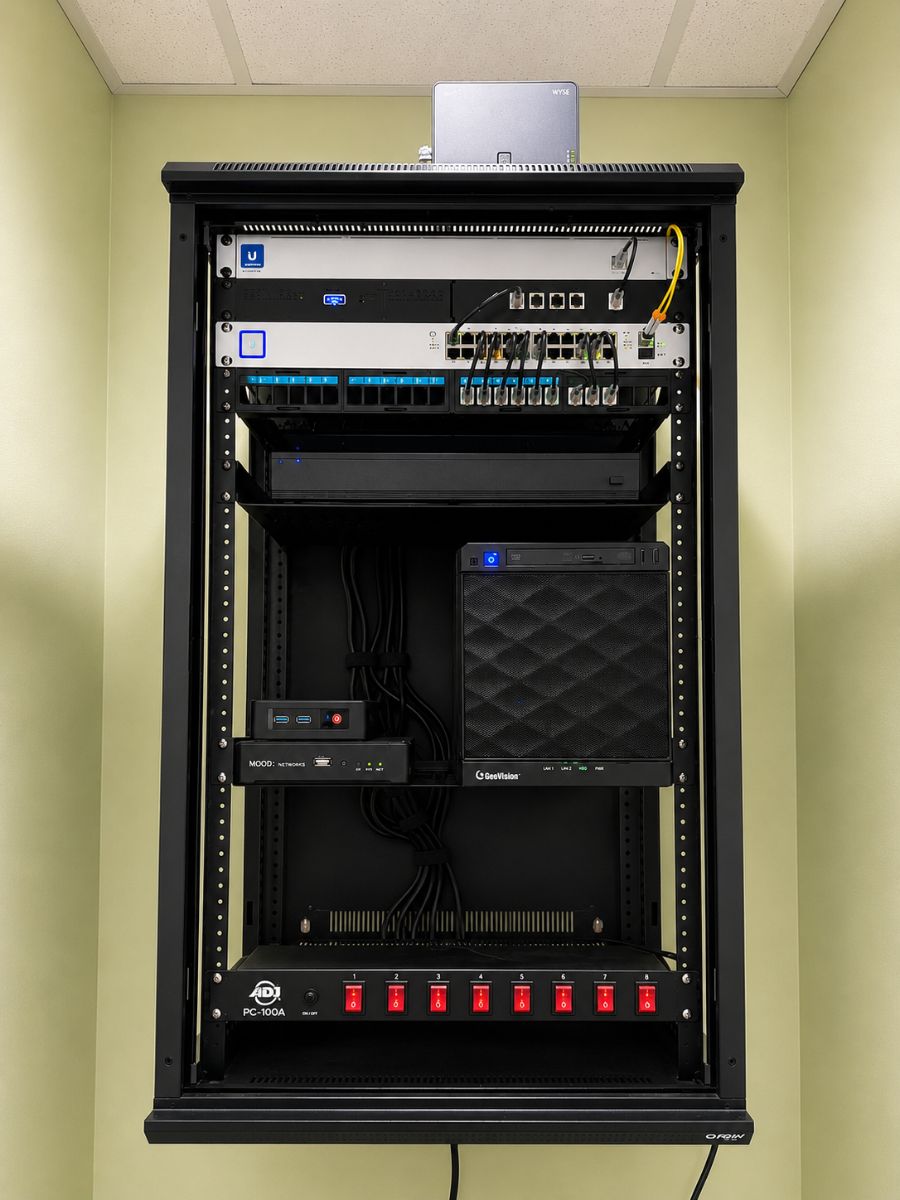
Data is backed up both on-site and in our managed data center. This ensures your data is not dependent on a single location.
Recovery Is Verified
Backups are not just assumed to work. Systems are in place to confirm that data can actually be restored when needed.
data backups are not optional
If your business relies on its data, it needs a backup system that’s properly set up, monitored, and verified. Let’s review your current setup and make sure you’re protected.
WHAT TO EXPECT FROM BACKUP
What Backup Covers and What It Depends On
Backup systems are designed to protect critical business data and provide a path to recovery when something goes wrong. At the same time, it’s important to understand what is included, what depends on proper setup, and where limitations exist.
Backup is only reliable when the data being protected is within systems that are properly managed and controlled.
What Managed Backup Covers
Servers, systems, and managed environments
Shared data stored in approved locations
Cloud platforms like Microsoft 365 when properly configured
Defined backup points based on setup and schedule
What Backup Does Not Guarantee
Recovery speed or exact timelines
Files saved only on local desktops or laptops
Data stored outside managed or approved systems
Recovery from unknown or unverified backup points
WHAT DATA BACKUP PROTECTS
What’s Included in Your Backup Coverage
Backup is designed to protect the systems and data your business depends on every day. Coverage is based on how your environment is set up and where your data is stored.
Tech365 Managed Data Backup Includes:
USER RESPONSIBILITY & TRAINING
Backup Works Best When Everyone Follows the Right Process
Backup systems are designed to protect data that is stored within the right systems and locations. Making sure your team follows consistent practices helps ensure that important data is included and protected.
Where Data Should Be Stored
Best Practices
THE BACKUP PROCESS
From Setup to Ongoing Protection
Backup follows a structured process to ensure your data is protected, monitored, and recoverable when needed. The goal is to eliminate gaps, reduce risk, and make sure protection is consistent across your systems.
Backup Review & Planning
Review your systems, data locations, and business operations to determine what needs to be protected and included in backup coverage.

Backup Configuration & Setup
Set up backup systems based on your environment, including servers, devices, and cloud platforms where business data is stored.
Monitoring & Maintenance
Monitor backup activity for issues or failures and address problems to ensure data protection is not left to chance.
Recovery Readiness & Support
Maintain clear recovery processes and provide support when needed to restore data from known backup points.
RECOVERY & WHAT TO EXPECT
What Happens When Data Needs to Be Restored
Backup follows a structured process to ensure your data is protected, monitored, and recoverable when needed. The goal is to eliminate gaps, reduce risk, and make sure protection is consistent across your systems.
Issue Identified
The problem is reviewed to determine what happened, what systems are affected, and what data needs to be recovered.
Backup Points Reviewed
Available backup points are checked to identify what data can be restored and from what timeframe.
Recovery Process Initiated
Data is restored from known backup points based on the situation, system requirements, and available data.
Validation & Follow-Up
Recovered data is reviewed to confirm it is accessible and aligns with what was expected from the backup.
Issue Identified
The problem is reviewed to determine what happened, what systems are affected, and what data needs to be recovered.
Backup Points Reviewed
Available backup points are checked to identify what data can be restored and from what timeframe.
Recovery Process Initiated
Data is restored from known backup points based on the situation, system requirements, and available data.
Validation & Follow-Up
Recovered data is reviewed to confirm it is accessible and aligns with what was expected from the backup.
Issue Identified
The problem is reviewed to determine what happened, what systems are affected, and what data needs to be recovered.
Backup Points Reviewed
Available backup points are checked to identify what data can be restored and from what timeframe.
Recovery Process Initiated
Data is restored from known backup points based on the situation, system requirements, and available data.
Validation & Follow-Up
Recovered data is reviewed to confirm it is accessible and aligns with what was expected from the backup.
Issue Identified
The problem is reviewed to determine what happened, what systems are affected, and what data needs to be recovered.
Backup Points Reviewed
Available backup points are checked to identify what data can be restored and from what timeframe.
Recovery Process Initiated
Data is restored from known backup points based on the situation, system requirements, and available data.
Validation & Follow-Up
Recovered data is reviewed to confirm it is accessible and aligns with what was expected from the backup.
Let's Make Sure Your Business Is Protected
We’ll review your systems, identify gaps, and make sure your data is stored, protected, and recoverable when it matters most.

WHY CHOOSE Tech365
Built for Real-World Data Protection
Protecting business data requires more than just tools. It takes the right systems, consistent oversight, and a team that understands how everything works together.

Controlled Data Environment
Data is stored and managed within systems that are properly configured and maintained, not left scattered across unknown locations.
Verified Backup & Recovery
Backups are monitored and tested to confirm data can be restored when needed, not assumed to be working.
On-Site & Off-Site Coverage
Data is protected across multiple locations, including systems within your environment and our managed data center.
Integrated with White Glove Managed IT
Backup is part of your overall IT environment, ensuring systems, security, and data protection work together.
Structured Setup Based on Your Business
Backup is designed around how your business operates, not a one-size-fits-all approach.
Ongoing Oversight & Support
Systems are continuously monitored and maintained to keep protection consistent over time.
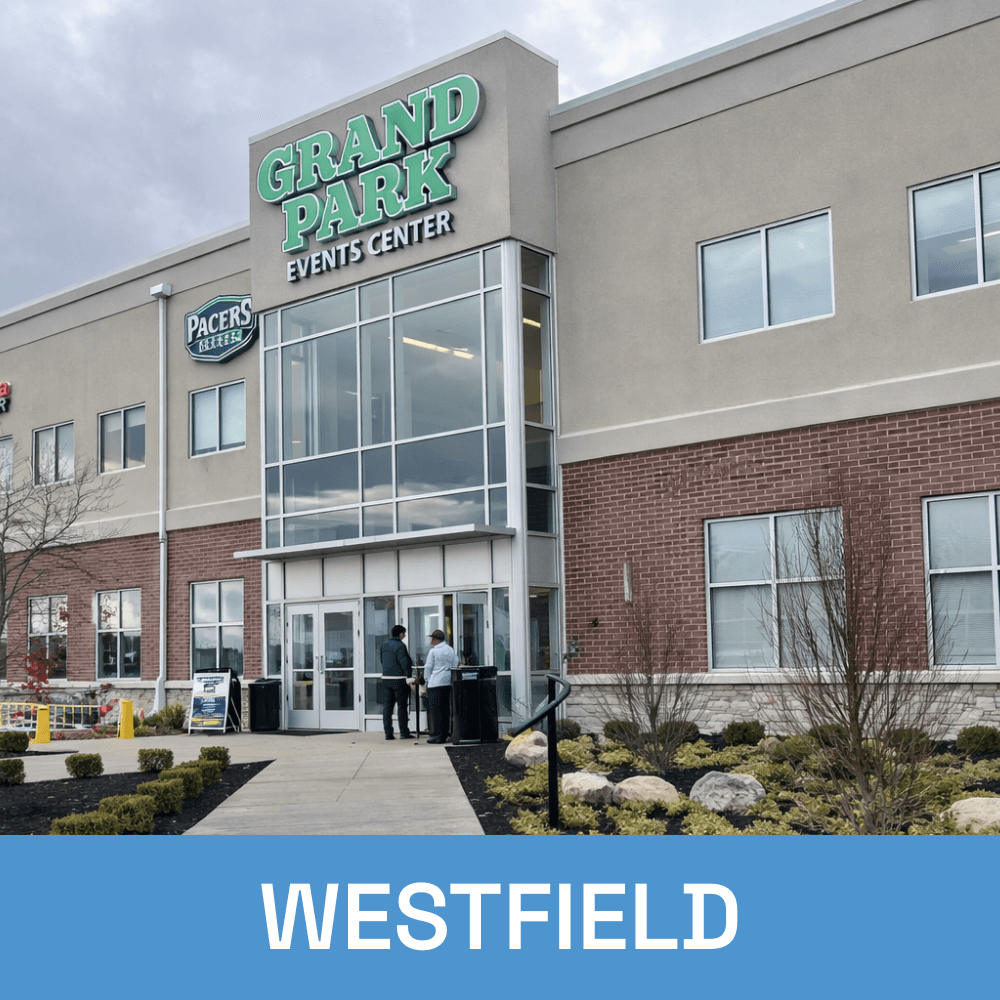
Local Managed Data Backups Across Central Indiana