Indiana Managed IT For Nonprofits & Mission-Driven Organizations
Managed IT services for nonprofits keep your systems running reliably, protect sensitive donor and client data, and help your organization stay focused on what matters most: your mission. Tech365 provides local, hands-on support built around the realities of nonprofit budgets and operations.
Let's Connect
"*" indicates required fields
COMMON NONPROFIT TECHNOLOGY CHALLENGES
When Technology Gets in the Way of Your Mission
Nonprofits rely on stable, secure technology to serve their communities, manage donors, and keep operations running. When systems fail and there is no reliable IT partner to call, your staff and volunteers are left scrambling instead of focusing on the people you serve.
NETWORK & INTERNET ISSUES
DATA SECURITY CONCERNS
OUTDATED TECHNOLOGY
BACKUP & DATA LOSS RISKS
LET'S START WITH A COMPLIMENTARY IT CONSULTATION
Let’s talk about your technology, your budget, and how to keep your organization focused on the people you serve.

WHAT MANAGED IT LOOKS LIKE IN PRACTICE
How Managed IT Supports Smooth Nonprofit Operations
When technology is properly managed, staff and volunteers spend less time dealing with tech problems and more time focused on your community. Managed IT keeps your devices, networks, and data working consistently so your organization runs with fewer interruptions.

What Nonprofits Experience With Managed IT:
"I cannot say enough about Tech365. Transitioning to Tech365 has been seamless and easy, the easiest IT transition I have experienced in any workplace. The staff is professional and the customer service is next level. They have excellent attention to detail at every level, even down to the smallest details. I am glad Tech365 was selected for our organization."
Hamilton County Meals on Wheels
THE Tech365 DIFFERENCE
Why Indiana Nonprofits & Community Organizations TrustTech365
Most IT companies treat every client the same. Nonprofits and community organizations are different. You are working with limited budgets, small staff, and technology that has to just work. We have partnered with over 30 nonprofits and community organizations across the Indianapolis area and we understand what that actually means.
We Know Nonprofit Technology
We understand the tools, the constraints, and the day-to-day reality of running a mission-driven organization. That experience means less time explaining your situation and more time getting it resolved.
Budget-Conscious by Design
We do not believe good IT support should be out of reach for nonprofits and community organizations. We work with your budget to build a plan that protects your organization without overcomplicating it.
Local, Responsive Support
We are based right here in Indianapolis. When something goes wrong, you are not calling a national helpdesk. You are calling a local team that knows your setup and picks up the phone.
Your Data Is Treated With Care
Donor records, client information, and financial data deserve real protection. We build security around how your organization actually operates.
A Long Term Technology Partner
Good IT support is not a one time transaction. We invest in understanding your organization so we can support you today and plan for where you are headed tomorrow.
Straightforward IT Pricing Built Around Your Organization
We know budget is one of the first questions nonprofit leaders ask, and it should be. Every organization we work with is different in size, structure, and what they actually need from a technology partner. That is why we do not offer one size fits all pricing. We build a custom plan around your organization, your devices, and your budget so you are never paying for more than you need.
DATA BACKUP & DISASTER RECOVERY
Data Backups Are Not An Option
Donor records, program data, financial history, and grant documentation represent years of your organization's work. Losing that information is not just an IT problem. It can threaten your funding, your compliance, and your ability to serve your community.
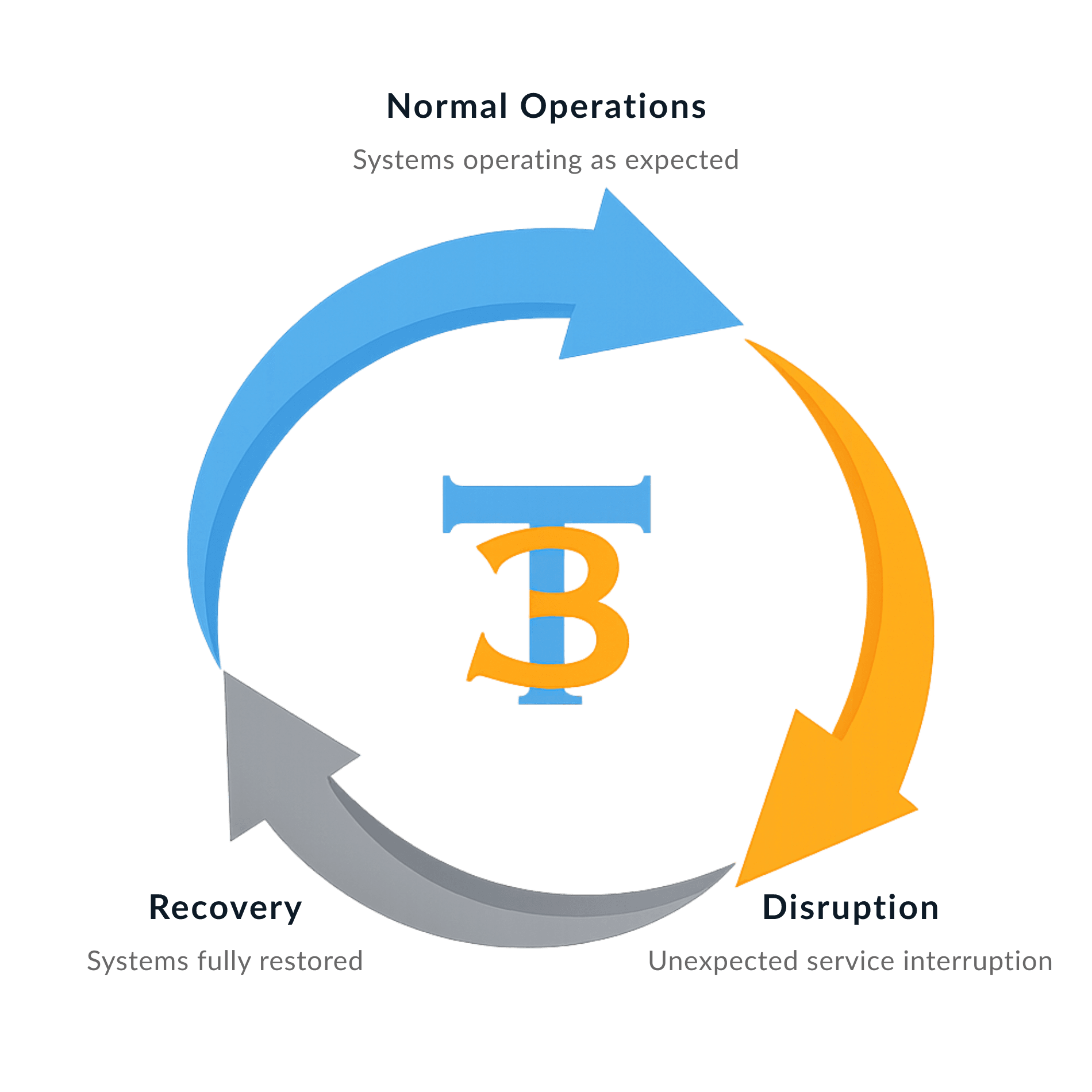
Tech365 protects your business from:

HOSTED BUSINESS PHONE
Keeping Your Organization Connected & Reachable
Clear communication is critical for nonprofits. Tech365 provides hosted business phone systems that are reliable, easy to manage, and affordable enough to make sense for mission-driven organizations of any size.
What's Included?
✓ Unlimited users and extensions
✓ Auto attendant and call routing
✓ Voicemail delivered directly to email
✓ Mobile and desktop apps for flexible work
✓ Call handling built for busy offices
✓ Clear call quality with consistent performance
✓ Auto attendant and call routing
✓ Voicemail delivered directly to email
✓ Mobile and desktop apps for flexible work
✓ Call handling built for busy offices
✓ Clear call quality with consistent performance
The Tech365 Advantage
✓ Simple setup with ongoing support
✓ Local, in house support team
✓ Scales easily for teams of any size
✓ No outsourced call centers
✓ Predictable phone costs without losing quality
✓ Secure voicemail with protected data storage
✓ Local, in house support team
✓ Scales easily for teams of any size
✓ No outsourced call centers
✓ Predictable phone costs without losing quality
✓ Secure voicemail with protected data storage
WHAT'S INCLUDED WITH MANAGED IT
Everything Your Organization Needs In One Simple Plan
No juggling vendors. No surprise add-ons. Your plan covers the technology your organization depends on every day.
We Secure IT
We Support IT
FREQUENTLY ASKED QUESTIONS
Answers To The Questions Nonprofits Ask Us Most
We know choosing an IT partner is a big decision, especially when every dollar matters. Here are honest answers to the questions we hear most from nonprofit leaders and community organizations just like yours.
Do you work with nonprofits that rely on volunteers instead of full-time staff?
Yes. We understand volunteer-driven organizations and can set up access, devices, and offboarding in a way that works with high turnover and rotating teams.
We have donated computers. Can you still support them?
We can. We will assess what you have and let you know honestly what is viable and what may need to be replaced to keep your organization running reliably.
What if we already have someone who helps with IT informally?
We work alongside them. We handle the ongoing monitoring, security, and support so your go-to person can focus on what they do best.
Are there long-term commitments?
We have minimum service agreements in place and will walk you through everything before you sign so there are no surprises.

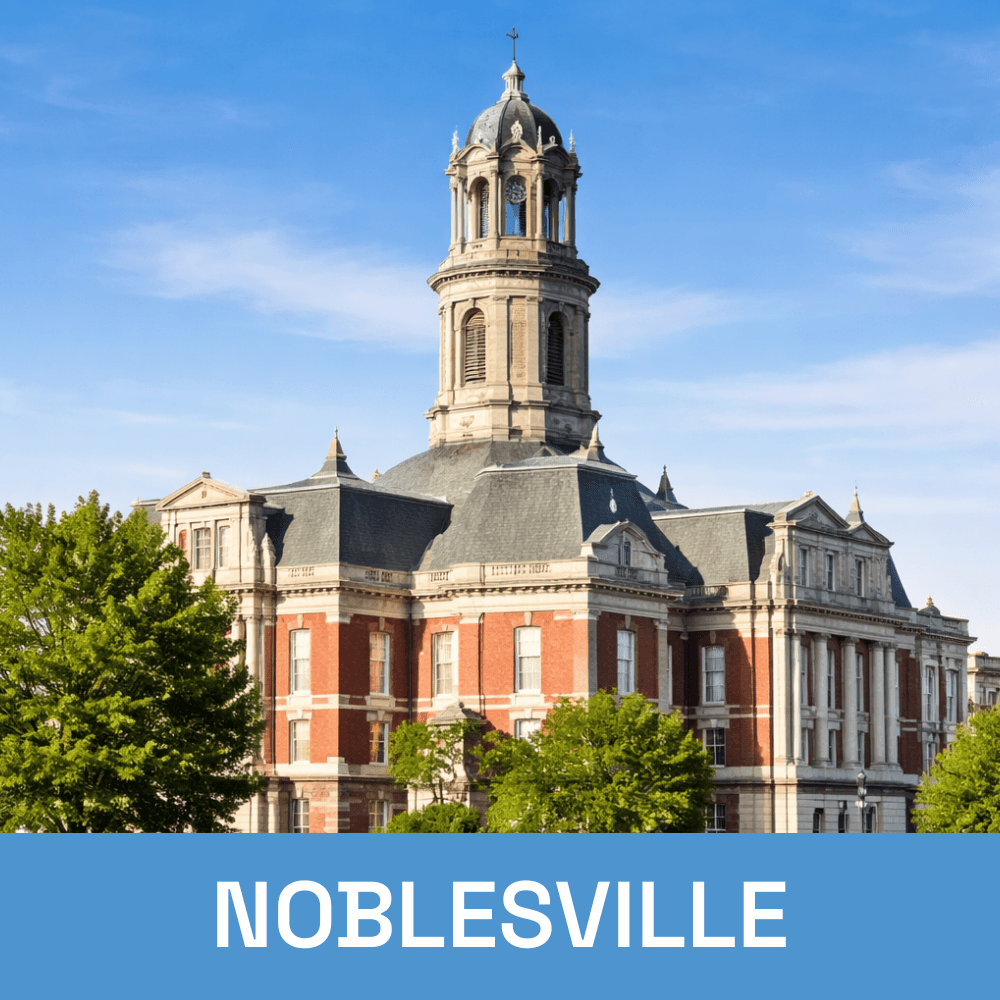
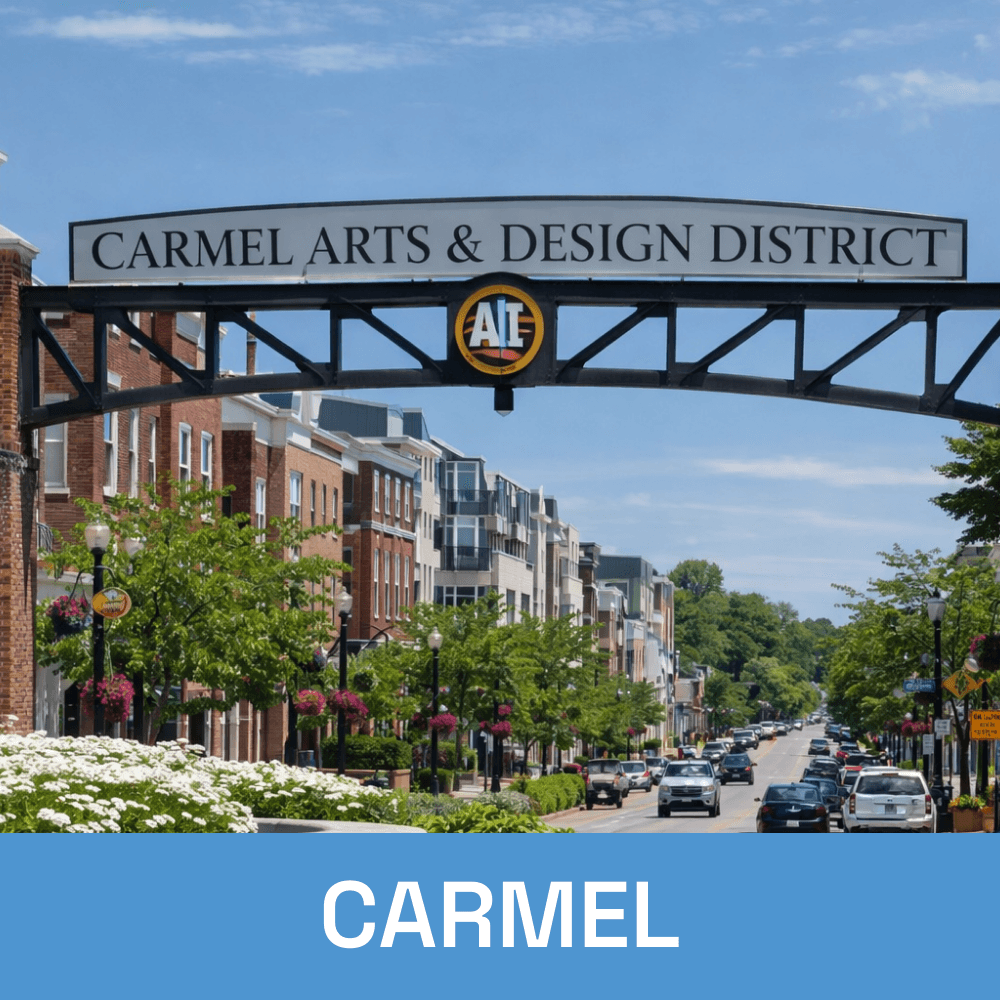
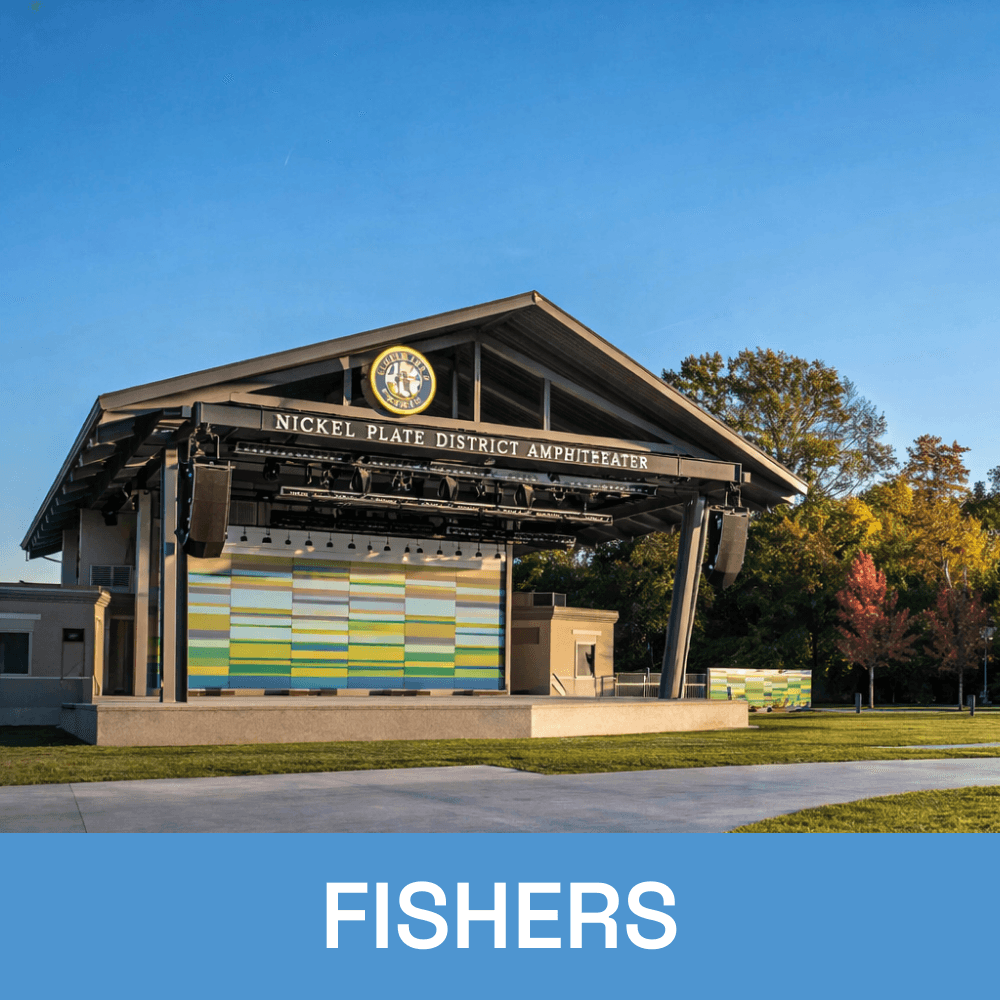
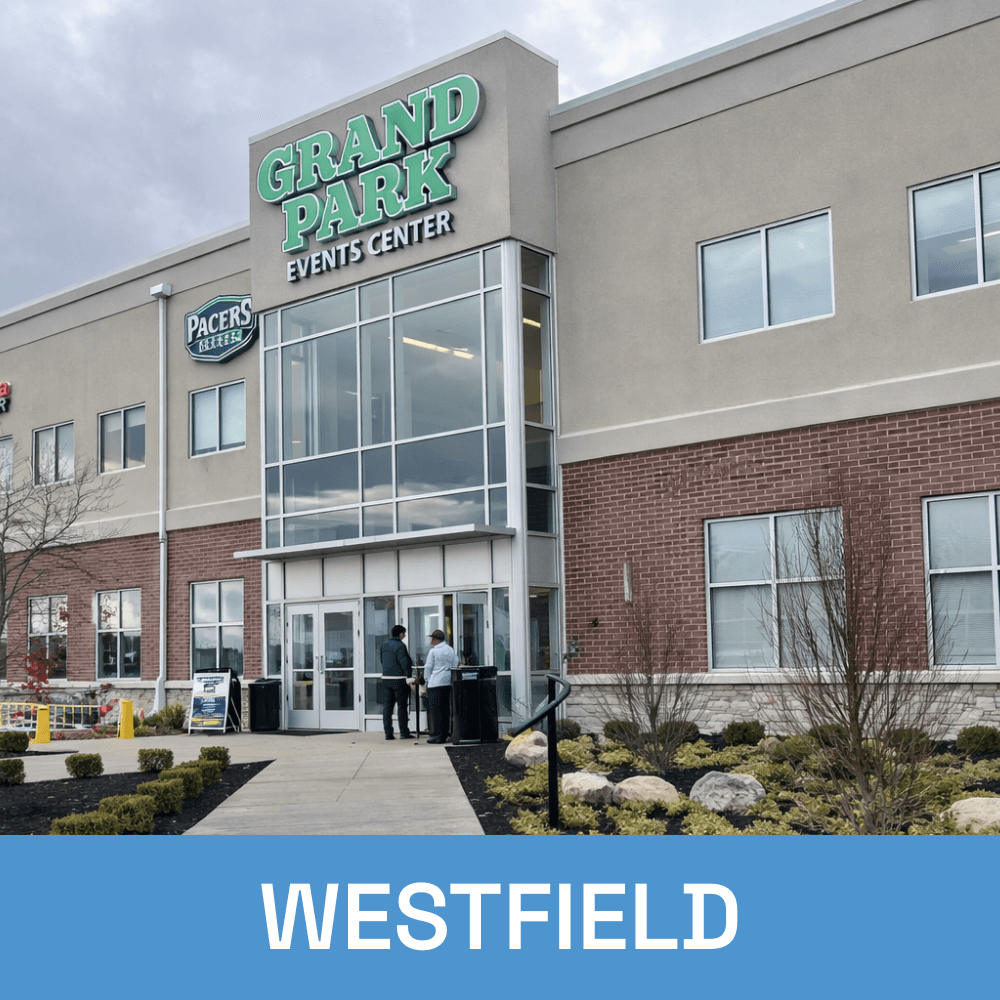
Local Nonprofit IT Support Across Central Indiana