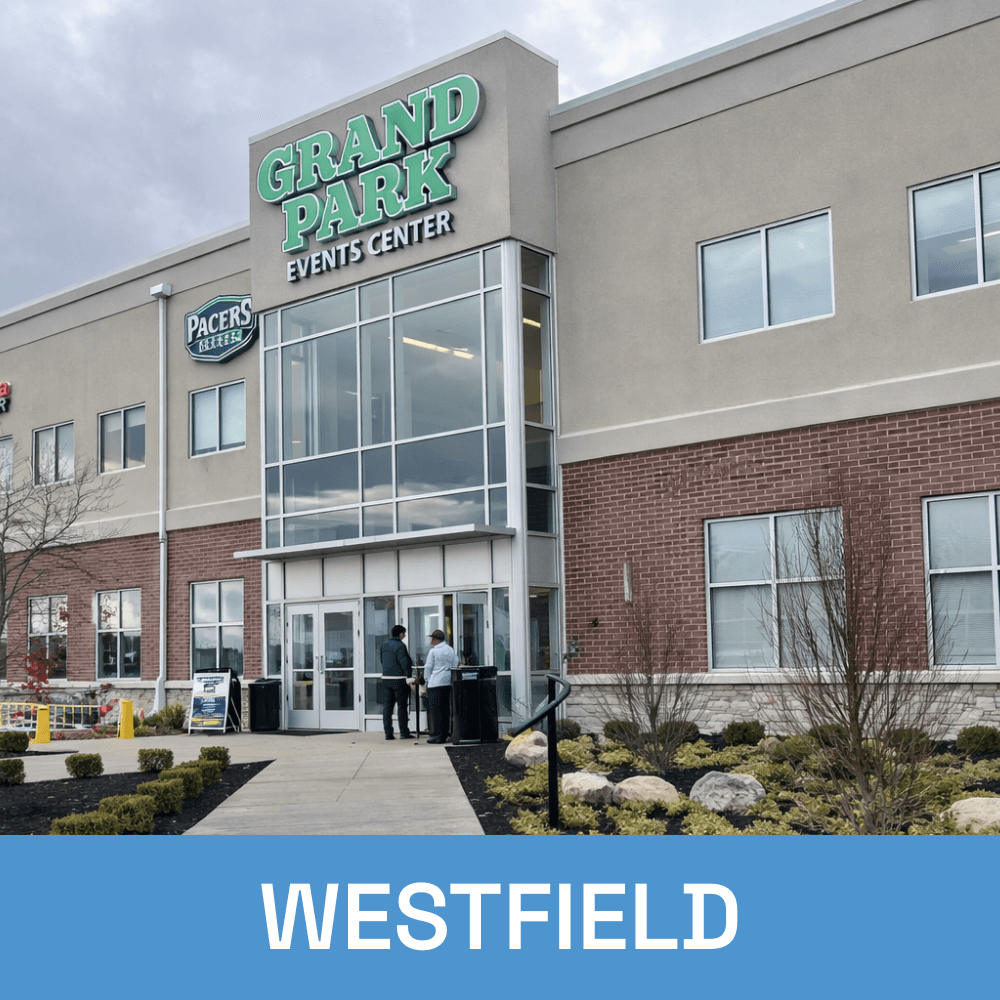
Reliable Business Phone for Central Indiana Businesses
When your team depends on clear communication to get work done, a unreliable phone system costs more than you think. Tech365 delivers cloud-based VoIP phone service designed for Central Indiana businesses with growing teams, multiple locations, or remote staff. You get enterprise-grade call quality, easy management, and a local partner who actually picks up the phone.
LET'S CONNECT
Have a question or need help? Drop us a note below and we'll be in touch soon.
"*" indicates required fields
COMMON BUSINESS PHONE PROBLEMS
Is Your Phone System Working For You or Against You?
Most businesses don't realize how much a bad phone system is costing them until it's too late. If any of these sound familiar, it's time for a better solution.
DIFFICULT TO MANAGE
SUPPORT THAT LETS YOU DOWN
HIDDEN COSTS & SURPRISE FEES
NOT BUILT FOR REMOTE TEAMS
GET ONE YEAR OF BUSINESS PHONE ON US
Sign up for a 36-month White Glove Managed IT plan and your first year of hosted business phone is complimentary.
WHAT'S INCLUDED
A Business Phone System That Actually Does Everything
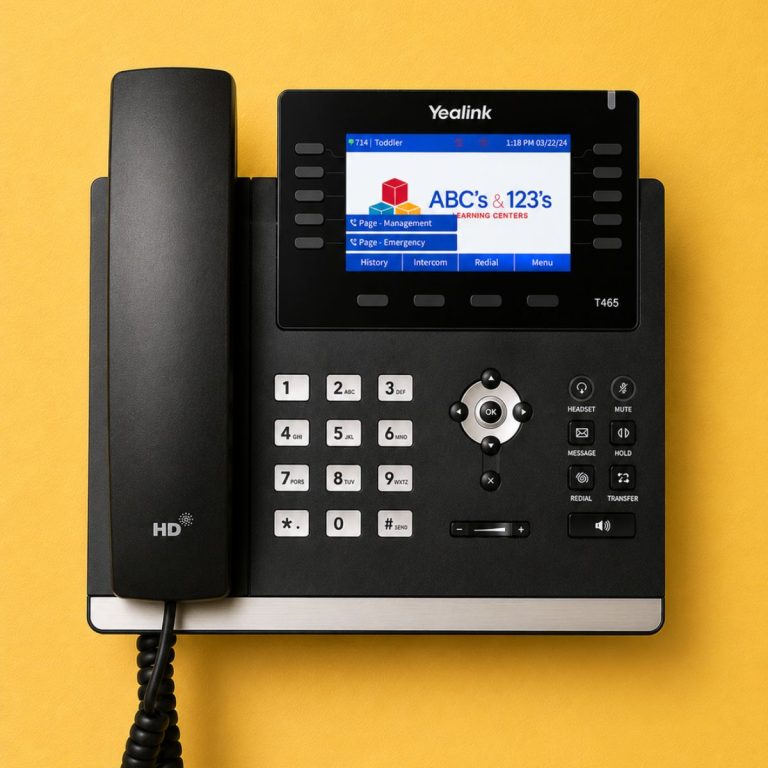
Most business phone systems charge extra for the features your team actually needs. With Tech365 hosted business phone, everything is included from day one, fully set up and supported by our local team.
Tech365 Hosted Business Phone Includes:
85% OF CALLERS WHO CAN'T REACH A BUSINESS ON THE FIRST TRY WON'T CALL BACK.
Every missed call is a missed opportunity. Make sure your phone system never lets one slip through.
WHY Tech365 HOSTED BUSINESS PHONE
A Phone System Backed by a Team That Cares
Most phone providers hand you a system and leave you to figure out the rest. Tech365 is different because your success is handled by our local team from day one.

Here is what you get when you choose Tech365
HOW IT WORKS
Hosted Business Phone From First Call to Full Support
Switching phone systems doesn't have to be complicated. Our local team handles everything from setup to ongoing support so your business stays connected without the disruption.

Needs Assessment
We review your current phone setup, learn how your team communicates, and identify what's not working.
Build Your Plan
We design a phone solution that fits your business, your team size, and how you actually operate day to day.

We Handle Setup
We configure everything, port your existing numbers, and make sure your team is ready to go from day one.

Ongoing Local Support
We monitor, manage, and support your phone system so you never have to figure it out on your own.
Local Hosted Business Phone Across Central Indiana