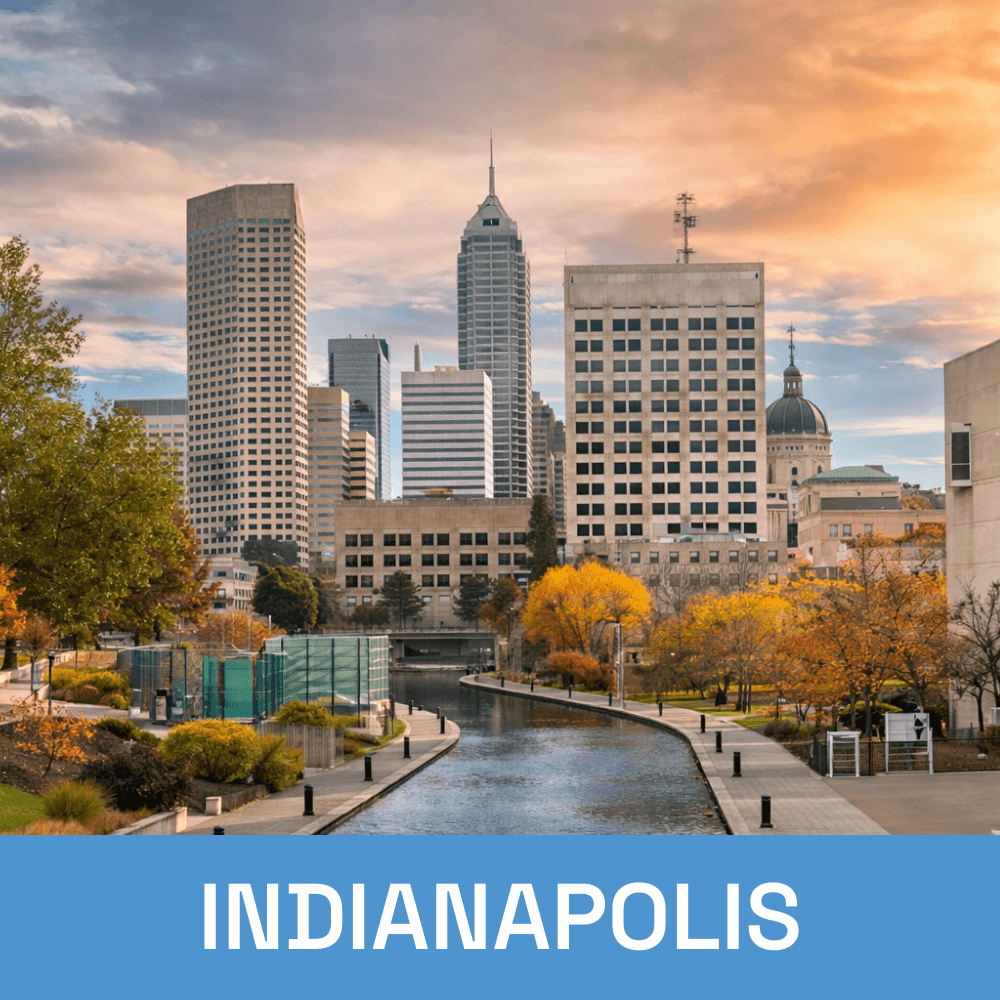
Windows Server Setup & Support for Central Indiana Businesses
Getting a server right from the start saves you from a lot of headaches down the road. Whether you’re setting up for the first time or outgrowing what you have, Tech365
handles the full setup and configuration so your team has a stable, secure foundation to work from. And when you need support, you have someone local to call.
LET'S CONNECT
Have a question or need help? Drop us a note below and we'll be in touch soon.
"*" indicates required fields
WINDOWS SERVER SETUP & SUPPORT
Server Support for Every Stage of Your Business
We work with businesses at both ends of the spectrum. First server, no idea where to start? We'll build it right from the ground up. Already have a server but it's aging out or holding you back? We'll get you to where you need to be without the chaos of a rushed migration.
Server Migration & Upgrades
LET'S START WITH A COMPLIMENTARY IT CONSULTATION
Not sure where your server situation stands? Let’s take a look together.
WHAT'S INCLUDED
Everything You Need to Get Running and Stay Running
A server setup done right saves you from a lot of problems you'll never see coming. Here's exactly what Tech365 takes care of from start to finish.
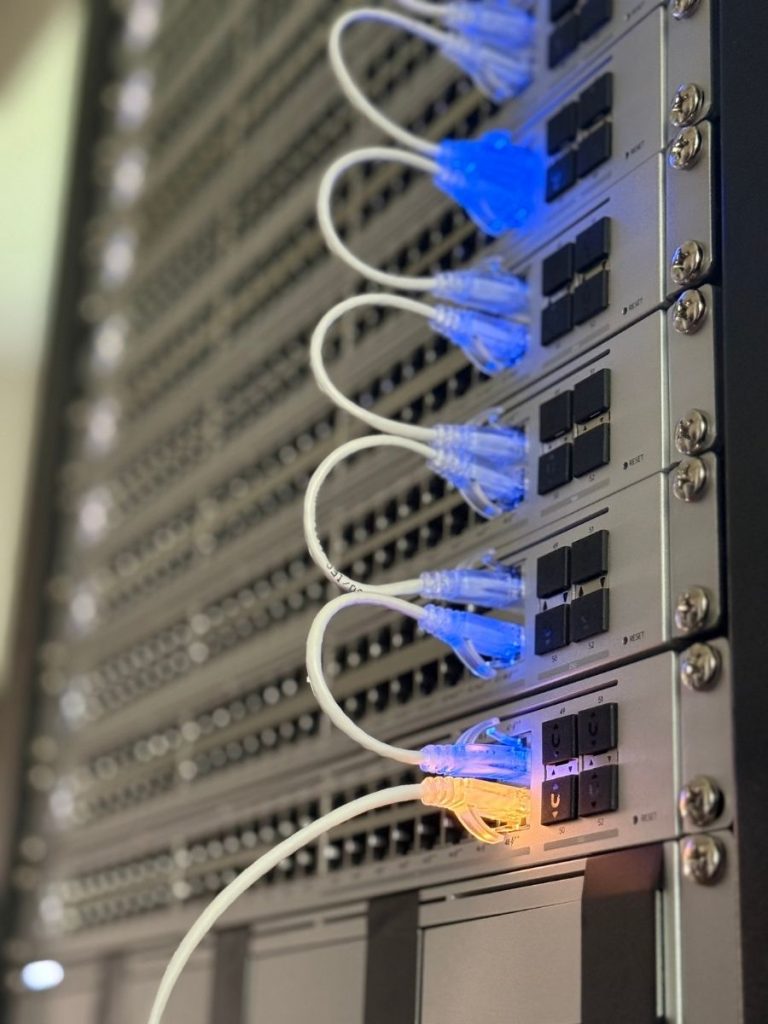
Windows Server Setup & Support Includes:
"We've partnered with Tech365 for several years and truly value the consistent support they've provided. It always feels like working with a local partner who genuinely cares about our success. As our business has grown, Tech365 has remained reliable and available whenever we need them. Knowing there's someone we trust just a phone call away means a lot."
Amy Van Bruggen
Ready to Get Your Server Set Up the Right Way?
Whether you're starting from scratch or replacing something that's holding you back, let's talk about what your business actually needs.
THE SERVER SETUP PROCESS
What Working with Tech365 Actually Looks Like
From the first conversation to long-term support, here's how we approach every Windows Server engagement.

Complimentary Consultation
We start with a conversation about your server environment. No pitch, no obligation, just an honest answer about what you need.

Assessment &
Planning
We review your environment and build a plan around your business. You'll know exactly what to expect before we touch anything.
Setup &
Configuration
We handle the full installation with minimal disruption. Every role, service, and permission is configured with intention.

Ongoing
Support
Once you're running, we stay involved. You get a local team familiar with your environment, and available when something comes up.

WHY CHOOSE Tech365
Built for Your Business, Not Just Your Server
Setting up a server is technical work, but the goal is always the same. Keep your team running, your data protected, and your business moving forward. That's what we focus on every time.
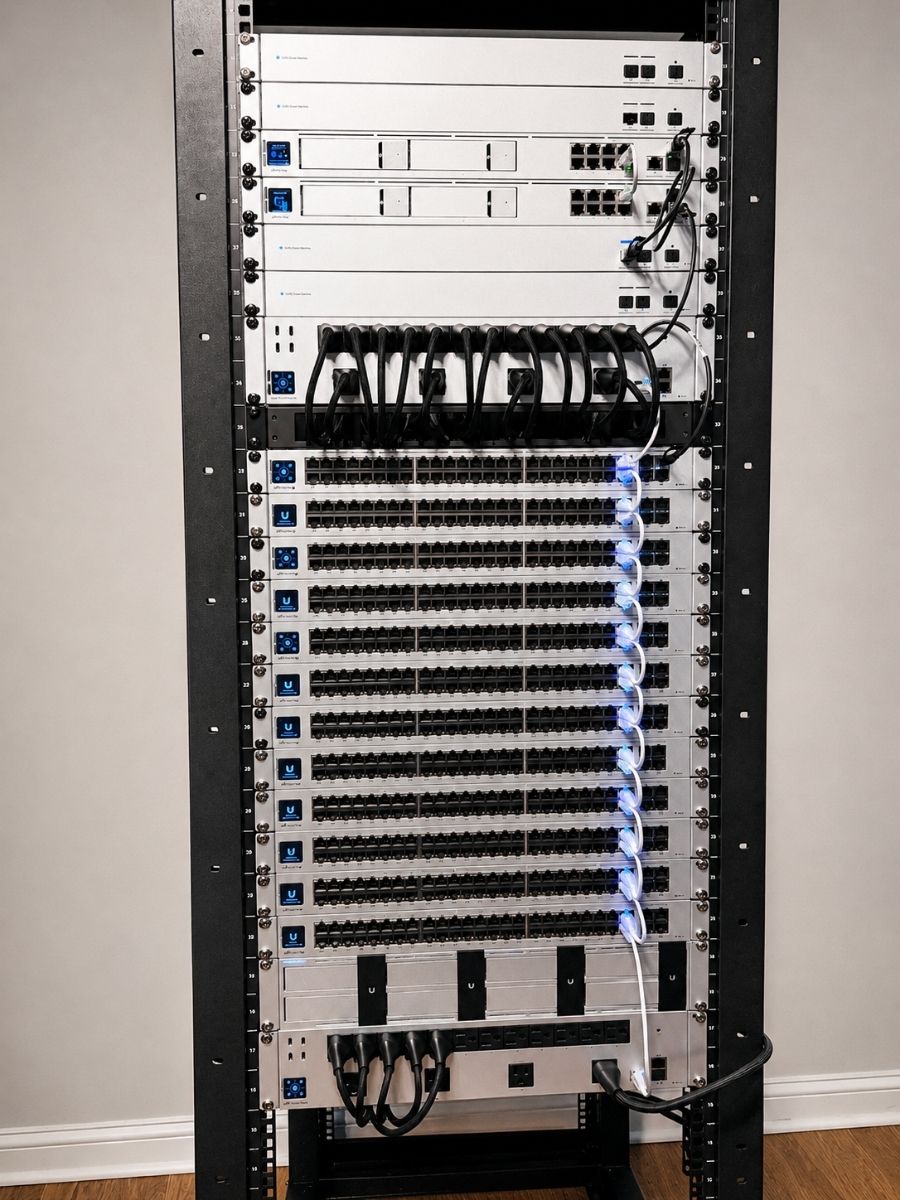
Server Setup Done Right the First Time
We configure everything intentionally so you're not dealing with problems that trace back to a rushed install.
Local Central Indiana Support
Indianapolis-based team that knows your environment and is available when you need us.
New Installations & Migrations
Whether you're starting fresh or moving off an aging server, we handle both without cutting corners.
Integrated with White Glove Managed IT
Your Windows server is managed as part of your broader IT environment, not treated as a separate problem.
Clear Communication
You'll never be left wondering what's happening with your environment. We keep you informed at every stage so there are no surprises.
A Partner Beyond the Project
We stay involved as your business grows so your server environment keeps up with where you're headed.
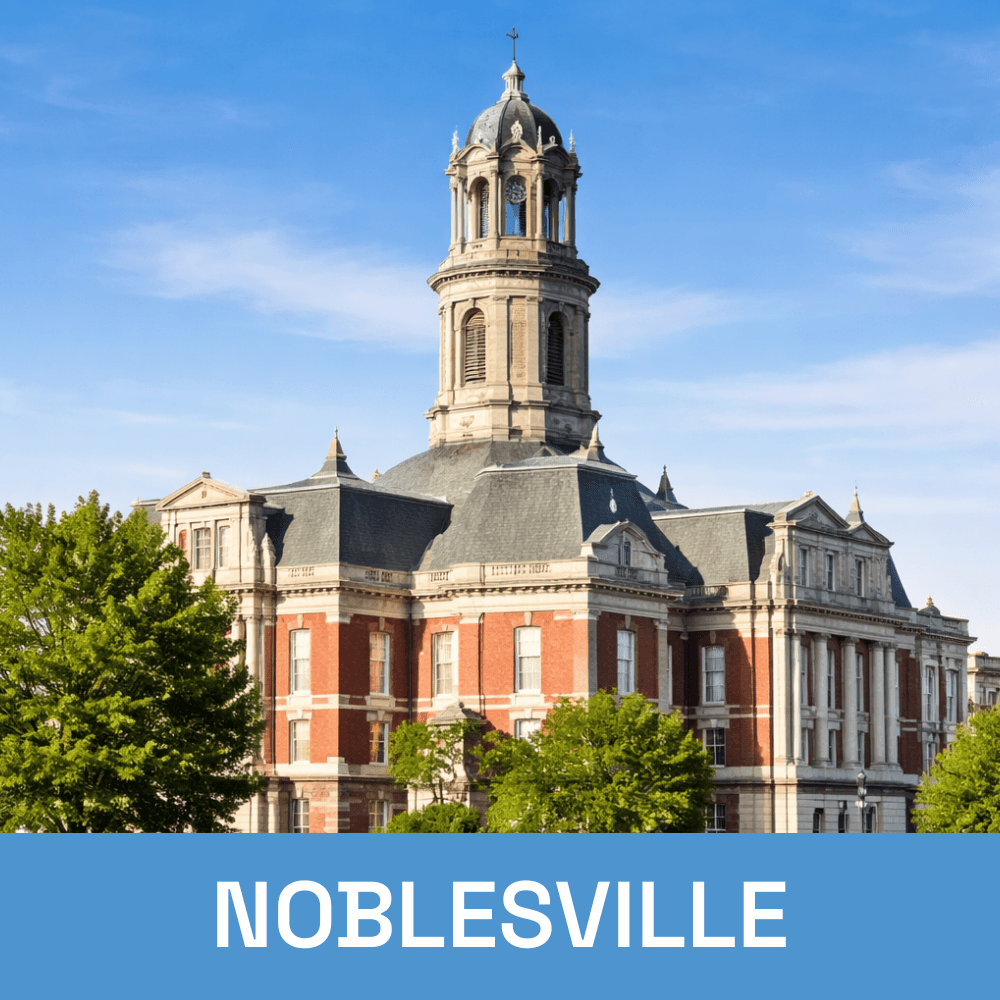
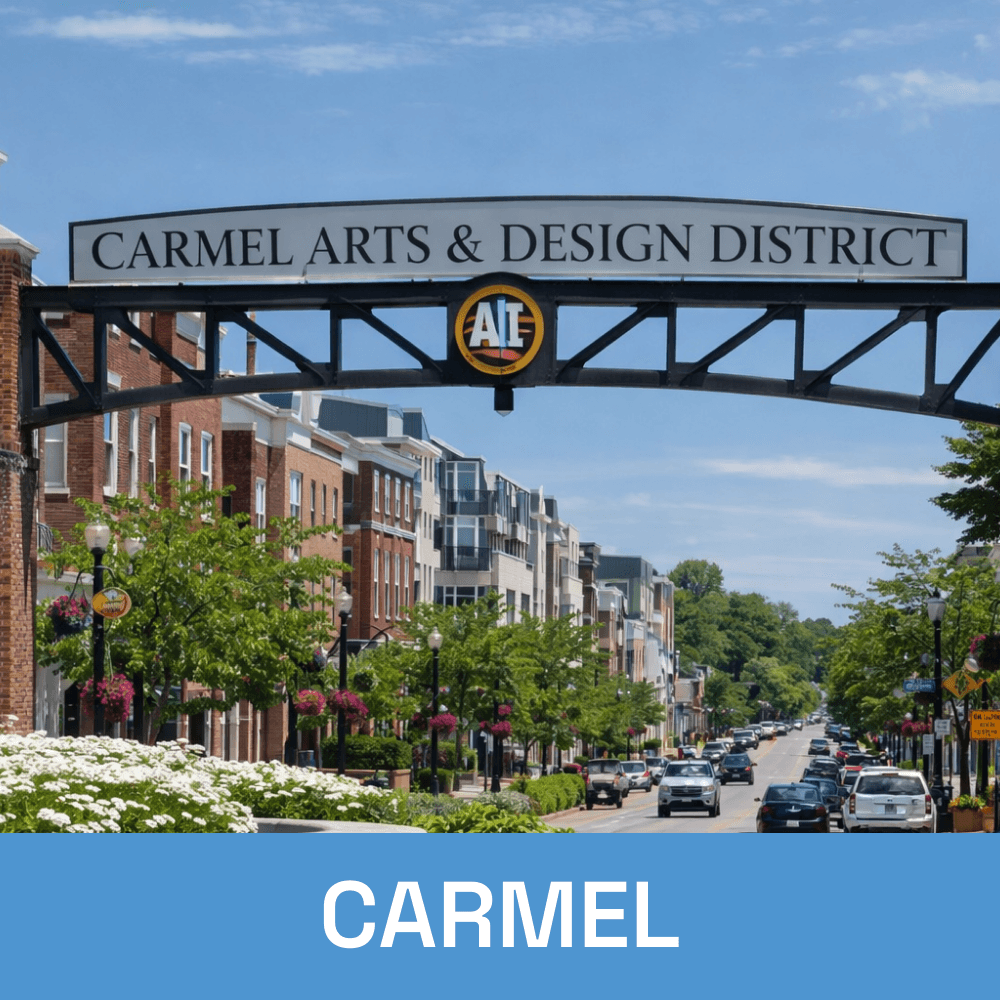
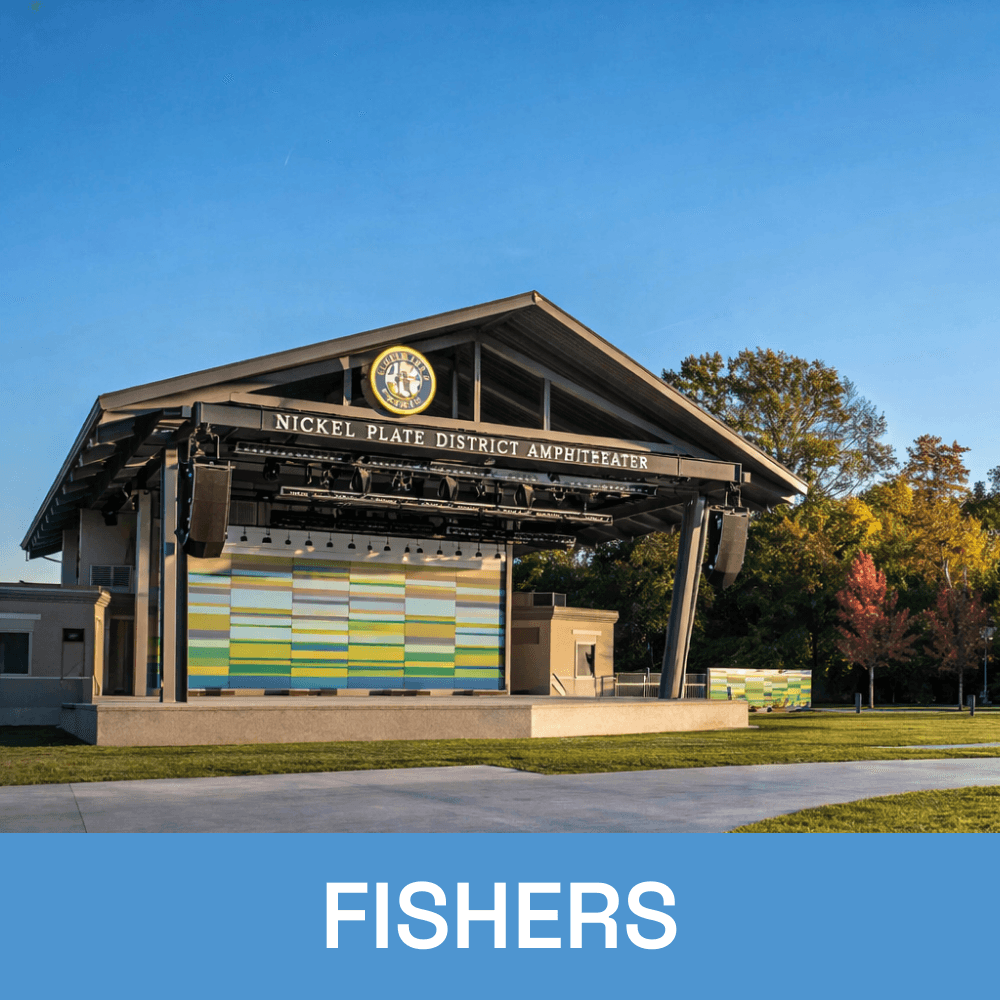
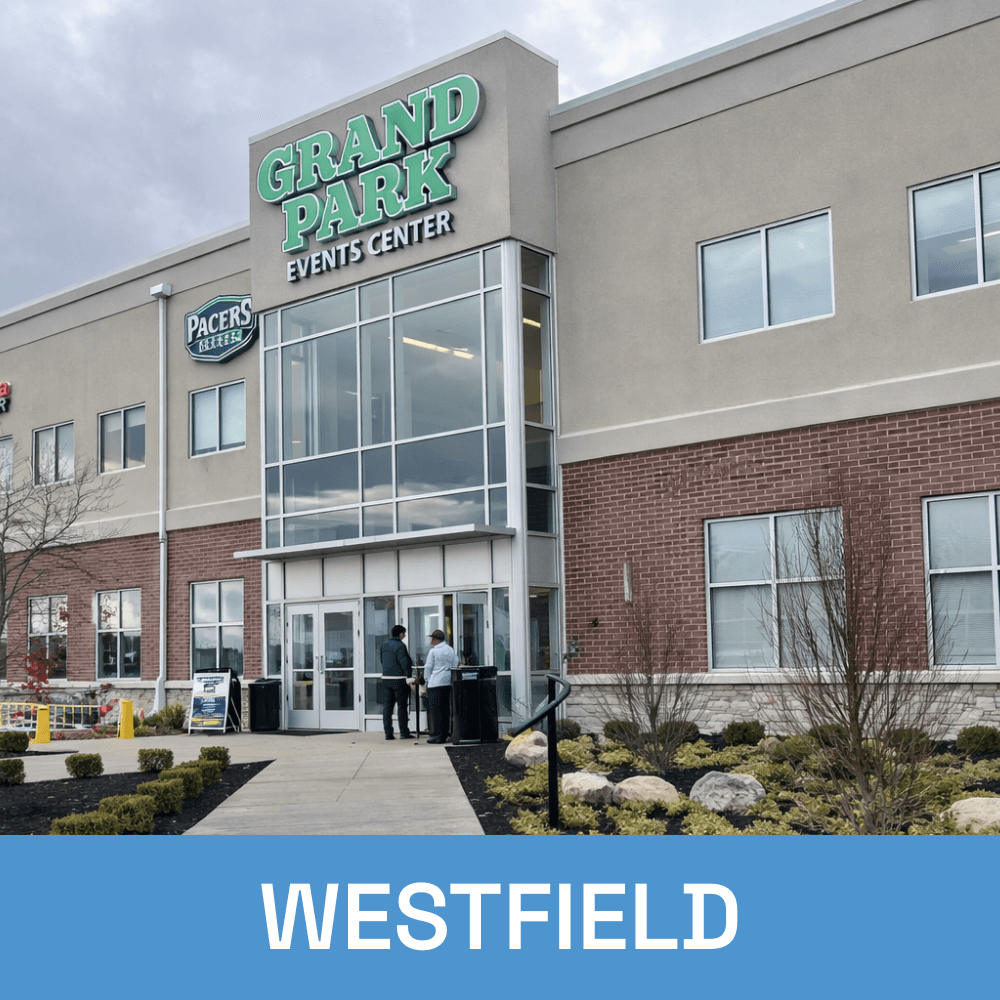
Local Windows Server Setup & Support Across Central Indiana