
Will Your Data Backup Work When You Need It? Practical Steps for Reliable Verification and Recovery
By Brandon Mitchell, Tech365
Backups are a foundation of any resilient business, but many organizations assume backups are effective without proving it. Reliable backup and recovery let you restore essential information after outages, accidents, or failures. This guide explains how to confirm your backups will work when required — covering verification methods, monitoring practices, and considerations for businesses operating in Indiana. Follow these steps and testing routines to reduce the risk of data loss and keep operations running when it matters most.
Best Practices for Backup Verification
To keep backups dependable and accessible, adopt a few proven practices. Schedule regular, automated backups so you have consistent recovery points. Combine cloud and onsite storage to avoid a single point of failure and give you flexible restore options. A hybrid strategy that blends both approaches typically delivers stronger protection and better recovery choices.
Optimizing Backup and Disaster Recovery in Multi-Cloud Architectures
Organizations increasingly depend on data, making resilience and continuity central to business planning. Multi-cloud setups require backup and disaster recovery plans that address distributed storage, security gaps, and compliance challenges. Traditional backup models often fall short in dynamic environments; developments in analytics, automation, and next-generation storage are reshaping how companies safeguard critical information.
Disaster recovery and data backup optimization: Exploring next-gen storage and backup strategies in multi-cloud architectures, AAM Syed, 2024
Key Considerations
When you evaluate your backup monitoring and management, focus on a few core areas. Continuous monitoring shows the health of your backup operations in real time. Routine integrity checks verify that stored data isn’t corrupted and can be restored. Finally, train staff on recovery procedures so your team can act with confidence during an incident.
Essential Techniques for Backup Verification
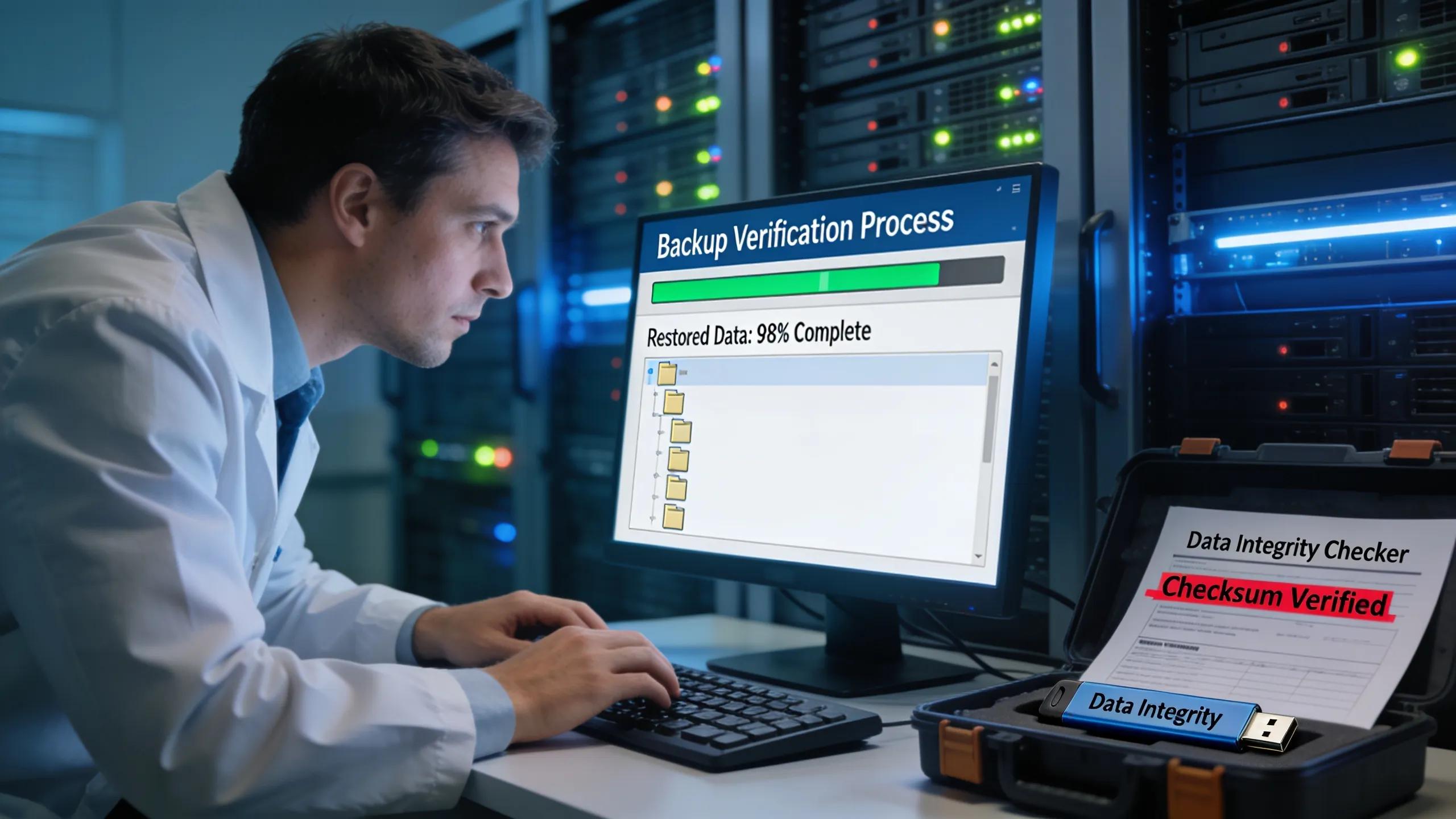
Use targeted techniques to confirm backups are usable. Regular recovery tests validate that data can be restored from your chosen recovery points. Run controlled failure simulations to exercise your plans and expose gaps. Keep recovery steps and results documented so teams can repeat tests and improve procedures over time.
Regular Testing and Validation
Ongoing testing is essential to maintain confidence in your backups. Periodically run end-to-end recovery tests to confirm processes work as intended. Review available recovery points to understand what data and timestamps are recoverable. After any recovery, validate restored files to ensure nothing was lost or corrupted during the process.
Disaster Recovery Simulation

Simulations help your team prepare for real incidents. Set clear objectives for each drill so scenarios reflect likely disruptions. Realistic exercises reveal response gaps and help refine playbooks, role assignments, and escalation paths based on observed outcomes.
How Can Regular Backup Testing Prevent Unexpected Failures?
Regular tests act as preventive maintenance for your data protection systems. Verification steps uncover issues — such as incomplete backups or corrupted files — before they cause downtime. Conducting planned recovery tests and controlled failure drills strengthens preparedness and builds confidence that recovery procedures will work under pressure.
What Monitoring Solutions Support Continuous Backup Reliability and Restore Success?
Choose monitoring tools that provide continuous visibility into backup jobs and restore capability. Managed backup services can handle oversight and incident response, helping ensure backups run and restorations succeed. Look for solutions with real-time alerts, clear status reporting, and historical logs so you can track trends and respond to problems promptly.
How Does Cloud and Onsite Backup Monitoring Improve Data Protection?
Monitoring both cloud and onsite backups gives you a fuller picture of protection status. Continuous checks flag issues early so you can remediate them before a crisis. Defining recovery roles and runbooks in advance makes restores smoother, and regular staff training ensures everyone knows their responsibilities during an event.
Which Backup Monitoring Software Features Enhance Early Failure Detection?
Some software features are particularly helpful for catching trouble early: continuous job monitoring, proactive alerting for missed or failed backups, and automated reporting that flags anomalies. Dashboards that surface trends and error patterns make it easier to prioritize fixes and keep stakeholders informed.
How Can Indiana Businesses Comply with Local Backup Regulations to Strengthen Business Continuity?
Indiana organizations should align backup practices with state-specific rules for data handling and retention. Legal requirements often cover storage, access controls, and recovery procedures. Building these expectations into your backup strategy and working with local IT providers helps you prepare for audits and protect sensitive information effectively.
What Are the Indiana-Specific Backup and Disaster Recovery Requirements?
Knowing Indiana’s regulatory landscape helps shape compliant backup policies. State guidelines may affect how long records must be retained, how data must be secured, and which controls are required for particular industries. Consult with local service providers and compliance resources to design policies that meet those standards.
How Can Custom Disaster Recovery Plans Align with Indiana Business Continuity Laws?
Tailor your disaster recovery plan to reflect Indiana’s legal and operational expectations. Custom plans let you address local risks, regulatory touchpoints, and the unique needs of your business. Train your team on these tailored procedures so compliance and recovery actions become routine rather than ad hoc.
Frequently Asked Questions
What is the importance of regular backup testing?
Regular testing confirms that backups are restorable and exposes problems before they affect operations. By validating recovery steps and verifying data integrity, organizations reduce downtime and increase confidence in their ability to restore critical systems when incidents occur.
What types of monitoring solutions are best for backup verification?
Monitoring solutions that offer continuous visibility, alerting on failures, automated reporting, and centralized dashboards are most effective. Managed backup services can also provide additional oversight and operational support to keep protection consistent and recovery-ready.
How can organizations prepare for disaster recovery scenarios?
Preparation starts with realistic drills, clear recovery objectives, and documented runbooks. Regular simulations reinforce roles and responsibilities, reveal process gaps, and give teams practice in coordinating restores under pressure.
What specific backup regulations should Indiana businesses consider?
Indiana businesses should review state rules that govern data storage, access controls, retention, and security. Industry-specific mandates may add further obligations. Partnering with local IT providers helps translate those requirements into practical backup and recovery steps.
How does a hybrid backup strategy enhance data protection?
Hybrid backups combine onsite and cloud storage to reduce the risk of a single point of failure. This layered approach offers more recovery options, improved redundancy, and flexibility to meet different recovery time objectives.
What role does employee training play in effective backup management?
Training ensures staff understand backup protocols, recovery procedures, and their specific responsibilities during an incident. Well-practiced teams respond more efficiently and reduce the likelihood of human error during recoveries.
What are the main challenges of data backup verification?
Common challenges include keeping tests up to date, coordinating multiple backup sources, and maintaining skilled personnel to run and analyze verification results. Encryption and proprietary formats can complicate restores. Address these issues with clear procedures, reliable monitoring tools, and scheduled reviews.
Conclusion
Reliable backups don’t happen by accident. Regular verification, structured testing, and clear recovery playbooks give your organization the best chance to recover data with minimal disruption. Start with a repeatable test plan, equip teams with the right monitoring tools, and integrate compliance requirements into your procedures — a deliberate approach to verification makes recovery a predictable outcome.