If your business runs on Microsoft 365, you need to read this.
On May 21, 2026, the FBI issued a Public Service Announcement warning businesses about a dangerous new Phishing-as-a-Service platform called Kali365. It’s been circulating since April 2026 and it’s already targeting businesses just like yours.
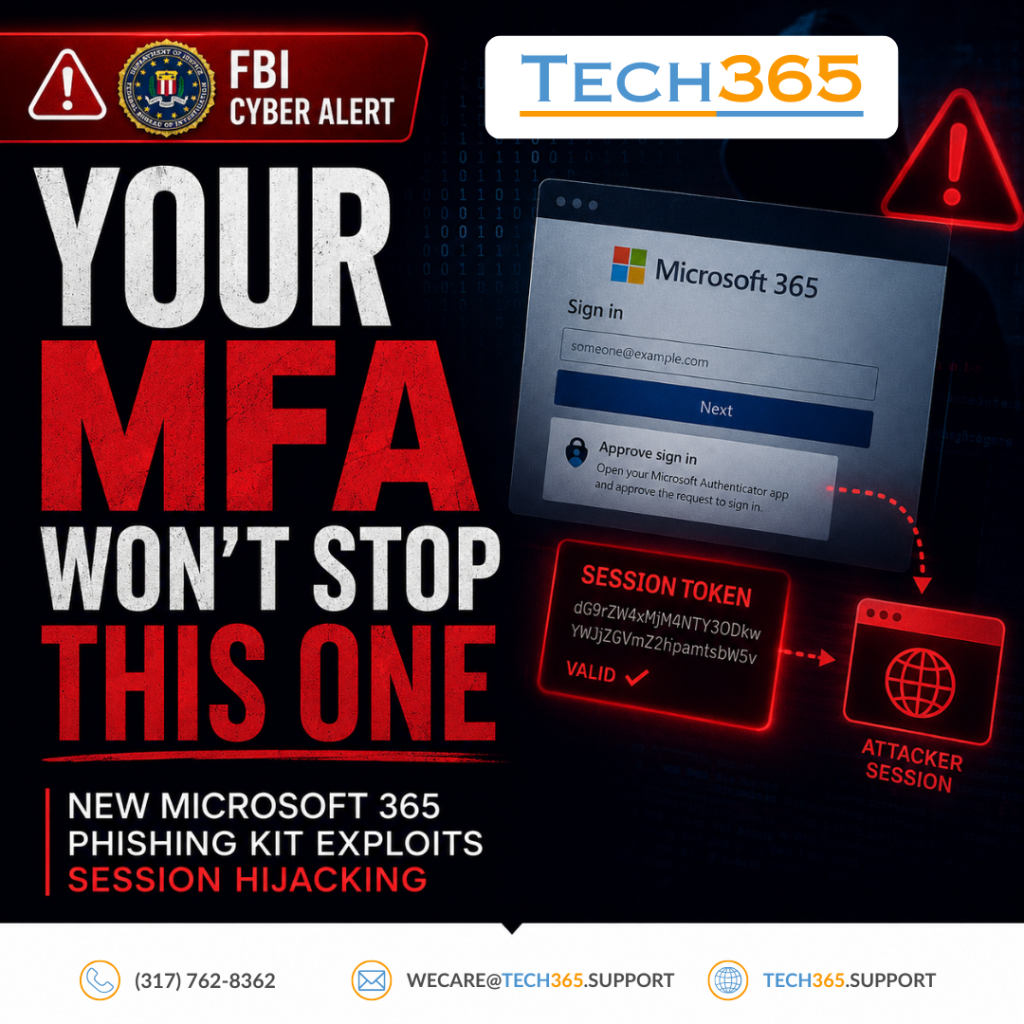
This isn’t a run-of-the-mill phishing scam. Kali365 is sophisticated, accessible to low-skill attackers, and designed specifically to bypass Microsoft 365’s multi-factor authentication (MFA) — the very security measure most businesses rely on to stay protected.
What Makes Kali365 So Dangerous
Most phishing attacks try to steal your password. Kali365 doesn’t need your password.
Instead, it captures your OAuth access tokens — the digital keys that keep you logged into Microsoft 365 apps like Outlook, Teams, and OneDrive. Once an attacker has your token, they have persistent access to your account without ever needing your credentials or completing an MFA challenge.
Here’s how the attack works:
- The Lure — You receive a phishing email impersonating a trusted cloud service like Microsoft. The email contains a device code and directs you to a legitimate-looking Microsoft verification page.
- Authorization — You enter the device code on what appears to be a real Microsoft page, unknowingly authorizing the attacker’s device to access your account.
- Token Theft — The attacker captures your OAuth access and refresh tokens, granting them full access to your Microsoft 365 environment.
- Persistence — The attacker now has ongoing access to your Outlook, Teams, OneDrive, and more — no password, no MFA required.
What makes this even more alarming: Kali365 is sold as a subscription service on Telegram. That means anyone can buy access to this tool and launch a sophisticated attack against your business with minimal technical knowledge.
What You Need To Do Right Now
The FBI recommends taking these steps immediately:
- Block device code flow by creating a conditional access policy in Microsoft 365 for all users, with limited exceptions for required business processes
- Audit existing device code flow usage to identify legitimate dependencies before making changes
- Block authentication transfer policies to prevent users from transferring authentication from computers to mobile devices
- Exclude emergency access accounts from restrictions to prevent lockouts
If you or your organization has already been impacted, report it to the FBI’s Internet Crime Complaint Center at www.ic3.gov.
Don't Wait Until It's Too Late
The businesses that get hit hardest are the ones that assumed their current security setup was enough. MFA alone is no longer sufficient protection against attacks like Kali365.
At Tech365, we proactively monitor for emerging threats and make sure your Microsoft 365 environment is configured to defend against the latest attack methods — including this one.
Don’t wait for a breach to find out you were vulnerable. Book a complimentary consultation today and let’s make sure your business is protected.
Source: FBI Public Service Announcement I-052126-PSA, May 21, 2026