
5 Signs Your Small Business Has Outgrown Its Current IT Setup
By Brandon Mitchell, Tech365
As your business expands, IT needs shift and systems that once worked can start to lag. Many owners don’t notice limits until workflows break. This guide highlights common warning signs—overloaded systems, infrastructure bottlenecks, and scaling constraints—and explains how partnering with managed IT services can keep growth steady while lowering operational risk.
What Are the Key Signs Your Small Business IT Setup Is Overloaded?
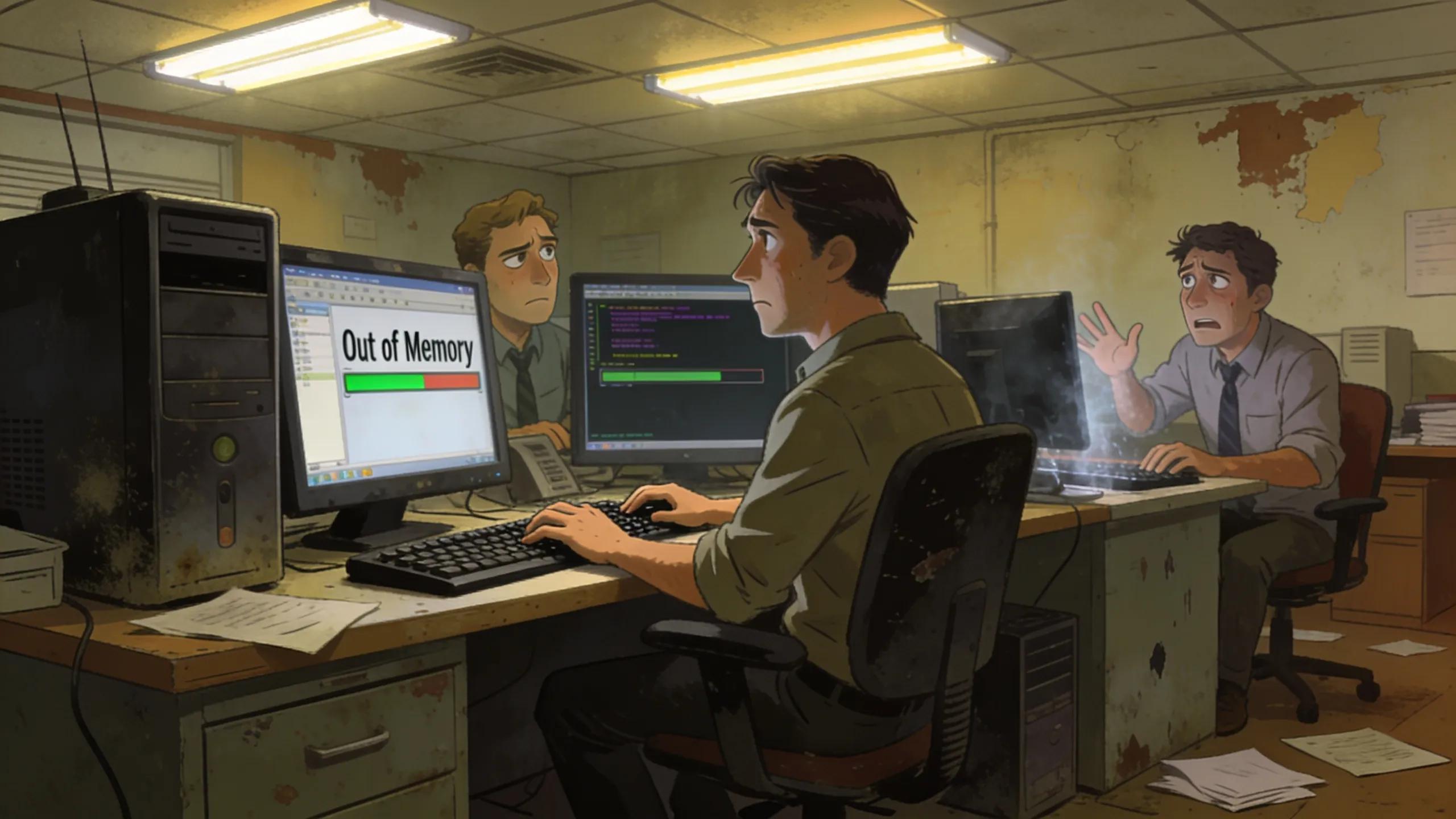
Catching overload early prevents downtime and lost revenue. Common red flags include aging hardware and software, repeated performance problems, scalability limits, frequent outages, and systems that can’t support growth.
- Obsolescence of Hardware/Software: Outdated or unsupported tools increase failure risk; schedule regular reviews to identify what needs replacing.
- Performance Issues: Slow applications, long boot times, and crashes point to strained resources or misconfiguration.
- Scalability Limits: If adding users, storage, or features requires major expense or downtime, your infrastructure is constrained.
- Frequent Downtime: Recurring outages interrupt work and damage customer experience; log incidents to uncover root causes.
- Inability to Support Growth: When new projects stall because IT can’t keep up, plan for a stronger platform.
Detecting problems early smooths transitions and helps keep growth on track.
Recognizing IT Infrastructure Bottlenecks in Growing SMBs
Bottlenecks show up as slowdowns, rising support demand, service interruptions, or missed deliverables. With the right support—like comprehensive IT services—you can remove these obstacles and restore momentum.
- Frequent Slowdowns and Crashes: These usually signal resource limits or misconfiguration; remediation restores productivity.
- Rising Support Requests: A surge in helpdesk tickets often means users need better tools or clearer support processes.
- Outages Disrupting Services: Repeated interruptions harm reputation; track patterns to prevent repeats.
- Inability to Support Growth Plans: Delayed rollouts or expansions often point to infrastructure gaps that need addressing.
Address bottlenecks proactively so your team can focus on growth instead of firefighting.
When Should Small Businesses Consider Switching IT Providers?
Consider changing providers when your current partner consistently fails to meet evolving needs—tolerating outdated systems, leaving performance problems unresolved, offering limited scalability, causing frequent outages, or increasing costs without better outcomes.
- Obsolescence: Providers that accept aging systems instead of recommending upgrades can slow your progress.
- Performance Issues: Persistent, unaddressed problems show misaligned priorities.
- Scalability Limits: If they can’t propose solutions that scale with you, it’s time to evaluate alternatives.
- Frequent Outages: Regular interruptions point to gaps in monitoring or maintenance.
- Rising Costs: If fees climb without improved results, look for a partner that delivers clear value; a partner like Tech365 support can help resolve these issues.
Spotting these indicators early lets you plan a smoother transition to a more responsive provider.
What Are the Benefits of Managed IT Services for Small Business Growth?
Managed services remove barriers to growth by delivering reliable support, predictable costs, and operational improvements so you can focus on the business while technology is maintained and protected.
- Cost Efficiency: Reduces large capital outlays and provides predictable operating expenses.
- Access to Specialized Skills: Gives you a broader team of experts without hiring full‑time staff.
- Scalability: Services scale with demand so infrastructure grows with your needs.
- Improved Operational Efficiency: Outsourcing routine IT tasks frees internal teams for strategic work.
- Enhanced Security: Providers deliver layered defenses and security best practices to reduce risk.
These benefits ease pressure on internal resources and support confident, forward-looking IT decisions.
How Does Proactive IT Support Prevent Downtime and Security Risks?
Proactive support reduces disruptions by catching issues early and maintaining defenses. Continuous monitoring, timely patching, and tested backup plans keep operations running and data safe.
- 24/7 Monitoring: Around-the-clock oversight spots anomalies before they become outages.
- Regular Updates and Patch Management: Keeping systems current closes known vulnerabilities.
- Data Backup and Recovery Plans: Reliable backups and practiced recovery processes ensure fast restoration after incidents.
These practices build resilience and lower the cost of interruptions.
How Does Cloud Migration Support Small Business IT Scalability?
Moving to the cloud lets you scale without heavy hardware investment. Cloud platforms make capacity adjustments easier, reduce maintenance overhead, and improve resiliency. Cloud migration services help map the move to your business goals.
- Improved Scalability: Resources expand or contract with demand so you avoid large upfront costs.
- Cost Efficiency: Cloud services can lower the expense and complexity of physical infrastructure.
- Disaster Recovery: Many cloud platforms include robust recovery features that shorten downtime.
Cloud migration is a strategic step when you need greater agility and lower maintenance overhead.
What Signs Indicate It’s Time for Scalable Cloud Migration?
Think cloud when your setup can’t grow with demand, performance is poor, systems are outdated, outages recur, or IT can’t support new initiatives.
- Scalability Limits: If capacity can’t scale with demand, cloud solutions offer flexibility.
- Performance Issues: Properly configured cloud environments can improve stability and speed.
- Obsolescence: Replace aging infrastructure with managed cloud platforms that simplify upkeep.
- Frequent Outages: Recurrent downtime signals an unsustainable architecture.
- Inability to Support Growth: When growth outpaces IT, migrating to the cloud becomes a practical option.
These triggers point to opportunities where cloud migration can increase agility and efficiency.
How Managed Cloud Services Enhance IT Infrastructure for Growing Companies

Managed cloud services combine scalable resources, hands-on support, and integrated recovery to help businesses adapt as needs change. They reduce operational burden and help you get the most from cloud capabilities.
- Scalable Resources: Right-size resources to demand so you avoid waste and pay only for what you use.
- Proactive Support: Ongoing monitoring and management keep systems healthy and secure.
- Disaster Recovery: Built-in backup and recovery reduce risk and speed restoration.
Managed cloud services let your IT support growth without adding complexity to your team.
What Are Common Cybersecurity Risks for Growing Small Businesses?
As businesses expand, attack surfaces widen and vulnerabilities increase. Knowing common threats helps you prioritize protection.
- Phishing Attacks: Malicious emails remain a primary vector for credential theft.
- Ransomware: This malware can halt operations unless you have reliable backups and recovery plans.
- Data Breaches: Weak controls or exposed systems may lead to unauthorized access.
- Malware: Malicious software can infect systems and disrupt services without proper endpoint defenses.
- Configuration Weaknesses: Misconfigured systems create exploitable gaps unless remediated.
Awareness of these risks is the first step toward strengthening your security posture.
How to Detect Security Threats in Outdated IT Setups
Detect threats by auditing systems, collecting user feedback, and running regular security checks. Reviewing provider offerings for your industry can reveal service gaps, see services for different client types.
- Comprehensive IT Audit: Regular audits uncover vulnerabilities and help prioritize fixes.
- User Feedback: Frontline staff often spot issues automated tools miss.
- Regular Security Assessments: Ongoing testing keeps defenses aligned with evolving threats.
Combining audits, feedback, and assessments strengthens defenses and reduces the risk of surprise breaches.
Why Integrating Cybersecurity With Managed IT Is Essential
Bringing cybersecurity into managed IT delivers coordinated protection and simpler management, reducing gaps and improving recovery times.
- Protection Against Threats: Integrated controls and monitoring create a unified defense.
- Operational Continuity: Security built into operations reduces downtime and speeds recovery.
- Customer Trust: Strong security practices reassure clients and support long-term relationships.
This combined approach strengthens safety and operational efficiency as your organization grows.
Frequently Asked Questions
1. How can small businesses assess their IT needs?
Inventory systems, review performance, map workflows to find bottlenecks, gather employee input, and consider a formal infrastructure audit that includes growth projections.
2. What factors should be considered when choosing a new IT provider?
Look for relevant experience, clear service offerings, references, responsiveness, scalability, and strong security practices. Compare pricing and service agreements to ensure predictable costs and measurable outcomes.
3. What role does employee training play in IT success?
Training reduces user-caused incidents, keeps teams current on systems and security, and lowers the burden on support resources.
4. How can small businesses protect against ransomware attacks?
Keep systems patched, enforce strong access controls, train staff to recognize suspicious activity, and maintain secure, tested backups and recovery plans.
5. What are the key considerations when migrating to the cloud?
Plan what to move, evaluate security and compliance, estimate ongoing costs, assess performance and integration needs, and use a phased migration with backups and rollback plans.
6. How can small businesses ensure data privacy compliance?
Identify applicable laws, implement clear data-handling policies, perform risk assessments, limit access to sensitive data, and provide staff training. Managed services can help implement required controls.
7. What should businesses know about the costs of managed IT services?
Costs vary by service level and complexity. Compare what’s included, monitoring, support, and security, and evaluate expected returns through fewer outages and lower internal overhead. Ask for transparent pricing and clear service agreements.
Conclusion
Updating IT infrastructure supports growth, reduces risk, and improves efficiency. Spot overload early, evaluate managed and cloud options, and choose tailored services that let your business scale with fewer disruptions.